I just read an email I got a couple of days ago saying my email for my account was changed and I needed to change it back or lose my account basically. Other people in the forum have had the same thing happen, but no one I saw asked what I want to know. Also they changed the language into spanish so I actually had no idea what the email said until google translated it.
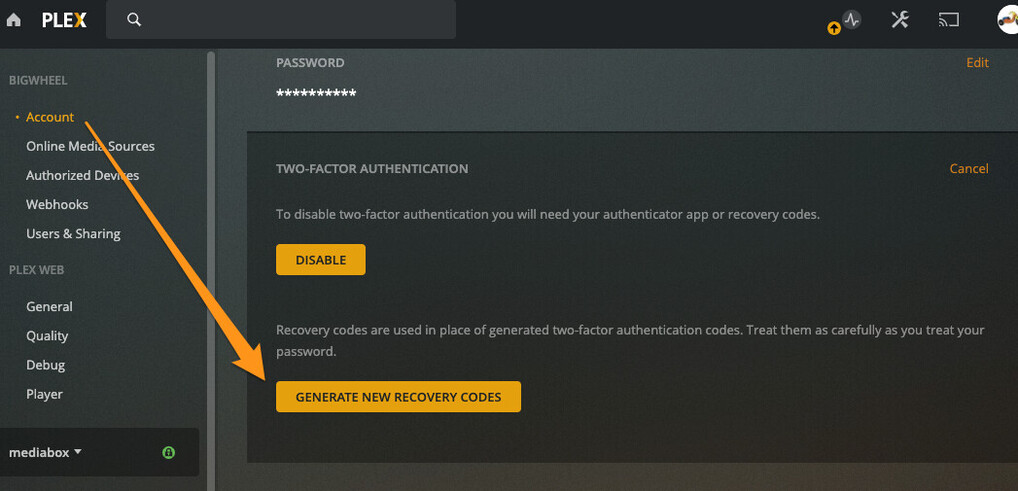
It was a really old password and was pretty simple but I changed it, turned on 2factor auth, and selected force logged out of all sessions checkbox.
So main question i am wondering about is what should I do to make sure they did not make any other changes to my account/server?
What I have already done is removed some pending users and I did not see any that were not the users I added. I looked through the settings and also removed a ton of old registered devices. My account does not have any other new subscriptions or charges.
make sure you have a strong password and maybe change your password on your email account or other accounts that might have a similar password.
Don’t share with random people on the internet
Don’t accept shares from random people on the internet
Don’t share with “friends” who that can’t be trusted to not give out their password.
Another hint for better protection of your media files:
If you use Synology or other Linux based OS restrict the permission of user “plex” to “read only” (don’t allow read/write permissions). So even if hackers gain access to your Plex account and activate “allow media deletion” under “Settings>Library” they still can’t delete your media files.
If you want to manage or delete files you can do it on the “file station”, a local SMB access or maybe a specific FTP account.