I believe that is shield specific. Fire devices are not true android (they are a fork of android specific for amazon devices).
probably fire specific, either the fire app is not as current as the shield/android app, or perhaps due to memory limits the guide is reduced on fire devices.
not quite sure I understand, can you post a screenshot? you can paste an image/file directly into a reply here.
are you looking at the dvr schedule view?

if so, then you should try instead to navigate to the applicable library you configured the recording to go to (tv or movie library).
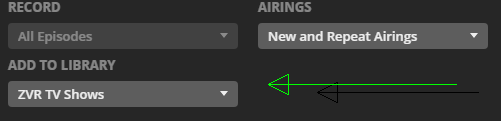
tv shows can be configured to show or hide the seasons, depending if you want to see all episodes or you want them divided up by season.
to delete something within plex, it must be enabled in the server settings, only the admin user/account can delete.
- settings > library > allow media deletion
not sure about fire, but on the shield, on the pre-play screen (the one that shows the movie/video info), there should be a ‘more’ or similiar button, which should let you delete.
on Plex Web you can delete from 3 dot context menu

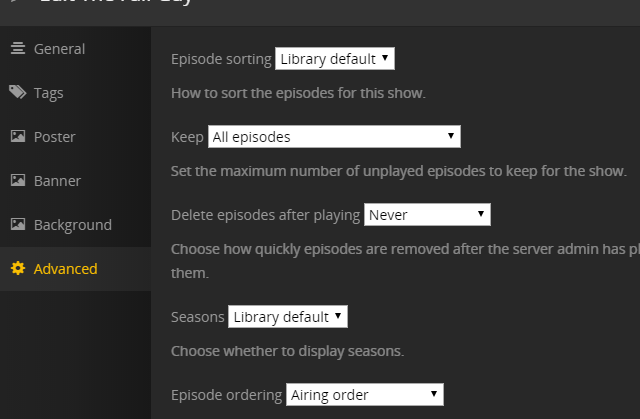
plex can also delete episodes automatically, these can be set in the show’s advanced settings.
if you have deleted any files outside of plex (ie from windows explorer or nas or whatever, you need to do some library maintenance and ‘empty trash’.
you can do this from the plex web server context menu
Plex Web > click MORE at bottom left > click the 3 dots > manage server > empty trash

