Server Version#: 4.84.1
Player Version#:8.7.2 (iPhone 12, iOS 15.6
I have a synology DS213J where I can’t use Docker (too old) so I only use this SyNo as external drive.
Now I have the following structure: //nas/kmms/music/Enya/*.mp3. Now I can see all the songs in this folder, and I configured the album, name of artist, artist on album (that kind of info). As told I see all the songs in the folder. When I open Plex on Windows I also see the artist but than only 1 album. Within that album are all the songs.
Why can’t I see all of the albums, and only this one? Within Emby it all works. And no: I will not go back to Emby.
I hope you can help me soon 
With kind regards
Alphard van Bommel
It is important to add only the folder //nas/kmms/music to the Plex music library.
Also, you better separate your files by album into one subfolder per album.
So you’re ending up with //nas/kmms/music/Enya/Albumtitle/*.mp3
Are you saying that you wrote embedded meta tags into your files?
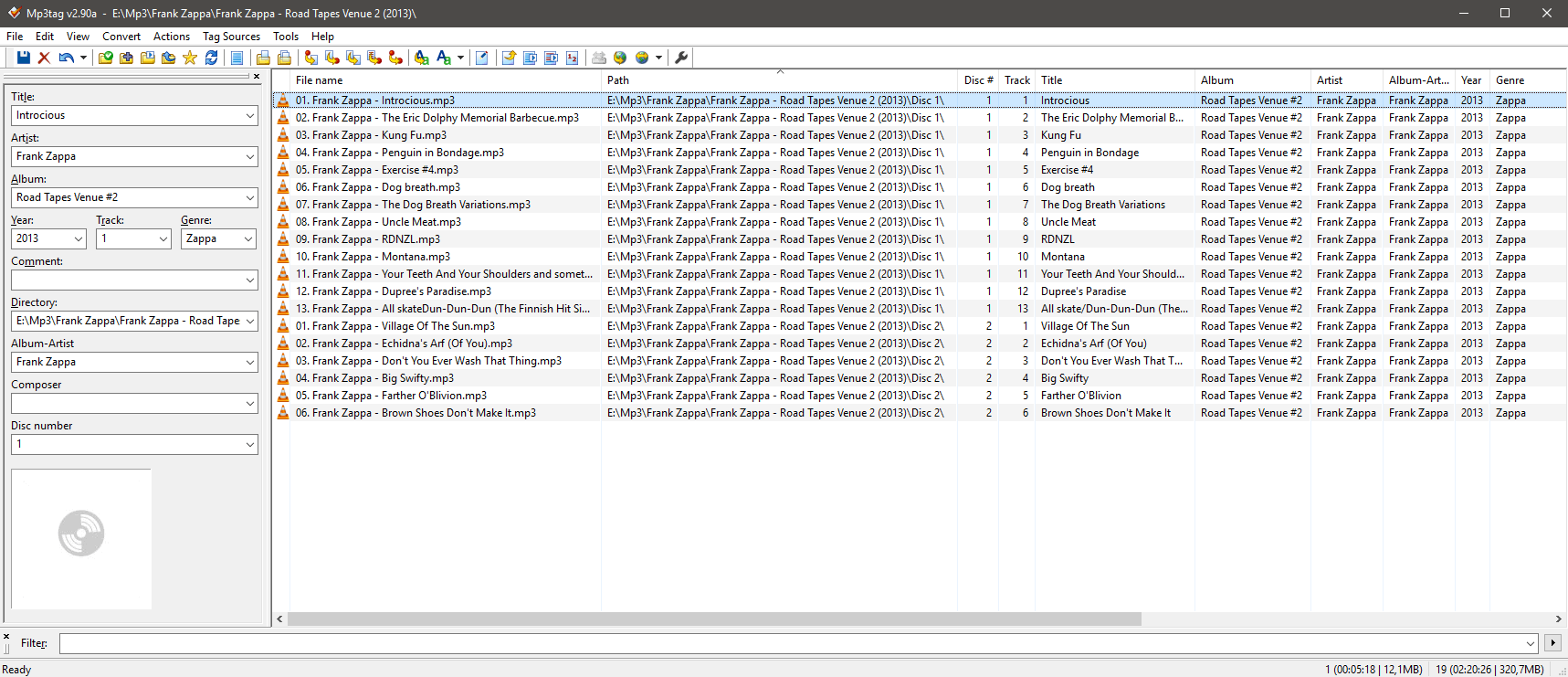
Could you show an example of the meta tags and the file names for one album?
Similarly to this:
Thank you for your quick reaction.
It’s like this
Looking not too bad.
You might have to tell Plex to actually prefer your embedded meta tags, particularly if you are not using subfolders per album.
Properties of the library, Advanced tab, “Prefer local metadata”
You better remove and re-create the library using these settings.
Okay, I have deleted the library and made a new one. he is synchronizing now, that will take a while. I will let you know how this works out.
Thank you in advance
Goodmorning,
It seems it has worked. The only thing I have now is that 2folders will not combine with eachother while they’re the same artist.
Check the content of the album artist meta tags. They could contain additional whitespace characters which makes them technically different from all the other albums.
(Most often it’s a trailing space character)
Also, look which album(s) is under the duplicate artist to narrow it down. You could try a “Fix Match/Match” on the entry with the blank image and it should merge with the correct one.
I deleted the folder, erased the metadata I could erase, named it again, added the folder and than they were seen again in the way I would like to be
I hope I don’t have to do this for al new folders But we’ll see