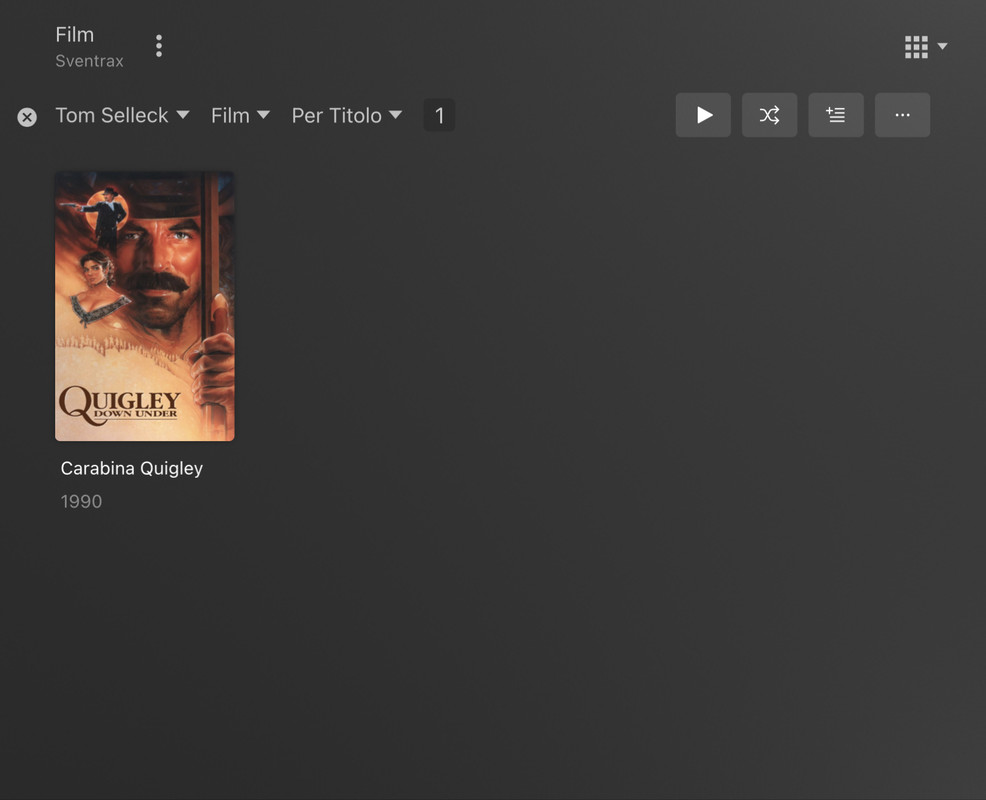
Make sure your library is using the Plex Movie agent and the library metadata has been refreshed.
The very latest update of the hosted web app should resolve the requirement for libraries not to use the Include adult content option.
Does your library have Include adult content enabled in its advanced options?
When you say “Library refresh”, you mean refreshing the library metadata (vs. scanning library files)?
No, I just noticed that, when I edit the library and save the changes, Plex starts to do some work (the rolling orange circle), so I was thinking it was a sort of automatic refresh.
Yes, I had it enabled. I disabled and re enabled it and now everything seems to work perfectly, thanks.
Do you suggest to keep it disabled or it was just “stuck” and now it shouldn’t give problems anymore (I had something similar with the “scan intro” function some time ago, due to a “stuck” option somewhere)?
Anyway I’ve not adult movies in my library.