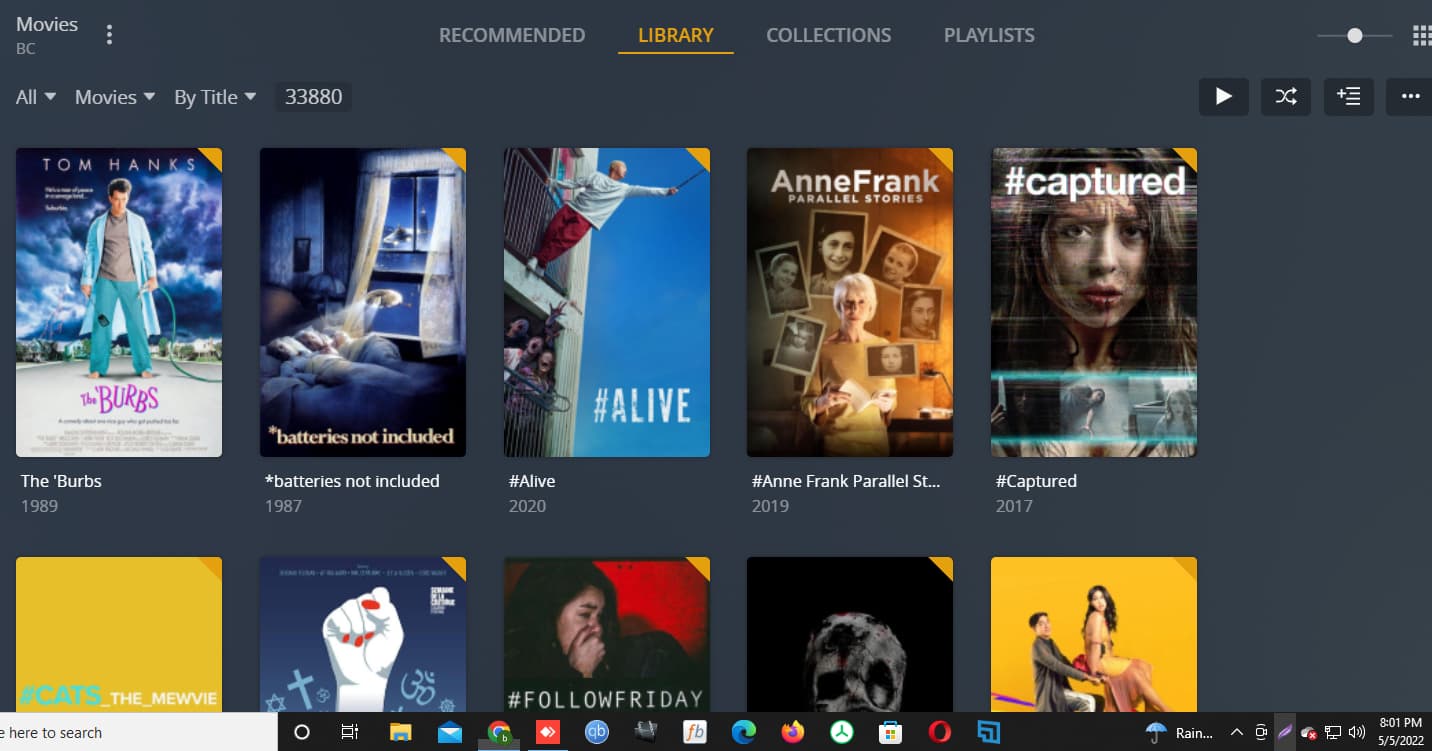
Another option I could do is remove the hard drives added to my Plex movie folder. Then add one back at a time (per new scan) and see if the count aligns with the count of movies I see my hard drive. Would that be too much extra effort on my Plex system? Does constant removing and adding back cause a database issue?
I checked that and the count is fairly the same. Only a difference of 6.
I really would like to either revert back to show you or try the method of removing and then adding back folders one at a time.
Yes, it’s recommended to optimize the database after a huge operation
See: https://support.plex.tv/articles/226836308-help/
Well, start by creating a Movie directory at the root, and then create a new Movie library that points to that.
Then move your movies in small chuncks, and scan library afterwards
And lastly, did you also check the unmatched filter, located next to the Duplicate filter?