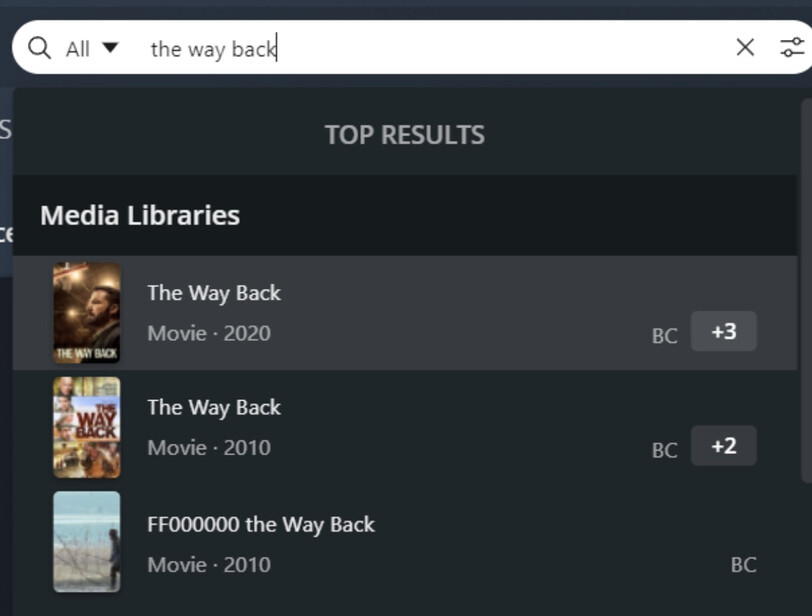
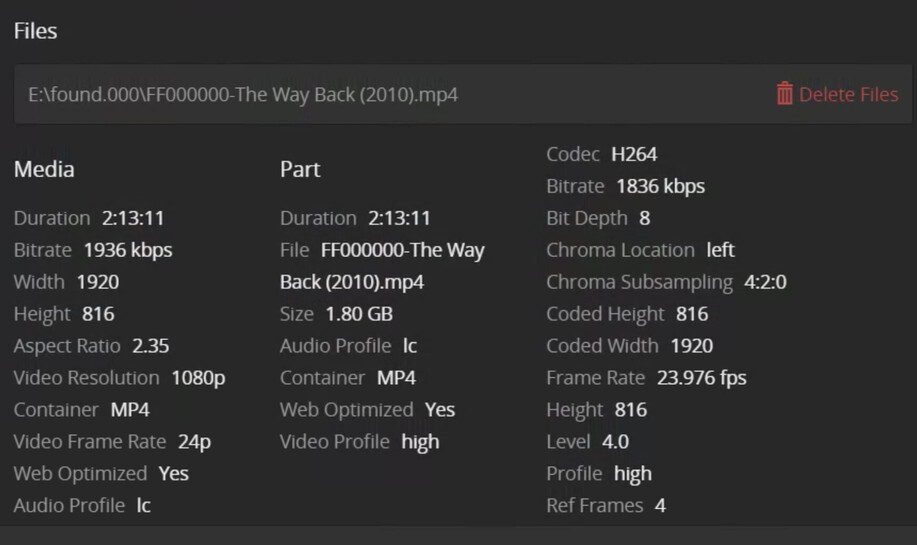
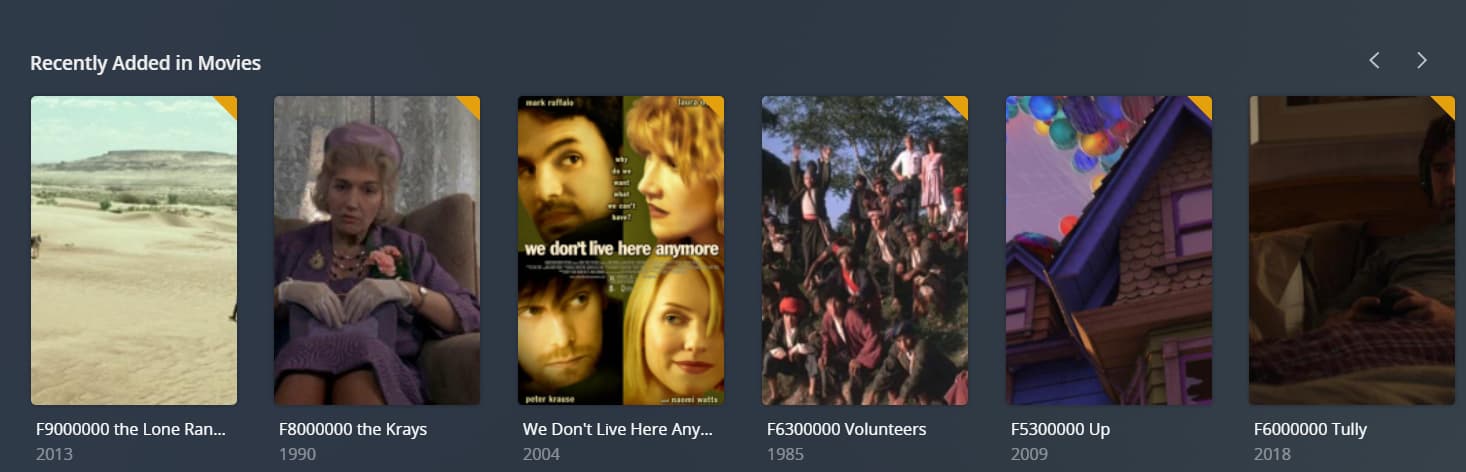
thanks, working on it now. i am in the process of scanning. (at least my libraries are actually showing on the update.) i have a weird issue with scanning lately. i have movies showing up that are not actually in the folder they say they are. i have multiple folders for movies due to different hard drives. for example it says they are located in my E drive. such as E:\found.000\1C000000-The Nutty Professor (1996).mp4
there is no folder called “found” under my E drive. and none of my files are titled like that, such as 1C000000 the Nutty Professor. all of my files are titled properly via filebot.. could this mean my e drive is failing? or could it be from constantly moving my files between folders it got all messed up? some of the files it shows wonky like 10000000 movie title, are actually in other folders and properly labeled.
i am still getting, “something went wrong.” at times, but the tv files may still be updating after the scan, as well as movies also say “updating metadata.” it is freezing and then unfreezing as it does this process… i did scan my libraries one at a time as stated. i think it just needs a lot of time to finish all the updating.
these titles with numbers for movies that don’t exist under a folder that doesn’t exist makes no sense to me.
Thank you so much for helping me and also moving this over to a new discussion for me. That is so considerate of you. I didn’t want to have to rewrite all that. I will look into this real quick.
Unfortunately E:\found.000 does not result in anything, nor does E:\found
This is so strange. Like I said, most of the movies it says are under found under the E drive are already under other drives now. I also tried selecting “hidden items.” There is no found folder.
I tried selecting “hidden items,” but I still don’t see the folder plex claims exists. This is the strangest thing. It only started to happen the past few days after I updated plex.
My hard drives connected to plex only have movie folders in them. There are no other folders or other junk files. They are all properly labeled as well.
Also, my movie library is short by like 3k movies now after an update, but I checked my hard drives and all of the files still seem to be there.
Okay super weird. I tried playing one of the funny titled movies on Plex that’s location won’t open and it actually does play the file! I then went to the path for it, example, * E:\found.000\E4000000-True Lies (1994).mkv and it plays on my pc.
However, when I try right clicking to open file location folder it says,
“Location not available
E\found.000 is not accessible. Access denied.”
So now my only other issue is I am missing thousands of movies after updating and scanning.
I can provide my most recent logs and possibly older logs if it helps you compare. Nothing else changed on my end as far as movie files and hard drives. It is something to do with the new scanners.
And can tell, that your naming of media files is really, as in really bad!
From your logs:
T:\Wagon Train\Wagon Train S05\01 - The Captain Dan Brady Story.avi
First of all, do NOT put your medias at the root of a drive, but instead create a directory at the root, like T:\Shows
Then add above directory to your shows library path
And for the actual show above, naming should be like:
T:\Shows\Wagon Train (1957) {tmdb-6081}\Season 05\S05E01 - The Captain Dan Brady Story.avi
I was hoping you could see the total amount of movies under the different logs. It’s a difference of thousands. Could the old scanners be inaccurate on total movie count by thousands?
It is hard to know which movies specifically are missing. I think one of them might be +1 (2013)
Yeah, I know I have some duplicates. That is still not the cause of thousands of movies missing from the library. For the past month or so I have had around 33-34K movies. Just this week when I scanned after updating to newer plex versions I am getting around 29k.
Would it be a horrible idea to rollback Plex just to get an idea of some of the movies missing? It’s easier to see when I can scroll through movie posters.
However, I should probably leave a working update alone.
I will work on changing the directory away from the root. I assumed it didn’t matter since the hard drives pointing towards movies only have movie folders under them. There are no other types of files, but if it makes it better on Plex and you say it’s best then I understand.
I am fairly certain they are still there, because I did the math of all the folders under each hard drive. Each folder = 1 movie. Also, when I rolled back different Plex versions I would get a much higher library number count. I haven’t reverted back again yet though.
I just did the math of my movie files and it comes out to be 34,301. Like I said I know some are duplicates, but only around 300 or less are duplicates. My movie library is only showing 29,045 now. Before the updates it was showing around 33-34k which is more in line with the amount of movies I am seeing combined.