Player Version#: 1.100.1
launching plex desktop player and getting this :
error log : xkbcommon: ERROR: Couldn’t process include statement for ‘ca(multi)’
xkbcommon: ERROR: Abandoning symbols file “(unnamed)”
xkbcommon: ERROR: Failed to compile xkb_symbols
xkbcommon: ERROR: Failed to compile keymap
[5:41:0828/225615.129301:FATAL:xkb_keyboard_layout_engine.cc(640)] Keymap file failed to load: ca-multi
/app/bin/Plex: line 48: 5 Trace/breakpoint trap (core dumped) “$BASE_DIR”/bin/plex-bin “$@”
will work fine if I switch to another keyboard layout
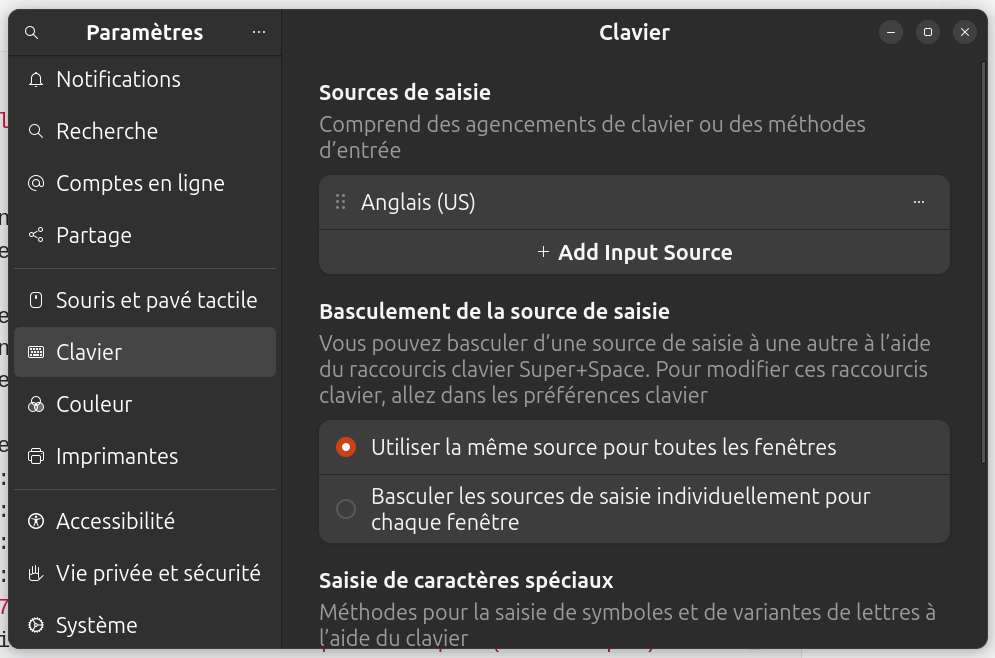
Same, ubuntu 24.10, flatpak latest version, keyboard is english (us) :
tv.plex.PlexDesktop 1.103.1 stable flathub
Error log :
# Command to run the flatpak
flatpak run tv.plex.PlexDesktop

# Error output
qt.scenegraph.general: Using QRhi with backend OpenGL
  Graphics API debug/validation layers: 0
  QRhi profiling and debug markers: 0
  Shader/pipeline cache collection: 0
qt.scenegraph.general: Using QRhi with backend OpenGL
  Graphics API debug/validation layers: 0
  QRhi profiling and debug markers: 0
  Shader/pipeline cache collection: 0
xkbcommon: ERROR: Couldn't process include statement for 'us(oss)'
xkbcommon: ERROR: Abandoning symbols file "(unnamed)"
xkbcommon: ERROR: Failed to compile xkb_symbols
xkbcommon: ERROR: Failed to compile keymap
[5:52:1104/164827.997889:FATAL:xkb_keyboard_layout_engine.cc(640)] Keymap file failed to load: us-oss
/app/bin/Plex: line 48:     5 Trace/breakpoint trap   (core dumped) "$BASE_DIR"/bin/plex-bin "$@"
My Keyboard settings :
# Command i run
setxkbmap -print -verbose 10

# Output
Setting verbose level to 10
locale is C
Trying to load rules file ./rules/evdev...
Trying to load rules file /usr/share/X11/xkb/rules/evdev...
Success.
Applied rules from evdev:
rules:      evdev
model:      pc105+inet
layout:     us,fr
variant:    ,oss
options:    lv3:caps_switch
Trying to build keymap using the following components:
keycodes:   evdev+aliases(qwerty)
types:      complete
compat:     complete
symbols:    pc+us+fr(oss):2+inet(evdev)+level3(caps_switch)
geometry:   pc(pc104)
xkb_keymap {
	xkb_keycodes  { include "evdev+aliases(qwerty)"	};
	xkb_types     { include "complete"	};
	xkb_compat    { include "complete"	};
	xkb_symbols   { include "pc+us+fr(oss):2+inet(evdev)+level3(caps_switch)"	};
	xkb_geometry  { include "pc(pc104)"	};
};
Here’s a solution for it: