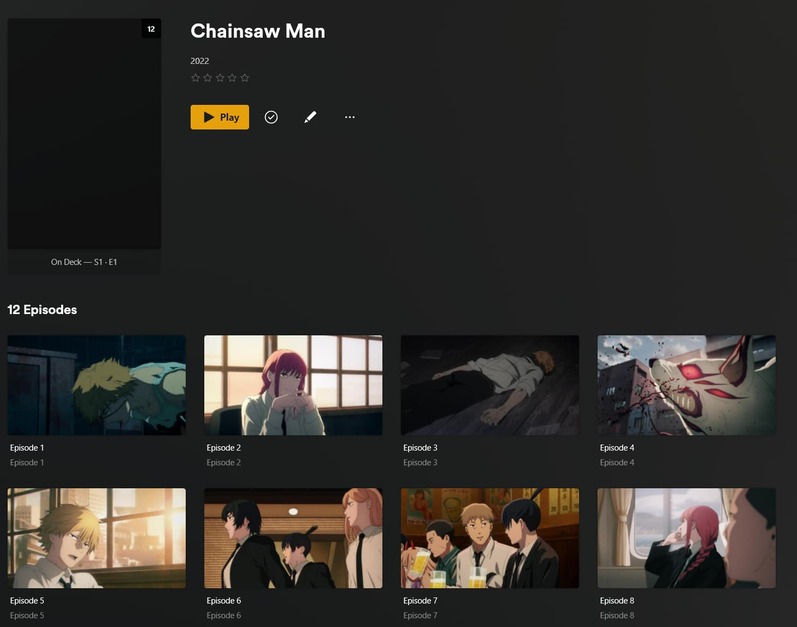
Plex will not auto match Shows that have a foreign language name:
Here is a recent example:
Series Folder Name : /media/tv/Chainsaw Man (2022) [tvdbid-397934]
Outcome when adding to Library
When I go to “Match”, it automatically finds the result. So matching is working, it just refuses to match automatically:
After I manually select the match:
So the question is- why does Plex refuse to auto-match foreign language titles? It works fine on English titles
Verify that only the folder
media/tv/ has been added to your library. Do not add each show individually.
Do not add any folders which are higher up than /tv
Giving a matching hint with the ID number is a good thing, but it’s of no use if you hide it from Plex by putting it into square brackets.
This is the correct syntax:
Chainsaw Man (2022) {tvdb-397934}
See https://support.plex.tv/articles/naming-and-organizing-your-tv-show-files/
It is also possible that the age rating of the show plays a role here. If you enable “Include adult content” in the properties of the library, does the show then get added instantly?
(Doing so does have side effects, though.)
I wonder if the TVDBID in square brackets is what is breaking auto-match.
Look into a setting in your library itself (edit the library) called “Use Original Titles”. If that is checked, then the library might only look for folders in the original japanese title, and ignore the english title (well, not ignore. the “58” score it gave on the match is the reason it didn’t auto match, but it at least recognized it was the same show.)
I match against anime all the time and I never have to match against a japanese name like in your image. I don’t use TVDB/TMDB ids in any folder names.
Thanks - I missed that. I’ll update to the corrext syntax and see if that makes a difference.
Will Plex rescan and reload my entire library (ie. refresh metadata etc) if I make a change to all TV Series folder names?
Theoretically not, but it can still happen depending on a few circumstances.
That’s why you should only do this if the show requires it – i.e. it is either not, or wrongly matched.