Server Version#:7.2.2-72806
Player Version#:
<If providing server logs please do NOT turn on verbose logging, only debug logging should be enabled>
hi, how do i get graphics into my music folder view
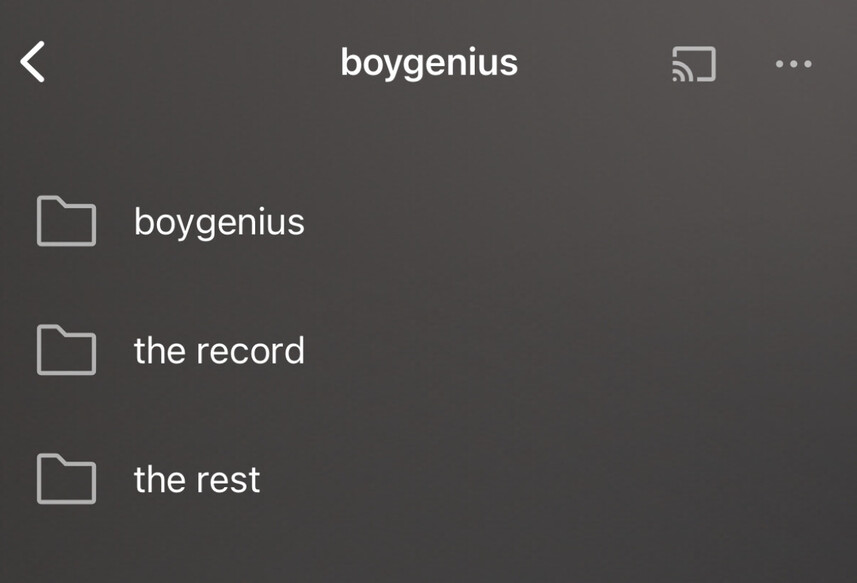
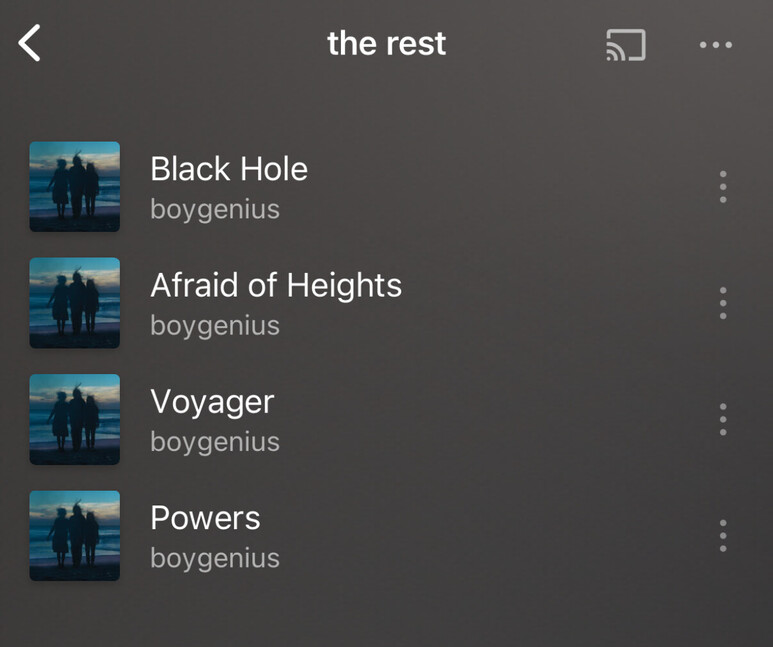
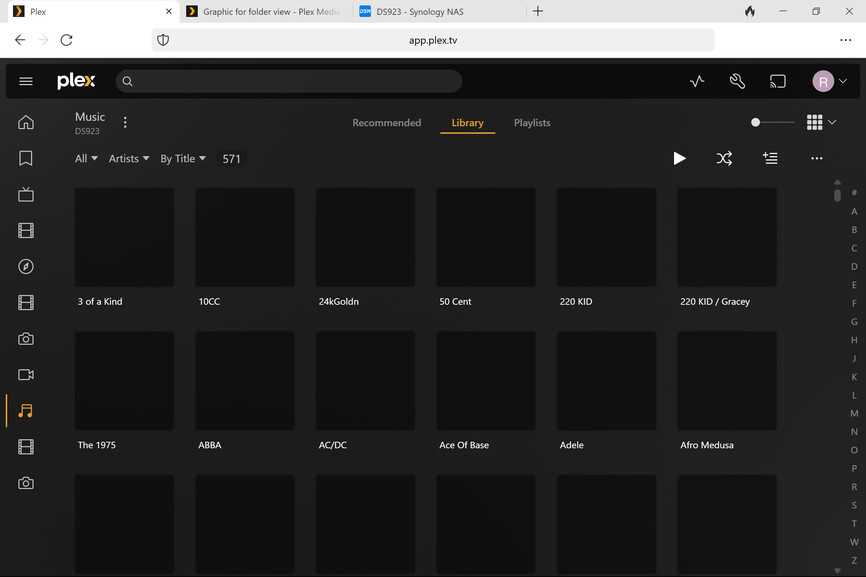
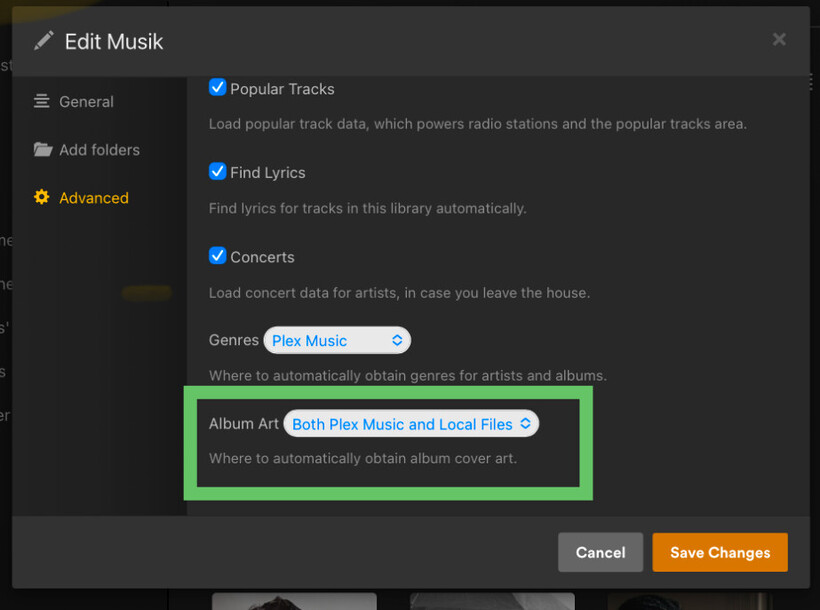
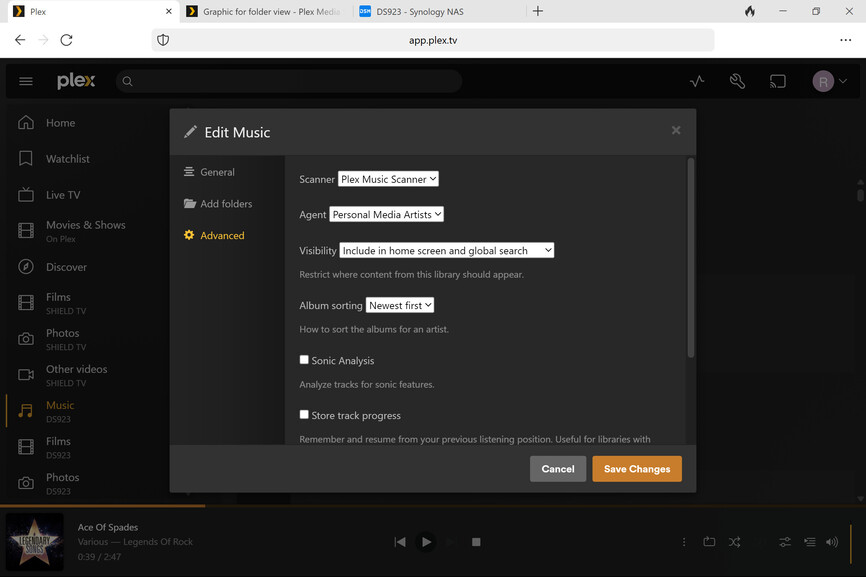
You’ve set this library as personal media. Same as with the „other video“ option, Plex won’t use any online metadata with that. Just (properly) embedded album art or local media assets (e.g. a file named cover.jpg in the album folder).
Similarly as with posters/artwork, Plex will only use embedded metadata in that setup.
Is there a particular reason why you opted to use this scanner/agent combination?

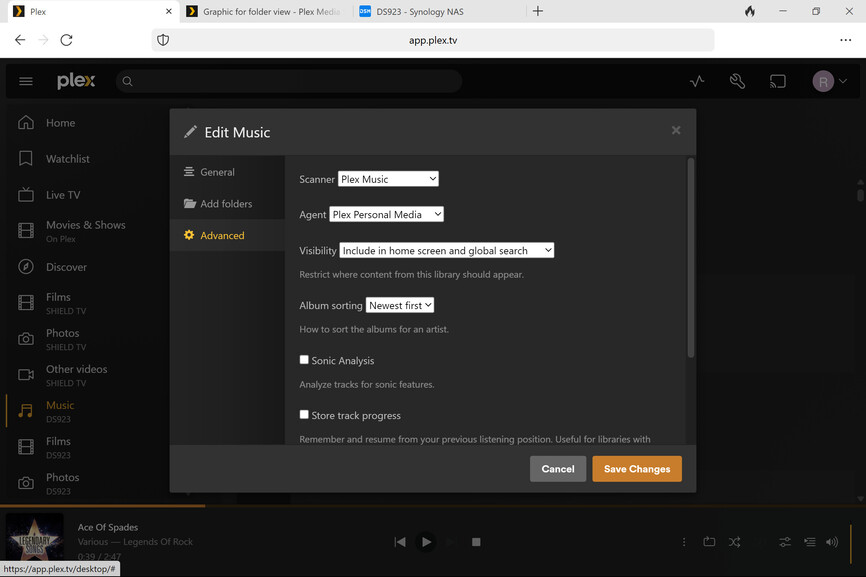
which combination would you recommend in order to get graphics into my folder view
In my view, the Plex Music (scanner and agent) will give you the best overall experience.
If you prefer your own embedded metadata / local artwork, you can still configure the Advanced tab of the library to do that (while not losing any of the online sourced information.
I suggest you take a look at the related support articles to properly setup your library.
Plex prefers the files to be organized in a certain way – deviating from that can give you weird results (e.g. grouping artists or albums by decades – the metadata in your library will let you group/filter by decades just fine without the need to reflect that in the file system).
If you depend on the file organization by decades for some other reason, you might want to add the decade folders to your library (instead of the parent Music folder).
https://support.plex.tv/articles/200265296-adding-music-media-from-folders/
Most of the time, this will give you good results. If you want to add your own artwork for artists or albums, you can add those to the file structure as described in this support article.
https://support.plex.tv/articles/215916117-adding-local-lyrics/
Thanks tom, a lot more learning on my part and thanks for your help. The synology NAS and the plex software im using is all new for me so a steep learning curve but Plex is fantastic and i will get a lot of enjoyment t from it im sure. Ill study the links provided thank you
That learning curve is worth it 
