Server Version#:
Player Version#:
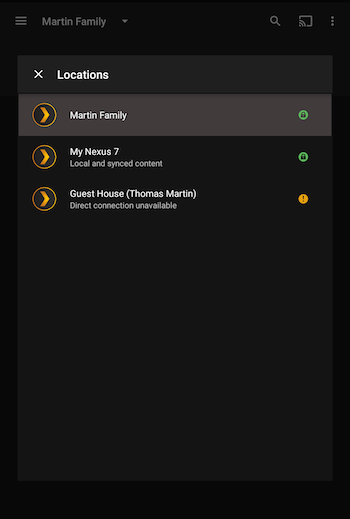
My brother lives nearby and is on the same ISP as I. He can access my PMS fine. My son lives in NY and he can access my PMS but my media show up with a greyed out glove on the icon. I think that means it’s being relayed, right?
I have another topic on remote access I’ve been struggling with on my Synology NAS, but I thought I had it fixed. Now I’m not too sure.
Okay, thanks. When I looked at his (we both share), I did not go deep enough to see his PMS referenced. I was just looking at what I had pinned. And now, I see his has the same grey globe. Silly me. Thank you for clearing this up for a dummy.