Hi, I have a problem with high network traffic during the library scan of Plex.
Plex is running in a Ubuntu container on Proxmox, with the following hardware config.
3.Cores of a Ryzen 2700
patched Nvidia GTX960
8GB DDR4 RAM
20TB HDD + 30TB GSuite space
The media library consists of files below.
Movies: 2,000 (4K, FullHD, HD, SD) - most on the GSuite
Series: 300 - 18,000 episodes (80% HD, 20% SD) - most on the GSuite
Music: 300,000 tracks (90% FLAC, 10% MP3) - all on the GSuite
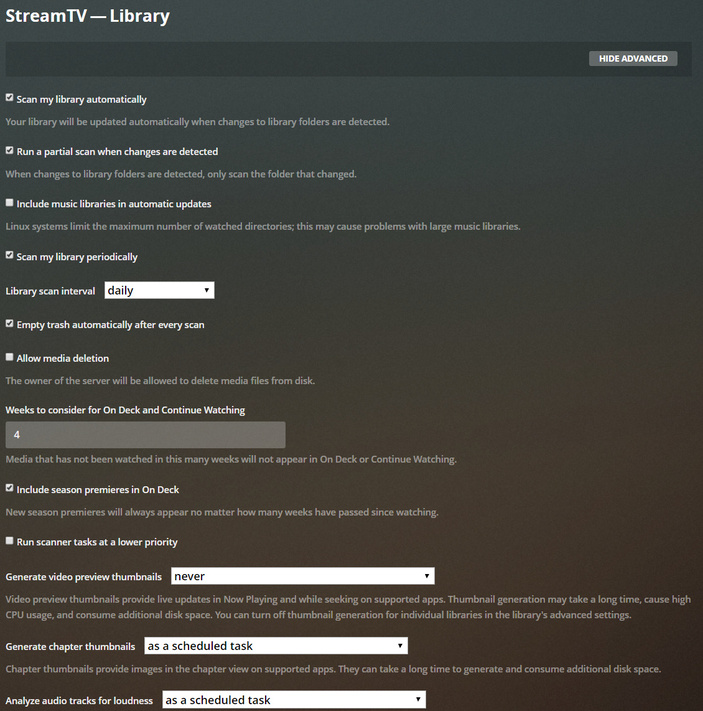
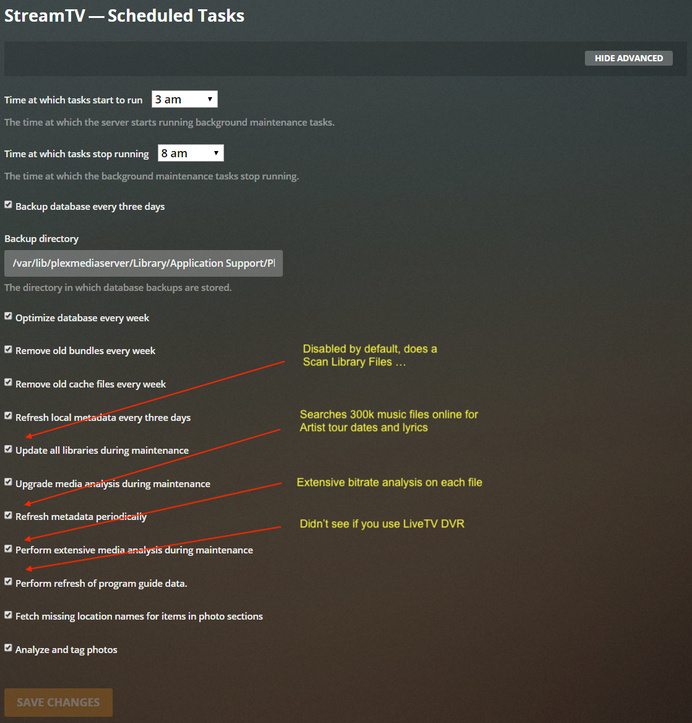
The scheduled tasks are set to start running from 3am to 8am with all the options ticked.
After 8am it mentions “Library scan complete: Extra information may still be downloading from the Internet”, which is okay for me. But the network traffic is always at the maximum, which leads the whole connection of the house to the internet to slow down.
For illustration here is a procedure as it is.
…
[2 AM] Plex is not used | 0Mbit/s Download | 20ms ping
[9 AM] Plex downloading the extra information | 100Mbit/s Download | 300ms ping
[9 PM] Plex downloading the extra information | 100Mbit/s Download | 300ms ping
[2 AM] Plex downloading the extra information | 100Mbit/s Download | 300ms ping
…
This goes on and on until I restart the container.
Probably that is because there are so many files in the music and series folders. I could remove the music folder from Plex, but it would more helpful if the network utilization for updating the library could be limited at all (without limiting the whole container).
Or is there a better solution to solve the problem?
Good question. I’m gonna think about that after my eyes stop watering
from the 300k Flac files
Is this one of those inode issues?
no that’s weird your symptoms are network. So I’d say off the top of my head, all the details you can provide us about your network config and hardware will be important. Also when did this start?
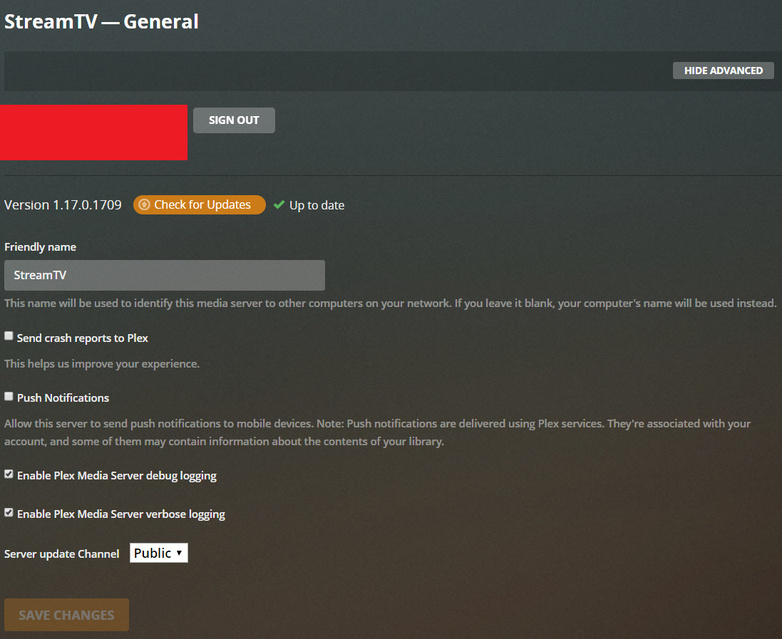
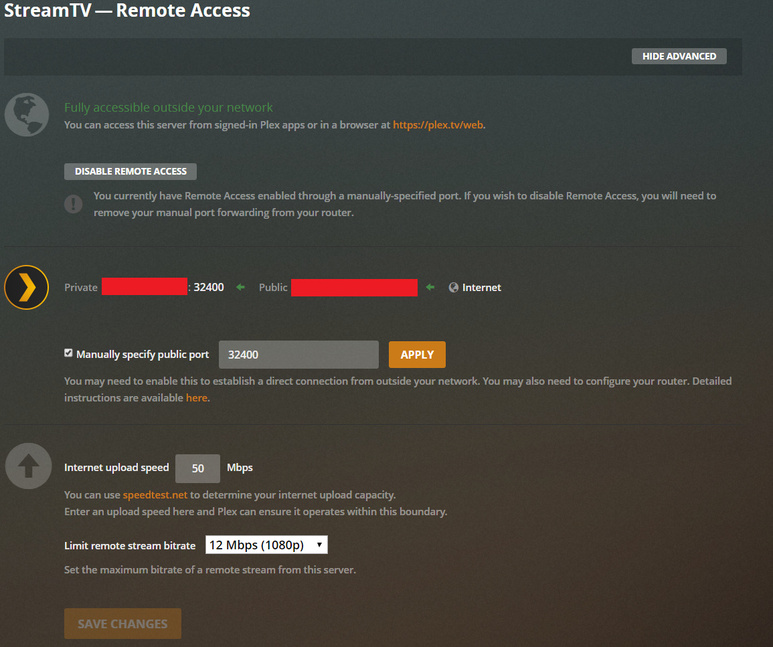
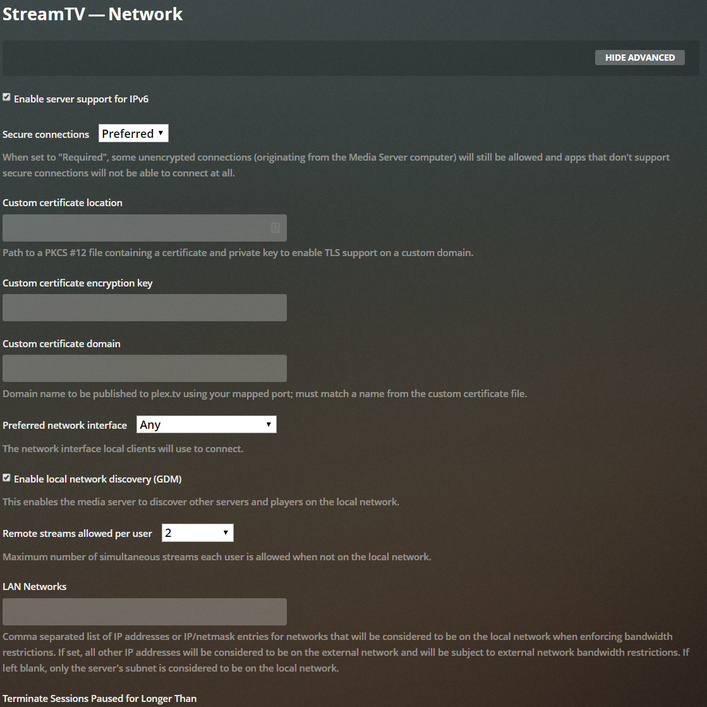
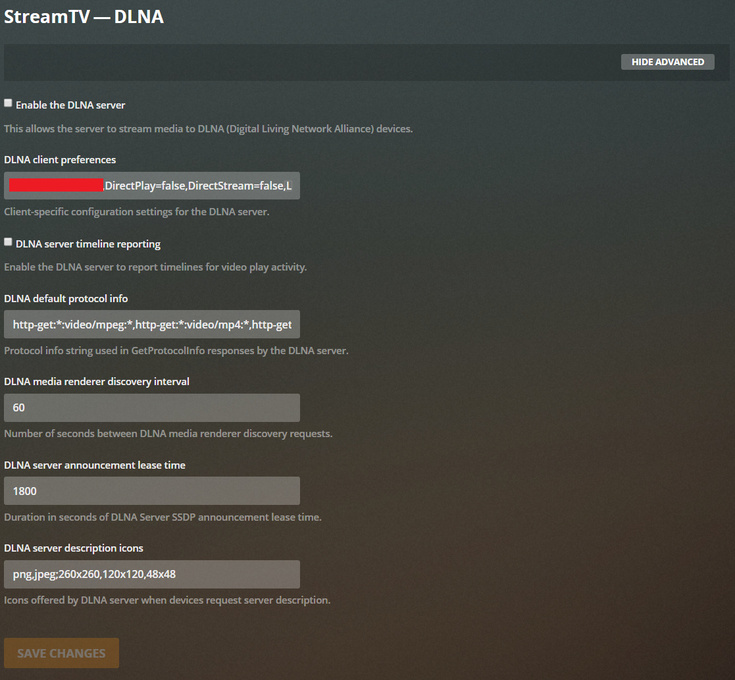
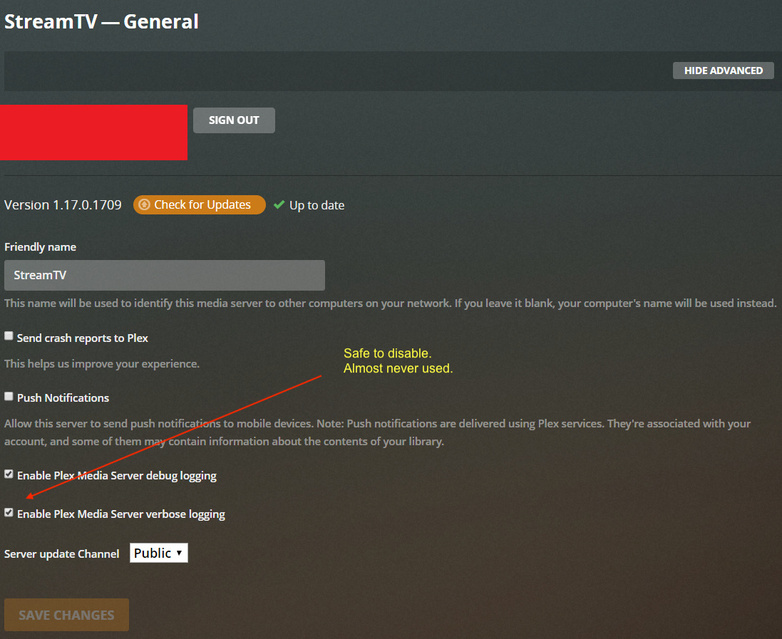
What sort of optional things do you have enabled on the PMS beyond a default install, remote access, live tv, dvr, DLNA, etc?
I switched from older to newer hardware a few weeks ago and fresh installed the whole stuff (Proxmox - Plex on a Ubuntu container - different virtual machines) on it.
For the network connection I use a AVM router with 100Mbit/s Download and 50Mbit/s Upload. It is connected over Cat6(a) LAN. On the host die Plex-container it is directly bridged to the network-card.
Although I don’t know what is slow, the option that scans your music for lyrics and tour dates stands out considering your tremendous catalog.
The website article on Scheduled Tasks explains this in detail.
If you are fond of the terminal and Unix shell, we could ps -ef or ntop or netstat this I suppose. Let us know if that’s interesting because large libraries are always one of the things to be tested against but are hard to simulate.
For example, is your music library 24/192 compressed to Flac 8?
The characterstics plus the number of files could both matter.
Workarounds:
Instead of starting with 300k tracks, start with 50k at a time.
Or disable the lyric finding task.
Or disable deep analysis. I don’t bother with it, but I do manually analyze films.
Or consider if you have a lot of photos. You didn’t mention any, but you’re tagging them.
I have set the scheduled tasks as you mentioned, makes more sense.
For the music files, the most are 16/44-CD quality.
With the music it is more or less till I find a better “Spotify-Like” player I can install on the PC.
Until this I thought Plex could be a ‘good’ choice
After Plex executed the scheduled tasks over the night again, everything seems to be fine again.
I will observe this for the next days, but apparently it was really due to the size of the collection, which has a problem with the updating of the metadata.
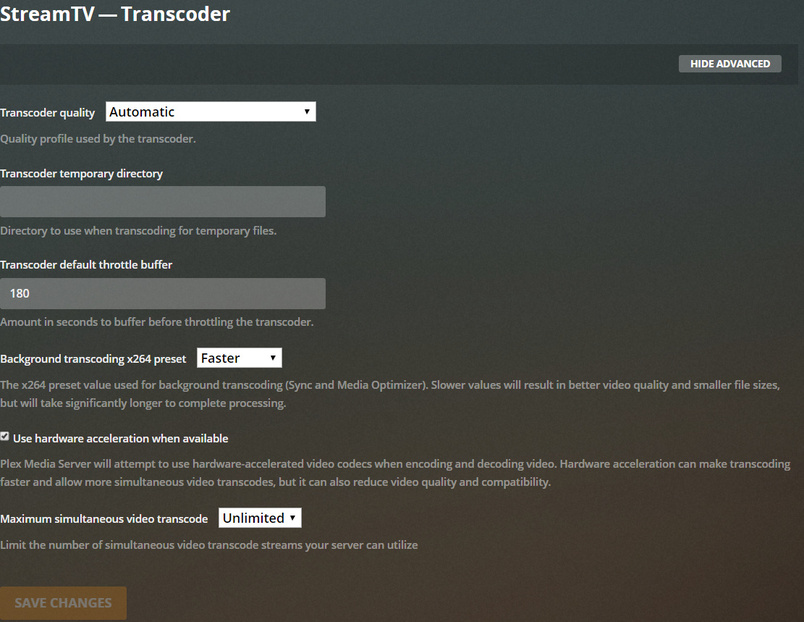
As with all remotely connected media storage, disable
Settings - Server - Library - ‘Empty trash automatically after every scan’
otherwise this will happen again and again
After all this days with the settings set like you guys told me, it was going to be better but is still sometimes annoying. I noticed that the scan (Music, TV, Movies …) is starting outside the set time, which leads the whole network to be 100% loaded while I need to use it.
Before I just remove the music from Plex, is there a way to set the download speed of the media search?
Or how can I set up Plex that it would not update the music library automatically, just after my manual input?