I cannot figure out how to keep Plex from grouping my home videos together.
My understanding from the documentation and forum posts is that by choosing “Other Videos” - the plex scanner/agent won’t attempt to group them, however, I am not having any luck.
I just want the files added, and then organized by year…
For example:
I have added a library called “Home Movies” -
Other Videos
Collections Disabled
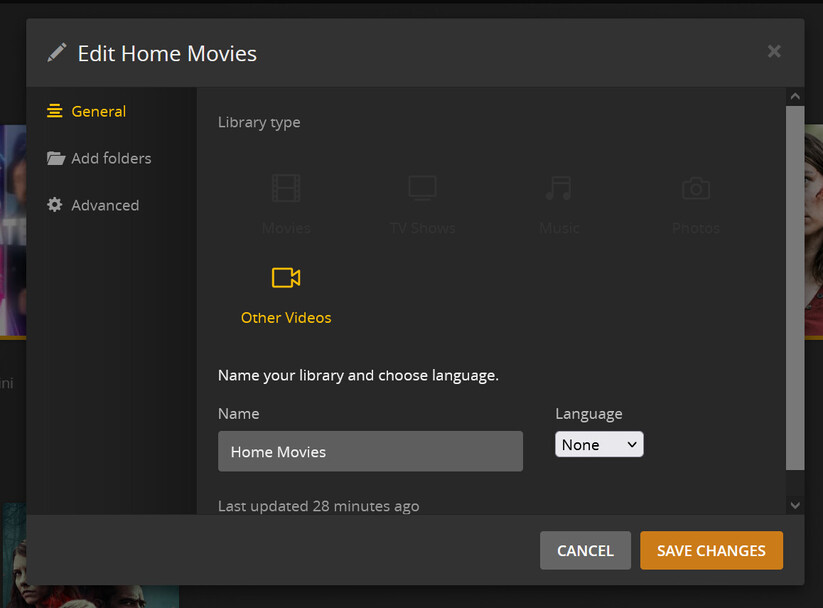


My videos are then organized by year:
\Videos\Home Movies[Year][Folder Name][Videos]
ie,
G:\Videos\Home Movies\2022\Spring Break\GH010487.MP4
But, when I add in new videos, for some reason its trying to randomly group certain files together. These files are then basically hidden and I can’t view them…
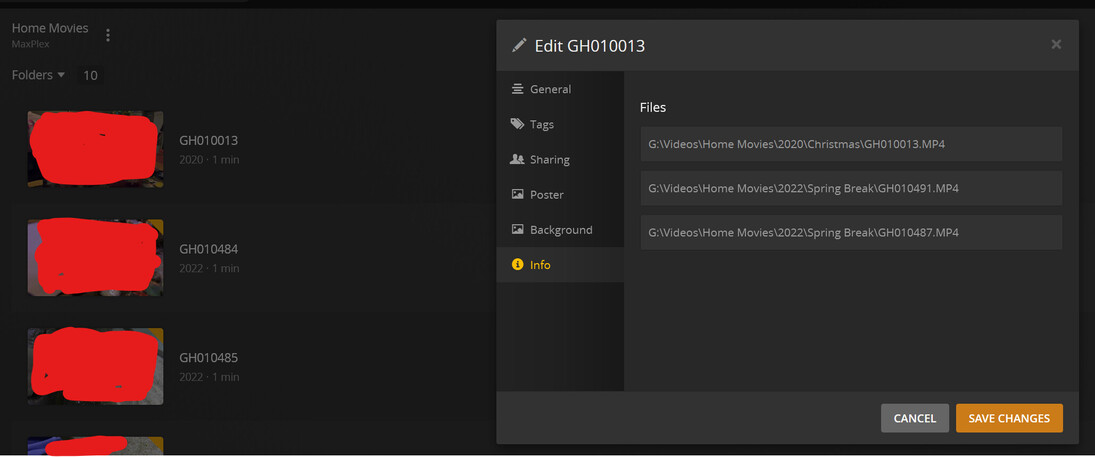
I have to then hunt through all the folders to find the collection of videos and break them apart…?
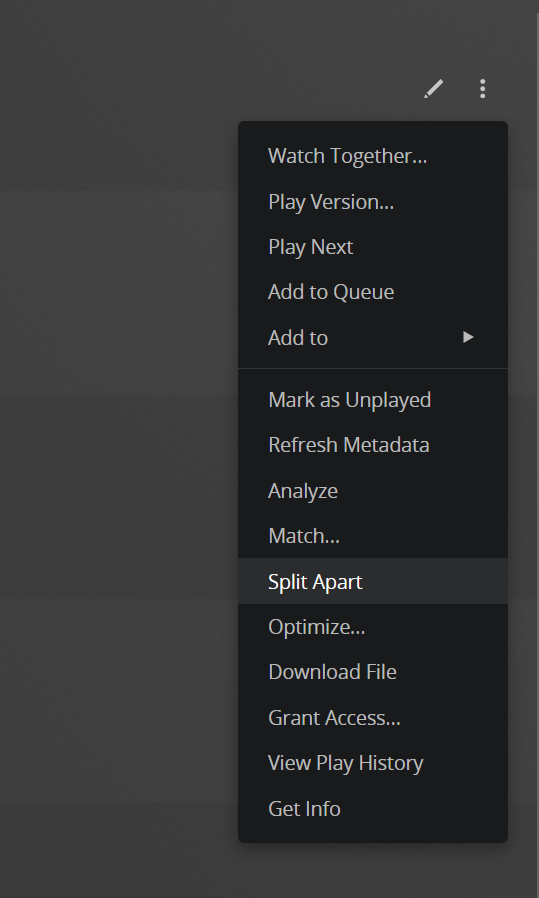
I understand the files are added sequentially by file name, but I don’t want them grouped, and I don’t want the hassle of renaming them. How can I disable this? Its plagued me for years and I’ve ignored it, but I am at the point where its becoming an issue to find where they are grouped.
Can Plex not simply organize and show files based on a simple folder structure - and ignore any type of organization? Do I have to create a custom scanner or agent?
What do I have configured incorrectly? Any help would be greatly appreciated.
Plex Server Version 1.26.1.5772
