Since the new layout every time I add something to the home screen it says “Unreachable”. However if I access the tab under the library itself, it’s available.
Did you recently delete a server and set up a new one?
Which Plex client type are you using? Just the web app?
Try this: app.plex.tv
Settings - Web Client - General - ‘Show Advanced’ - “Reset Customization”
will empty out all items from the side bar and the home page and will populate them freshly from a “preferred” server of your choice.
You can then go from there and remove or add some items.
I did not, recently delete a server and set up a new one.
I am using the web app and the Android tv and Android mobile app.
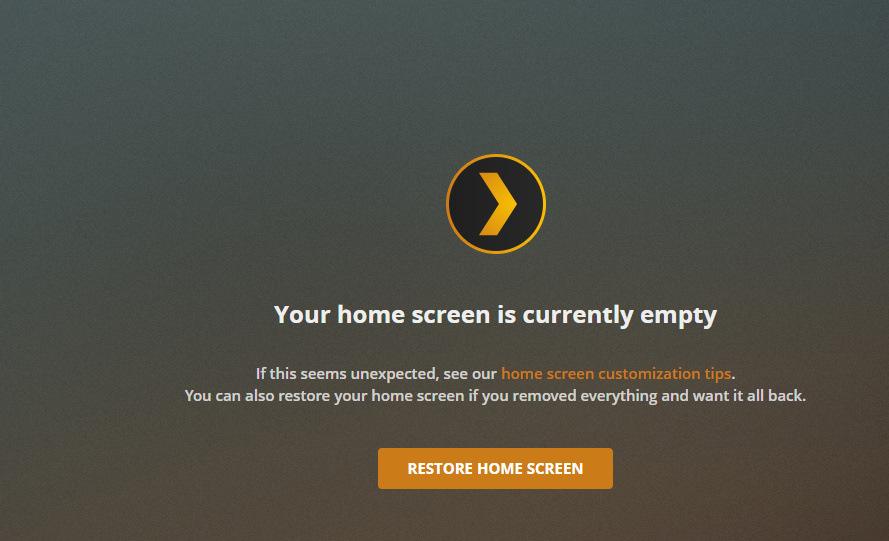
I just tried your hint, it resulted in a dashboard which was completely empty, I then tried to add a item to the dashbaord from one of my libraries and that newly added item is then empty.

Are you using any web browser add-ins which filter out stuff from web pages? Try to disable these.
Verify that your server is actually online.
I am not an expert for Docker, but this regularly makes trouble and access unnecessarily complicated.
Nope. Also that shouldn’t affect the android apps.
It is online, I am able to watch a movie and stuff directly on the libraries.
I use Plex with Unraid using plexinc/pms-docker image.
Is the dashboard using another port/protocal than the libraries?
Here are the logs, it looks like it is getting a 500 from the server.
I’m seeing something similar with Plex on Docker. When launching the web app it’ll say unreachable for five seconds, before deciding to load everything.
Quite consistently, too.
This topic was automatically closed 90 days after the last reply. New replies are no longer allowed.
