So I’ve recently noticed (since switching from WD MyCloud to Nap server) that my metadata isn’t being prioritized like it should. A couple of different things are occurring. For example, in one of the screenshots I’ve attached, in the folder for the album Bigger, Better, Faster, More! by 4 Non Blondes there’s a random series of letters that is NOT the name I gave the file. So issue 1), file names are being changed. Issue number 2, which I’m thinking is linked to issue 1, is that within Plex itself, I am seeing “blank” audio files that aren’t even in the original folder. There should only be one file showing up. I also, after going into the file’s folder and editing the name back to normal, can’t seem to get rid of the “blank” audio in Plex even after refreshing metadata and doing a library scan. The third issue is when I attempt to play the file that should be the correct file, I get this error message. #Frustrated.

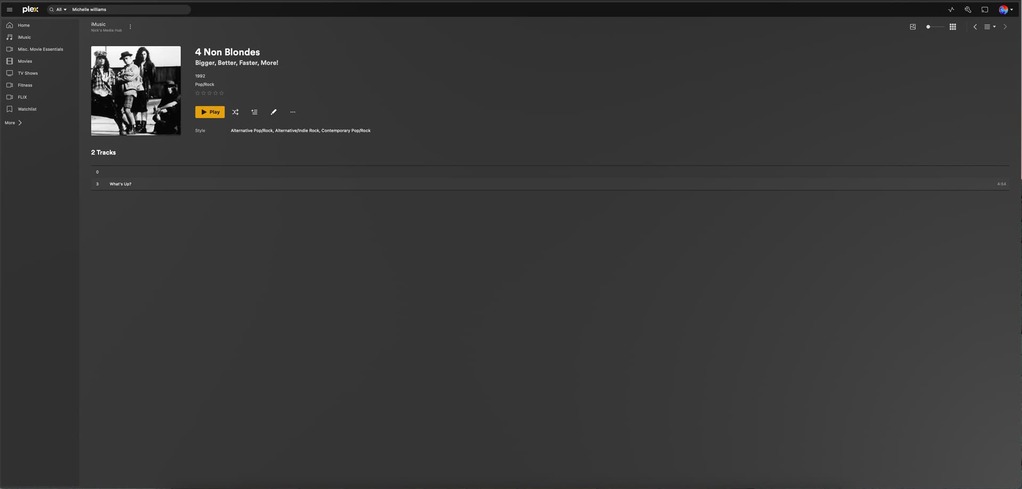

I’m assuming your server is running on Windows now, and your first screenshot is just using some third-party file explorer? The random series of letters looks like a Windows 8.3 filename, and on modern versions of Windows is usually caused by an illegal character in the file name. E.g. if I have the file “What’s Up?.mp3” on a Linux-based network share and mount it as a network drive in Windows, instead of showing the “real” file name with illegal characters (a question mark), Windows will display the shortname instead.
I think you’re on to something there. While I’m using a MacOs, I’m noticing, while going through the painstaking process of going through every single music folder, that song titles or album titles with a period or question mark in them are the files where this random sequence of letters is occurring. Not sure what to do about this.
Your only option may be to rename the offending files (remove question marks, replace colons with dashes, etc). Depending on how the storage is mounted there may be ways to have Windows display the real filenames, but attempting to read anything will probably result in an error anyway. If you’re looking for an automated way to find files with illegal characters when using macOS, you could run the following in Terminal from the root of your media directory:
find . -name '*[\\:*?"<>|]*'
