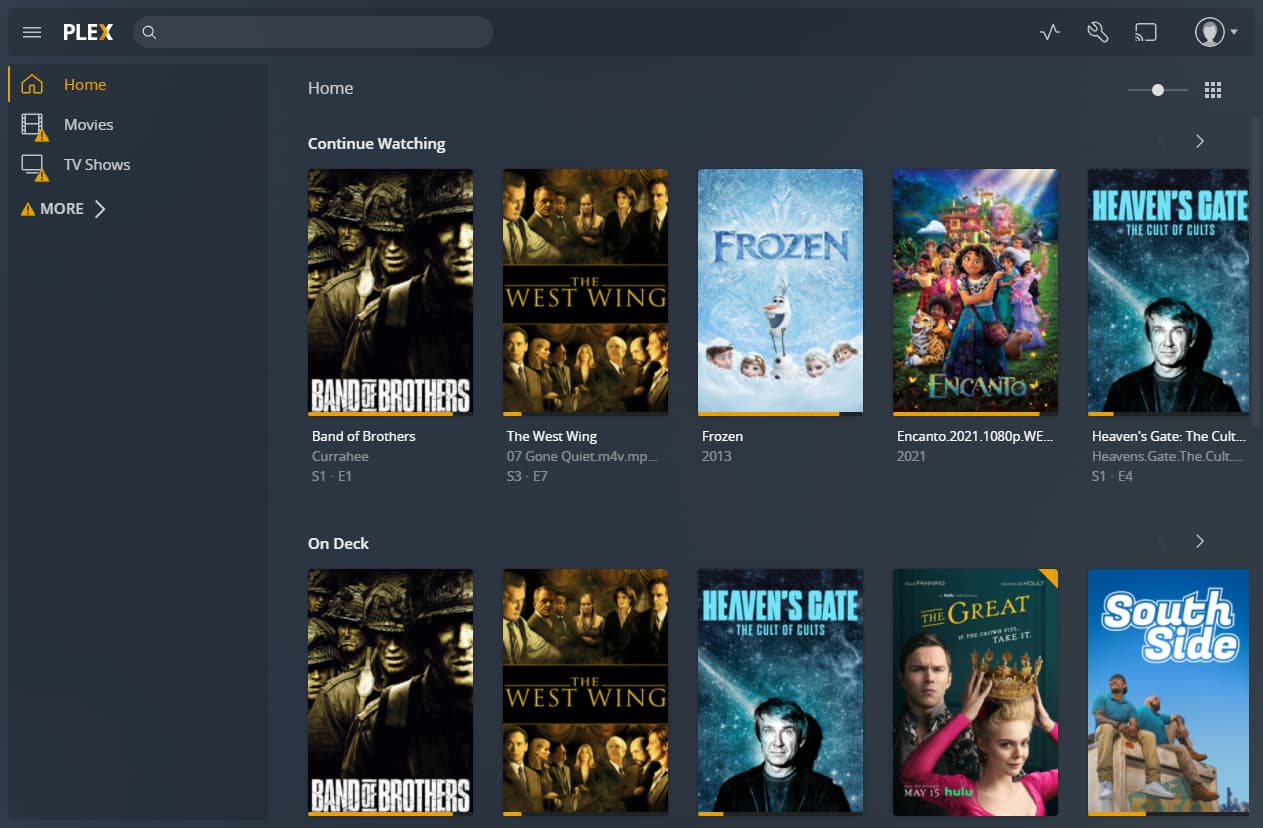
I have plex on a home server. I want to separate users so we can have different watched media lists and not have other users interview with where movies were left off.
I was told the way forward was to set up Plex HOme. I did that but if a person types the server IP address, it takes them to the my Plex account without the need to sign in.
Am I missing a step? I set a pin on my username. Is there another (free) way to set this up?
How exactly are your accessing that server?
Keep in mind that a browser session might still be active if you access the server from the same device, trying to connect as a different user.
If you’re experiencing this with users on different devices – check if you have set a list of IPs / networks that don’t require authentication. This could override the the need for those users to sign-in with their account / PIN. Settings > [Server Name] > Network > List of IP addresses and networks that are allowed without auth
I read all through that. But it does not say if the new user would have to have a plex account or if they have to sign into plex at all.
Like, after I create home does eveyone need their own plex account now? Or do they sign in with my credentials and then have to change to another username since it defaults to mine?
They don’t need a Plex account (separate login). You just create a new Managed User.
I have done this for my kids.
I should add, make sure Plex player is not automatically logging in to a specific Managed User account. This will skip the screen where you choose what Managed User you wish to use.
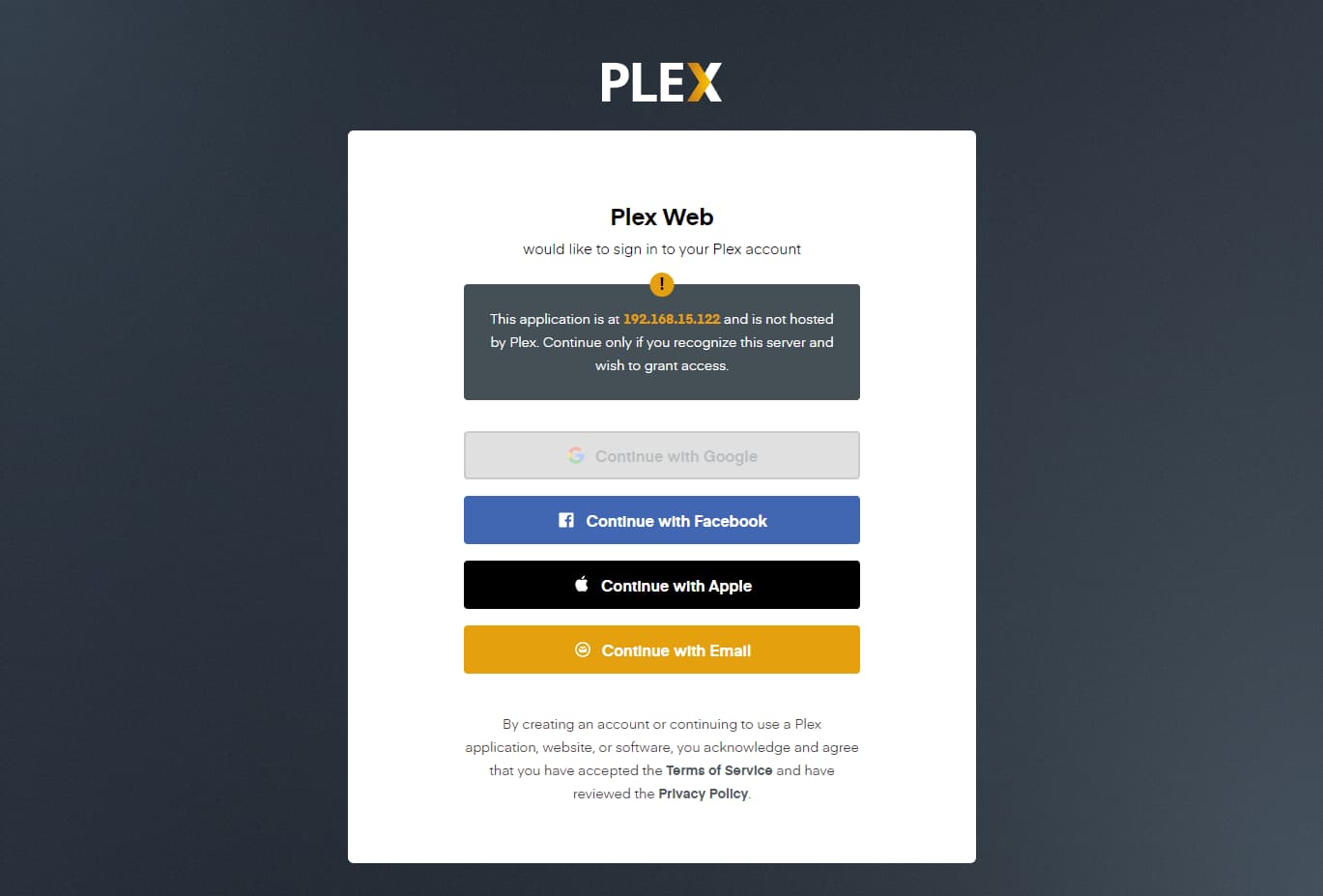
They do need to log in with your credentials, but that should be a rare thing to do. I do it for my kids (I don’t wish to share my password). After that they are good to go for a long time.
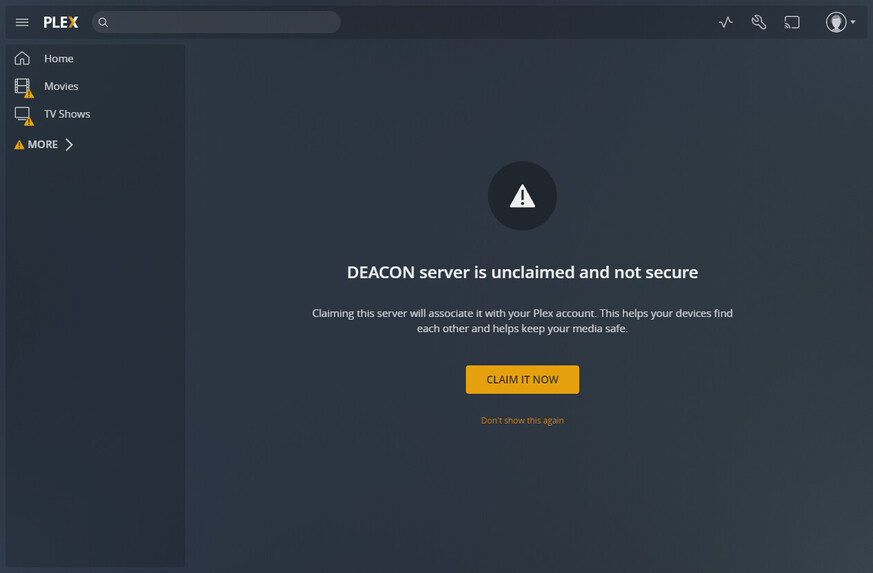
Something looks wrong. The user icon (top right) is not showing the initial of the user that is logged in. Also, not sure why the Libraries are showing connection issues (left side)
If everyone is accessing from the same computer or device, make sure you as server admin have a pin set. You’ll likely want pins for the other home users as well. Also make sure that “Sign in automatically” is disabled, probably for all accounts, on all devices.
You should get a user selection screen when you open Plex, similar to Netflix and other streaming services. Select the user, and enter the pin, if required, and good to go
"managed’ users are essentially sub-profiles of YOUR plex account (they use YOUR plex email/password)
“unmanaged” users have their OWN plex email/password.
Both kinds will show up on the plex home user selector. You only have direct control over “managed” users.
Any user that does not have a PIN, can be accessed by any other home user. There is no way to hide PIN input, so if you are in a room full of people, they will see what pin is entered. (which is not great, but that is what we have)
Home is intended for people within the same physical house, to quickly switch between their own watched history and library access.
For folks outside of your house, you should use regular plex sharing (ie share with them but don’t invite to home). Regular plex shares require their own plex account.
But wouldn’t they need my login credentials to log in each time? my username and password? Forgive me if I am missing something.
I am only using it this way, in house. But my wife and kids will need my username and pw to get to their account, wont they? Effectively they log into my user, then switch to theirs.
When I log in it takes me to my front page. I should then switch user to theirs, then they will stay logged in but since i have a pin, they can’t switch back, right?
Nope. Or at least not at my house. All I get is the user screen, and then a request for the pin.
I don’t think you want to use an “incognito” web browser window to set it up the users. Just your normal browser. After you have set up the users, make sure “Sign in automatically” is disabled in all of your devices, then close the browser window. Reopen Plex and it should work. It’s been quite a while since I set it up, but I’m pretty sure that’s all I did…
Think I finally got it. sign in , switch user, then they can’t switch back. just have to hope they never have to sign out or reset their device or i will have to sign in again.