I need help organizing my webinar and podcast libraries. They are mp4s and mp3s, and are currently named like this:
date - artist name - episode name
e.g.: 20191017 - John Smith - Starting A Podcast
I’ve created a TV Show library named “Webinars” and tried renaming the files like so:
Smith, John - s2019e1017 - Starting a Podcast.mp4
This works (kinda), but shows up in Plex under the artist’s name and then separated by year, but each show is just named e1017. I haven’t found any way to get Plex to show the title of the episode “Starting a Podcast.”
I have thousands of recordings, so renaming my libraries will be a major undertaking. Can anyone suggest a better way of renaming webinars and podcasts so they are organized by artist and date, AND also show the individual name of each episode?
Maybe someone else can chime in but Plex is really made to have Audio and Video libraries separate from each other so having MP3 and MP4s in the same library will probably not be that great of an idea.
for the Mp4 you should be able to create a “Other Videos” library and point that to your MP4 storage and create a Music type library for the Mp3s.
since neither is likely to have a reliable source of metadata that plex uses, I would simply put them both in an other videos library and use the folder view.
Either together in the same ‘other’ library, or in separate ‘other’ libraries, depending on your preference.
I’m not as concerned about the mp3s, but I do have thousands of mp4s and need some kind of structure.
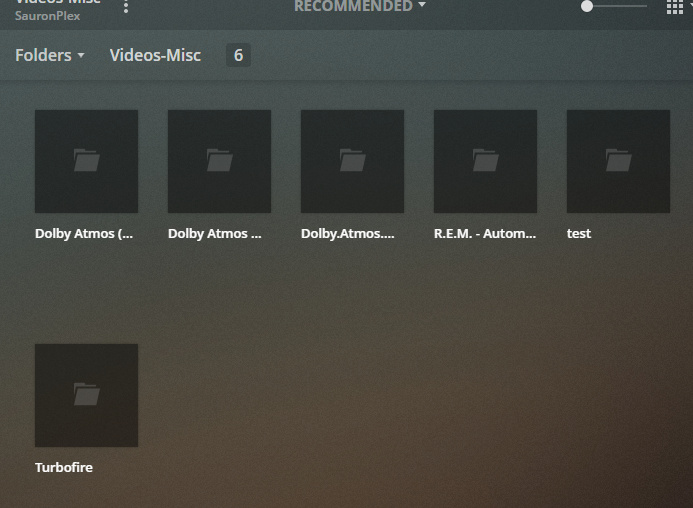
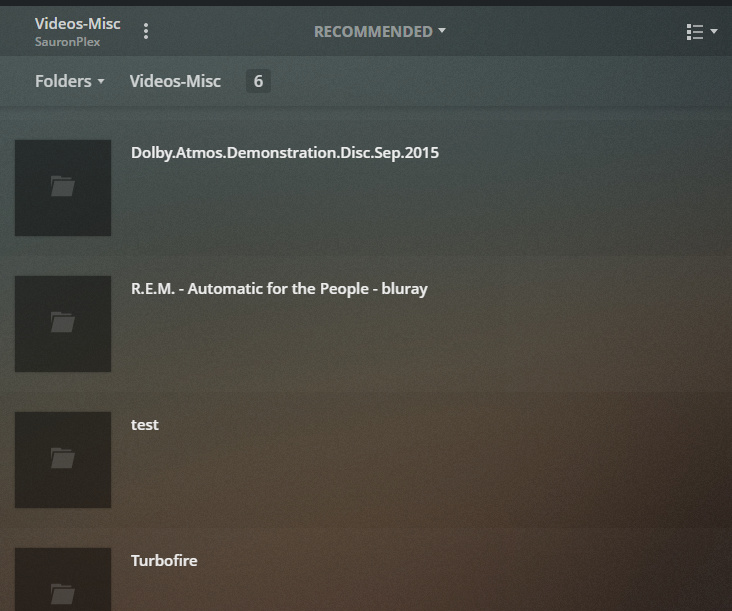
I’ve created a new library, as you suggest above, and created a couple of folders with different videos in each. Unfortunately, Plex just shows all the videos as part of one group.
Is there a way to get Plex to show them grouped by folder?
e.g.
/Webinars
/Webinars/Artist 1/2018
/Webinars/Artist 1/2019
/Webinars/Artist 2/2018
/Webinars/Artist 2/2019
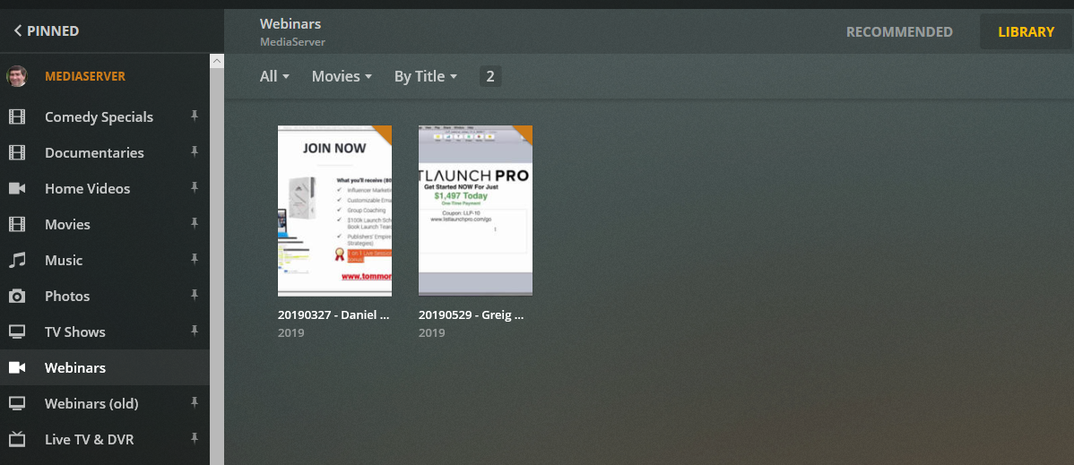
I’ve changed the structure as you suggest, and rescanned the library, but I’m still getting everything just displayed in the single “Webinars” library. I’m using a Windows web browser to access Plex.
Structure is:
/otherstuff/Webinars/Artist 1
/otherstuff/Webinars/Artist 2
Structure is:
/otherstuff/Webinars/Daniel Hall
/otherstuff/Webinars/Greig Wells
Eventually, will want to further subdivide by year:
/otherstuff/Webinars/Daniel Hall/2018
/otherstuff/Webinars/Daniel Hall/2019
/otherstuff/Webinars/Greig Wells/2018
/otherstuff/Webinars/Greig Wells/2019
Your initiate problem might have been that you were using 4 digit episode numbers. I don’t think Plex supports them that high. You could have tried just using the date instead of the SxEy format.
I originally had created the “Webinar” category as a TV Show category. That gave me the “folder” structure I wanted, but Plex wouldn’t pull the title from the file no matter what I did.
Changing it to Other Videos and putting the files in a server-side folder structure gets me closer. Unfortunately it gives me the entire file name, which includes the date and artist, which I don’t need once I’ve drilled down in Plex. But it’s workable
and better than trying to rename thousands of files.
That’s what I meant. The metadata for the files is either the same as the complete file name, or it is blank. It would be a a great deal of work to edit all my files’ metadata (although that might be the best final solution).
There is software out there, which can take the file name, extract a portion of it (based on customizable criteria), and write it into the Title tag of your files.
Dozens or even hundreds of files at once.