New user. I have PLEX server on a windows 10 laptop. I am going to connect it to my home theater receiver using an HDMI cable. In PMP on laptop I have set the audio settings to:
For Device my choices were:
Autoselect,
the speakers in my laptop
In PMP on laptop, when I select a stereo music file (mp3 etc) to play, it also plays on the laptop speakers. I don’t want the music to play on the laptop speakers. I just want the server on laptop to decode the mp3 music file to PCM and send over the HDMI cable to home theater receiver.
In general, I will never use PMP on Windows laptop to control playing music. Windows laptop with server will be in HT equipment closet. Instead I will use my iPad to control playing music files on laptop. But when I use the PLEX app on my iPad to select music on the Windows laptop where PLEX server is, it plays the music on my iPad. I don’t want this. I just want the PLEX server on laptop to decode the music file and send PCM over the laptop HDMI cable to receiver.
Well I feel silly. It was a new laptop so i was testing PLEX server at my desk. I had the new laptop HDMI cable plugged into my desk monitor and was testing PLEX. Once I moved laptop to HT equipment closet and plugged HDMI into HT receiver, the laptop did not play the music file on the laptop speakers and the music went to HT receiver.
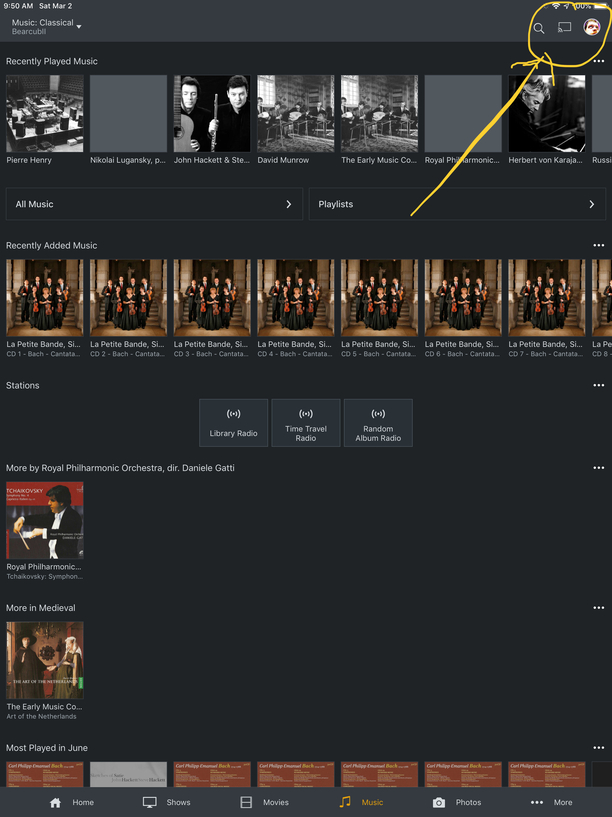
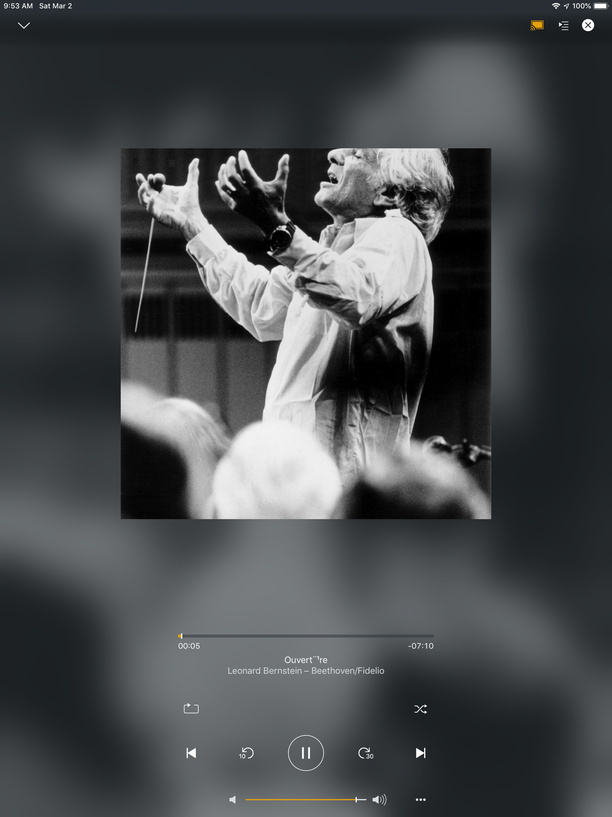
But how do i use iPad to control music playback on server on laptop? When I use PLEX iPad app it just plays the music on my iPad???
thanks
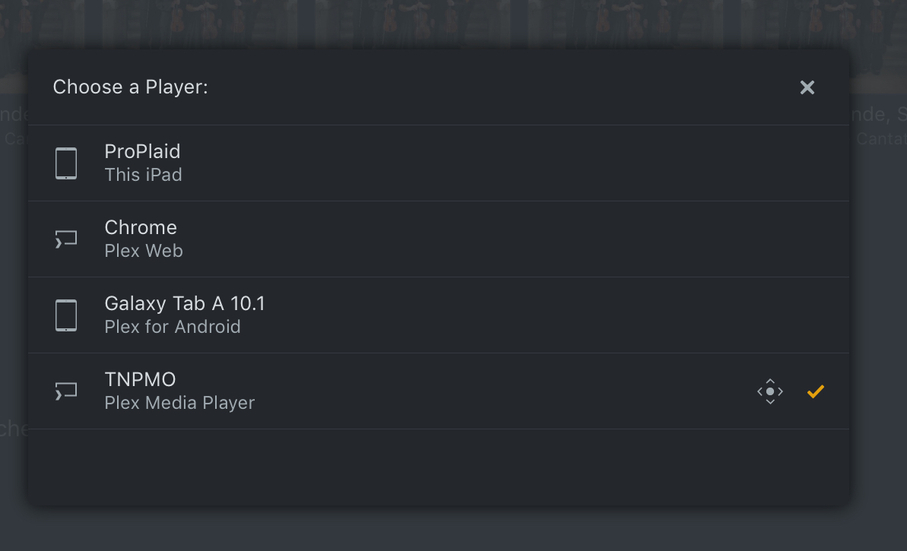
Brendan seems to be asking how he gets the music coming from PMS when he’s using the iPad as a control device…which is a good question, as I don’t think PMS’s web app can be controlled with the cast function from the iOS or Android apps…there needs to be a device running an app capable of casting to (i.e., the iPad, or something like my Android tablet in the bedroom, a Roku, AppleTV, etc.)
Is it possible to cast to a computer running Plex Media Player? Most of the time when a HTPC is involved, the machine is in the room with the HT equipment and a TV acting as a display, with the works controlled via something like a wireless keyboard/trackpad.
I’m going to make another cup of tea, and test the PMP notion, as I have that installed on my studio computer. I suppose I could look at the FAQ, too, but where’s the fun in that?
Select your choice of device to cast to (if PMS on the laptop you’ll need the web interface open.) The item you want to play will play through the laptop to the HT receiver.
I should have mentioned that I have a giant 65" plasma smart TV connected to the receiver. When I listen to music i usually leave it off. It generates significant noise (hum, fan etc) and i also find the screen distracting when listening to music. At night i often listen to music with all the lights in the room off - it is completely dark and i find that listening to music like this can be very enjoyable, especially when i use all seven speakers with Dolby PL IIx surround for music.
This is why i use iPad to control music server on laptop connected to receiver.