Hello, joining the group here with a similar, or same issue. I’ve never had problems watching home made videos until a recent Plex update. When I attempt to view videos from an Android device, ie. Fire TV stick, Oneplus phone or Samsung phone, the audio begins, I can see a frozen pic of the video and it buffers without playing video. All videos stream fine on iPhone, when selecting external player and web browsers. Attached is my log file. Hope for some help.
Plex Media Server Logs_2022-01-21_14-14-22.zip (4.0 MB)
Hi Plex,
Could you help me check my log? it’s on android phone, plex app can’t access my plex media server. the library shows offline.
Thanks very much.
If you are having trouble seeing your server, I’ll need the server logs too.
Are these video files in a photo library? We’ve gotten a few reports of this being an issue. We are looking into it. I’ll also need the android log that matches up with your server logs.
Correct, these are all videos I created as recently as this week and older. Mostly MP4 and AVI home clips from phone and camcorders. To recap: All worked fine until recent Plex update. Videos play fine on iPhone, external players and Web Browser. They don’t play on Android or FireTV Stick. Audio works, video buffers, but doesn’t play.
Plex Media Server Logs_2022-01-22_08-47-35.zip (3.4 MB)
plex-log-shaywood.zip (177.1 KB)
Thanks. Sounds like the same issue we’re are investigating.
1 Like
Here’s the new server log.
Plex Media Server Logs_2022-01-24_13-30-41.zip (5.3 MB)
Yes, two time I have been able to watch a video (three with yesterday evening) on dozens of failed tentatives.
/////////////////////////////////////////////////////////
I don’t understand your advice to watch my language : you seem to automatically find impolite facts that you dislike, even if these fact were staded politely. Don’t mix the fact that you don’t like the hard truths that I wrote with me being impolite, because I have never been impolite. We could by the way verify and confirm that I was always polite by looking at the message I posted, but curiously, you (or someone from Plex) erased it. It is a real pity because I was pointing totally legit facts, and asking legit questions. You could also advise to watch their languages to members of your teams (see attached screenshot
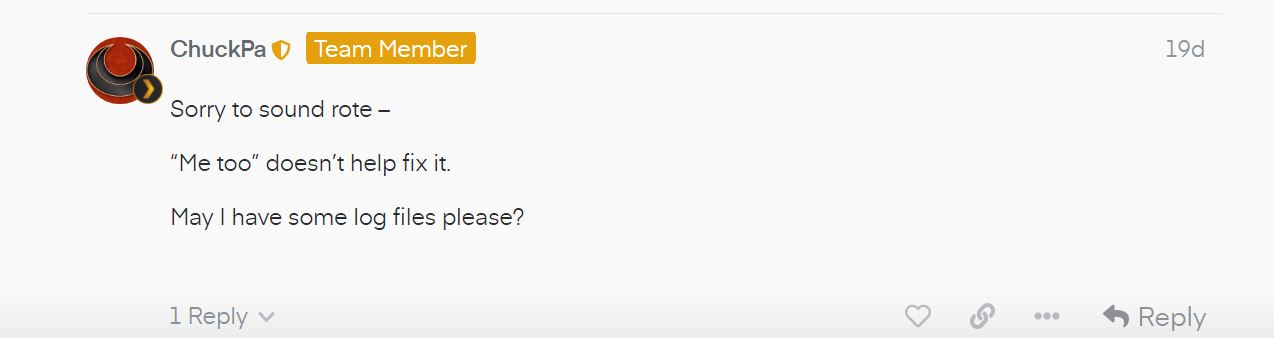
I really don’t think that his tone is appropriate under the circumstances of an app that barely works properly since at least a year, when I said, bugs and logs pile up without any advances. To conclude once for all on the semantics, about my flagged comment :

I can ask the questions again :
- do you really think its professional to mark a question as closed when dozens of people still have the issue even after having tried the proposed “solution” ?
- Do you think it helps solving issues and making the products you provide better ?
- Do you think it makes your clients happy ?
This is not infuriating. It is sad. Because you have the possibility (since years) to provide an ultimate product, and I see it consistently waisted … That is my last “out of subject” comment.
1 - This issue was marked solved by the original poster. Whatever issues you and others are having may sound like the same symptom but may not have the same underlying issue. That doesn’t make the original poster’s choice of marking this thread as solved invalid.
2 & 3 - We are trying to help solve these issues, but just adding comments on how bad the app is and how there is no support doesn’t help to get anything resolved. Just like in a debate, “stick to the issues”. If you want to complain about Plex, that’s fine, just don’t do it in a thread where people are trying to actually solve a problem.
Sorry, but this doesn’t help anymore. Your logs have rolled over and no longer match up with the client logs. I need matching logs from the client and server. Please try playing back again and grab both the server and android logs. Just reproduce the problem once.
There was an app update I installed right now, which seems to resolve the issues (for me at least).
Regarding your 2&3 : sticking to the issues doesn’t seem to suffice (2W without answers, come on !) when you know how long it takes to fix bugs and how much bugs pile up. (I guess you browse through issues here, right ? For instance : sychronisation between local and server never worked, hence “download” was provided, which is still extremely bugged … Repeat all/one is still not persistant for playlists, and as been pointed out several times etc etc etc etc …) Hence it is normal that at some point people start to annoyed, least to say. Anyway.
Was the update on the server or Android app? I don’t see an available update yet.
That issue is with PMS 1.25.x on a Shield (Android 9). Rolling back PMS to 1.24.x is the work around for now.
Ok, thank you. I’m running on a Synology DS218+ but seem to be having the exact same problem. I’ll continue to monitor.
Oh sorry, getting issues mixed up. I don’t know if we’ve identified the issue with videos in the photo library yet. I believe it’s the Plex Android app. You can try installing an older version from the release thread if you want to try that. You’ll need to uninstall the current version and then sideload the one from the thread. You want the arm64 version for your device.
It was an app update.
1 Like
I uninstalled Plex server on my Synology, but that didn’t help. I then uninstalled the app on my Samsung android and installed a December apk, 8.27.2.29938, and the video plays fine.
@misesenforce 8.29.0 was released earlier today and address a specific issue related to Samsung devices. Give that a try.
Exact same issue here - and the rumors of it being solved are premature.
Neither of my Android devices - Channel Master Stream+ or Amazon FireTV, will play my videos in the photos folder. Same exact symptom - spinning orange circle, frozen video, and audio plays. And it began suddenly- one day, the videos worked, the next day, they would no longer play.
As a troubleshooting test, I moved one of the MP4s taken with my cellphone, which would NOT play in the photos folder, to my videos folder. Guess what? It plays JUST fine now. 
I wished Plex would fix this bug - I have numerous videos in my photos folder taken over the years that will not play - I don’t feel like moving them all to a different folder!
Exact same problem here, plex issued a fix on the 24th however it didn’t seem to fix much related to android. I downgraded to a previous version from December which works fine. Can’t wait for a fix
As mentioned, we are still investigating. There is no fix for this yet.
1 Like
Noticed an updated android app today. Unfortunately, videos in photo folder still don’t play on android devices.
