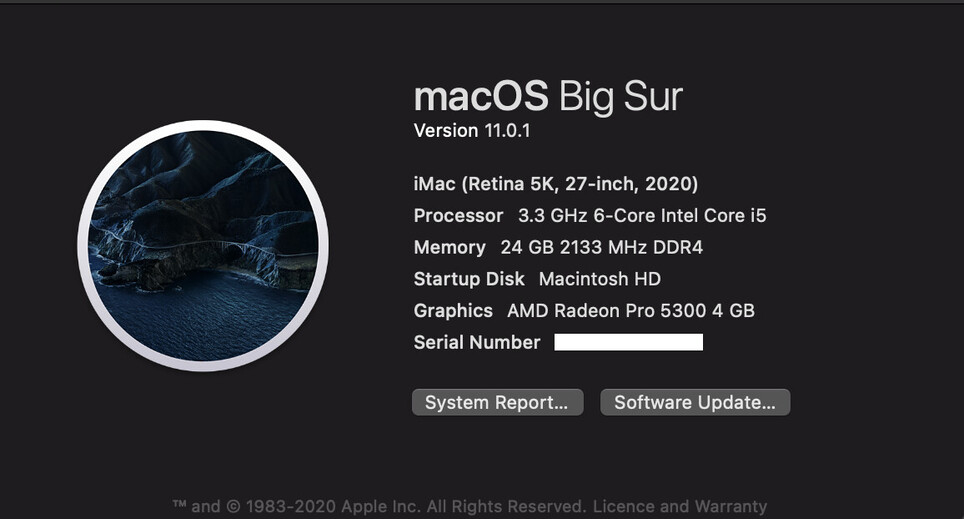
Server Version#: 1.21.0.3711-b509cc236
Player Version#: Via Roku streaming stick 3…
I don’t really understand why Plex has so many problems with media. Many of the reasons I’ve seen listed seem simple enough to check for.
If it’s a punctuation issue, rename the files to remove the offending punctuation. If the files can’t be renamed by Plex, then at least alert the user that punctuation has been detected so they know what to fix.
If it’s a codec issue (really? mp4s? mkvs?), alert the user that [these_files] are VISIBLE just not playable. It sure beats spending 20 minutes refreshing media.
I also don’t understand why organization of media files by name isn’t completely, totally automatic. If I have 4 season folders of My Fav Show, all named exactly the same way—s01e01 [name], s01e02 [name] etc—why does each episode show up as its own block in the grid? or as individual items in search results? Obviously they’re all related (ok, in 99% of cases).
Given how much effort has clearly been invested in giving users list/search functions I’m consistently surprised by how poorly they actually work.
I love what Plex offers, I just find its shortcomings bizarre.
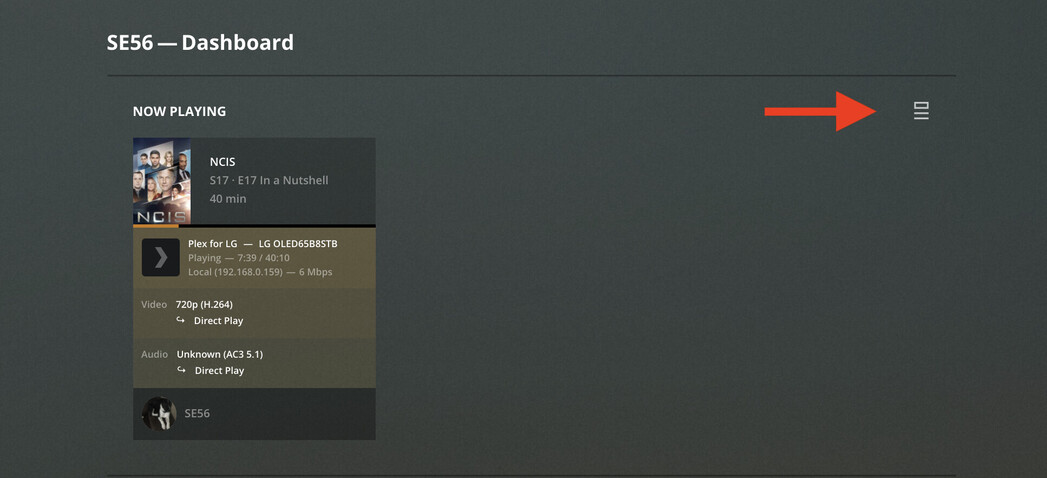
In the logs, the trans coding issues are very obvious.
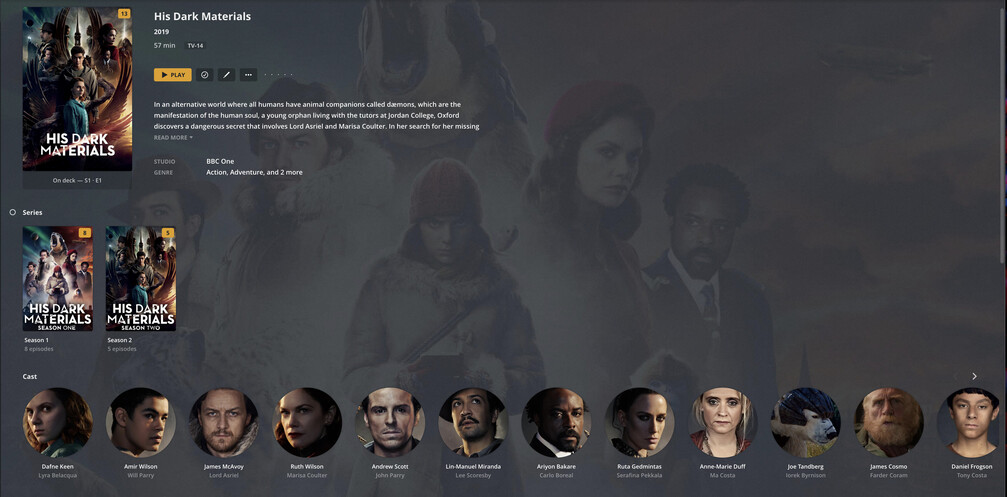
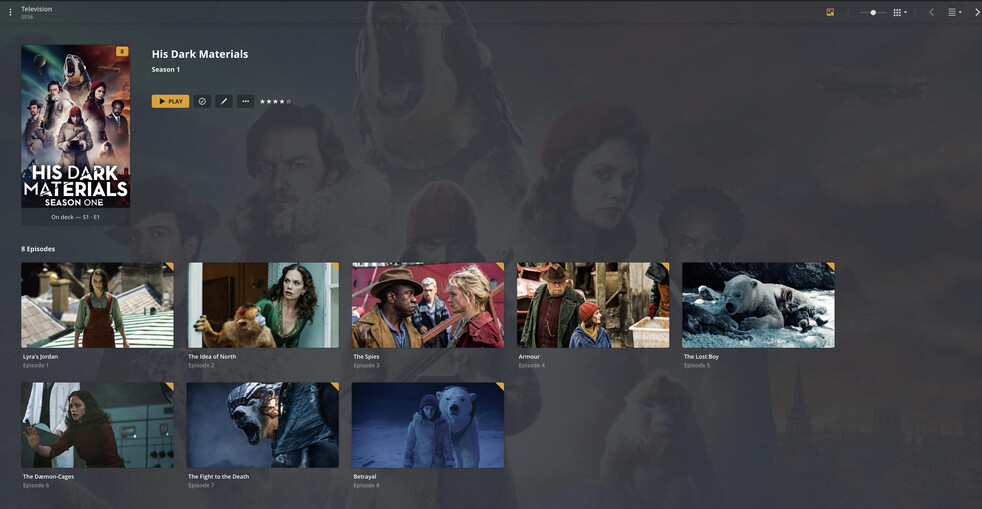
Now for file structure: Add Files to a Folder assists with the scanner, if there is no changes within folder the folder is over looked in scanning. Very good,as it does not bog down your server with unnecessary workload. TV shows to Show Name ( sometimes Year/YYYY) for remakes Seasons: Example Season 01, Season 02
Naming:
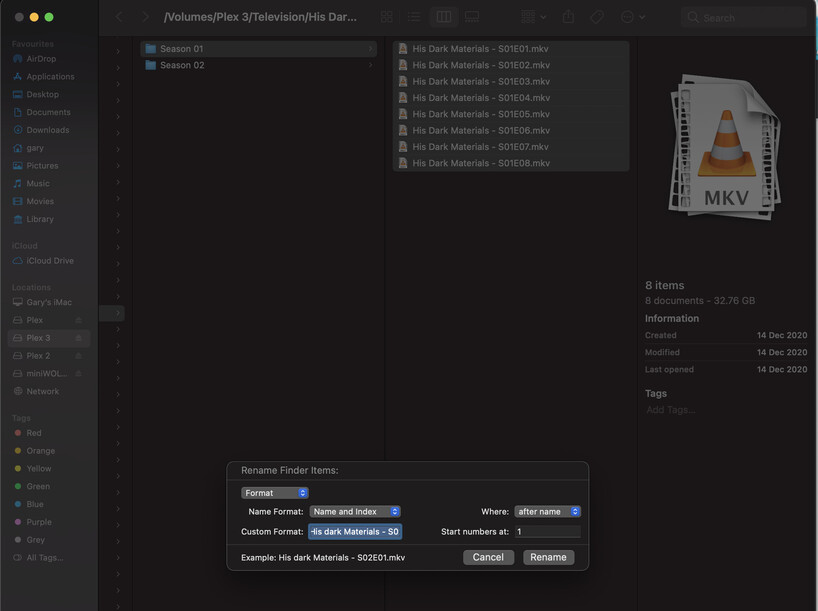
If you want Metadata to be accurate it is a required discipline or invest in FileBot which can be set up to do batch. Another option is MacOS naming Feature. Right Click on list of Episodes requiring a name change.
Collection: Make sure you save your Collection Titles in a codecs that are compatible with your Plex clients, audio and video. The real biggie is to avoid Trans coding, especially if sharing.
When set up correctly your experience will be nothing short of stellar, I do all this and it runs smooth with Big Sur server, LG OLED, 2 x iPads, HDHomeRun, all connected by Gigabit Ethernet. Sharing remotely with Family and close friends Internationally.
Heavens. A very thorough answer, thanks…but it actually goes to what I was saying: look how many things I have to check/set up/rename/be aware of for Plex to make sense.
I just have a bunch of old TV shows and movies in a folder that I want to watch. I’m not trying to recreate IMDB on my iMac.
That’s really not what Plex is for but it can be done.
If you don’t want to take the time to name your files correctly or separate TV Shows and Movies then set up an Other Videos library.
Plex doesn’t search for metadata for Other Videos. It’s really designed for personal home videos.
It’s so easy to set Plex up correctly though.
Imaging the difference of a bag full of unmarked DVD’s compared to a wall of DVD’s categorized by Movie or TV Show all in alphabetical order. Which would you rather look through to find a show to watch?
I totally get that, it’s just that when I have a folder full of totally standard mp4s (or whatever) that already use a totally conventional naming scheme (My Fav Show s03e01.mp4), why does Plex sometimes choke displaying/playing/finding them? It’s the unpredictability of it that is so weird.
Some shows do display nicely in a season>episode format, whereas others don’t—yet nothing about them is different.
I had everything in one big “Movies” folder for simplicity but evidently that creates problems (why? what does it care whether it’s a movie or a TV show? just show me the file) so now I’m separating things into a “TV Shows” folder and changed the scanner type to “videos”.
Still can’t play the odd mkv or avi…no idea why. And the Roku codecs are fairly comprehensive.