Server Version#: latest
Player Version#: latest
Hi all, I am new to plex and running it on a Synology machine rs1619xs+ .
I would like to know any advice on (might be basic sorry, but had a hard time doing it nicely):
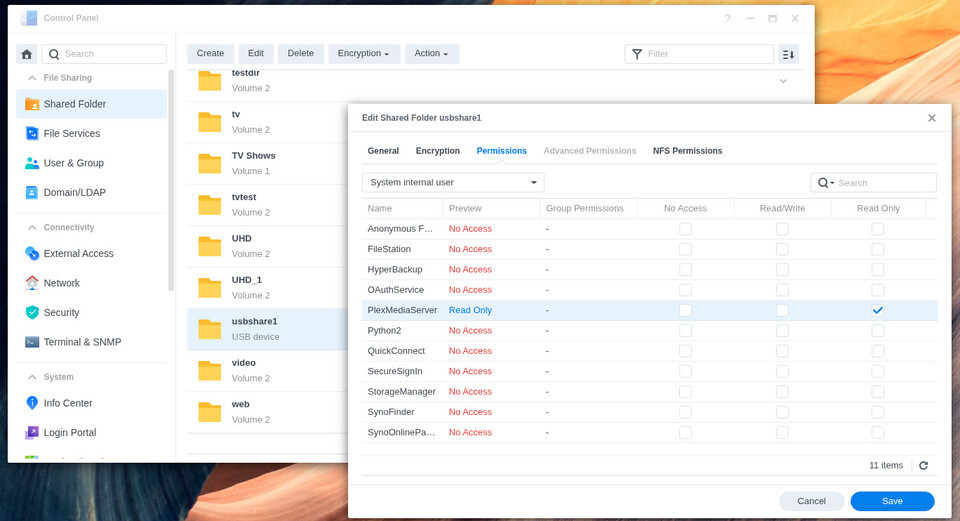
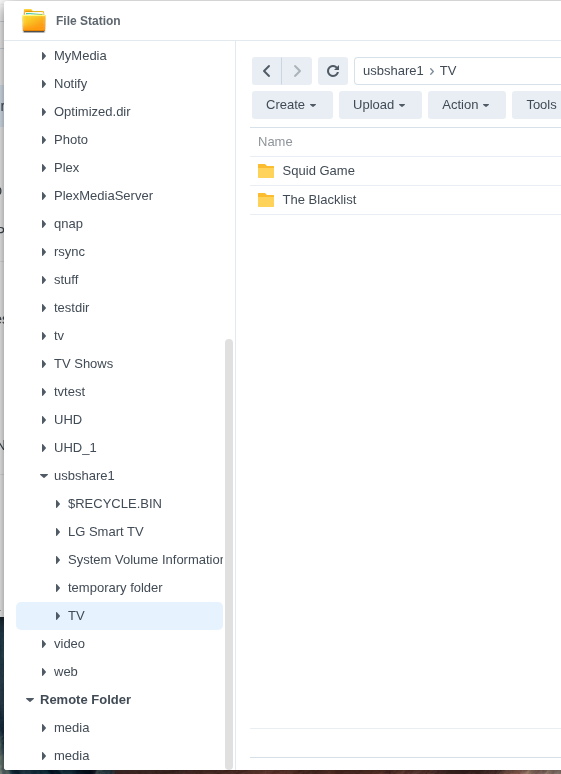
- best way/process to import movies from other drives/usb memories/older nas drives? if just creating a folder (and where better to create it) and drop all files there? or there is a import process?
- how to name the folders or how to organize it in order to find/browse the different categories from the plex main menu? Like if I want to add “Old NAS” or “European movies” then creating subfolder “italian” etc… folder will that appear also in the menu? Tried the different ways but seems to create duplicates folders or bookmarks or confusing folder where cannot find the movies inside anyway.
Do I need to drop files in the folders I want and the Plex system will recognise that structure or do I need to import movies and create the folder where they will end up? or is it just like a tag? - how to trigger search of movies?
- having a few different tvs around the house, I woul like each tv to have their own viewing history without being it shared synced across the other tv (like restarting a movie from where I left) - do I need to creat sub user accounts for every TV?
Thank you so much for your help, so appreciated!