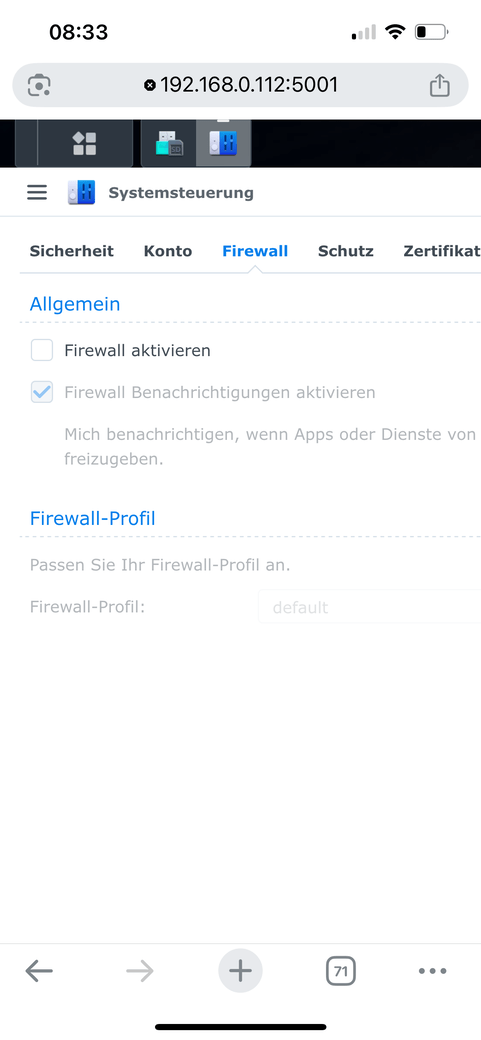
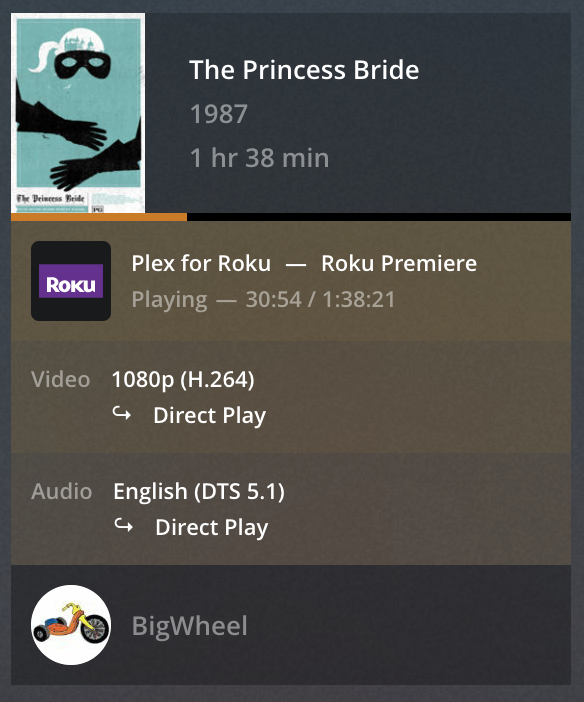
At my Home WLAN:
I use Ipad connected to WLAN. Vodafone Router.
Plex iOS App get full local access and plays movie in BluRay quality.
If I access app.plex.tv by browser chrome at same Ipad, I have the same issue as at my Windows 10 PC or MacBook → indirect connection and 0.7mbps max for video.
And the browser of my ipad cannot load URL myNASip:32400/ only by app.plex.tv.
In this wiring, all local traffic is routed via the switch.
Only internet traffic goes to / from the ISP router.
This is a much faster / more efficient structure
Switches come in all sizes and speeds.
For most cases. Gigabit switches will do the job.
The only decision is to get a switch with enough ports for future growth.
Do you have any colleagues in Germany with Vodafone experience? I can’t be the only one having this issue. Telekom and Vodafone are the biggest ones. Thank you
Are you using any browser add-ons to obscure / hide information from websites? I’ve seen similar reports from users with Safari and the option to hide the device IP enabled. If the connection on from the same device works under other circumstances, it doesn’t appear to be primarily arouter or Syno problem.
Maybe to summarize, because this has been going back-and-forth…
you can access your server while outside your home network using all apps (browser, native)
you can access your server from inside your home network using the native apps (e.g. on iOS / iPadOS)
you cannot access your server from inside your home network using the web app
If that’s the case, we shouldn’t bother with possible Vodafone issues (certainly no issue with your basic remote access configuration or them blocking your server’s communication in its entirety. The only thing coming to mind is some very, very weird router configuration from ISP side… but that doesn’t really make sense.
For what it’s worth… are you solely relying on the indicator next to Settings > [Server Name], stating the connection is indirect?
From what I remember, that’s not necessarily linked to your remote access status.
Can you check the playback details while streaming from the web app using the server’s “now playing” dashboard? I’d like to know/see if the a stream from your server via a local web app is listed as Local, Remote or Indirect. https://support.plex.tv/articles/200871837-status-and-dashboard/
Edit:
I’m not sure if you mentioned if you’re experiencing some actual playback issues, or if you just want to troubleshoot why the server settings state this server is Indirect?