Server Version#: 1.14.1.5488
Player Version#: 7.10.0.8875
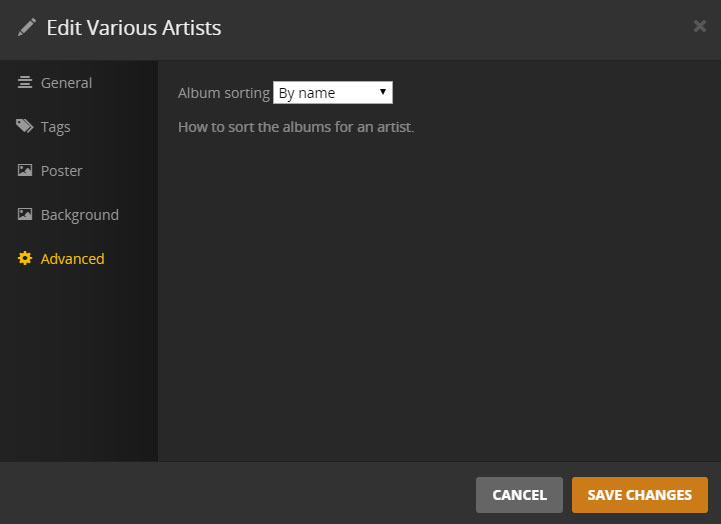
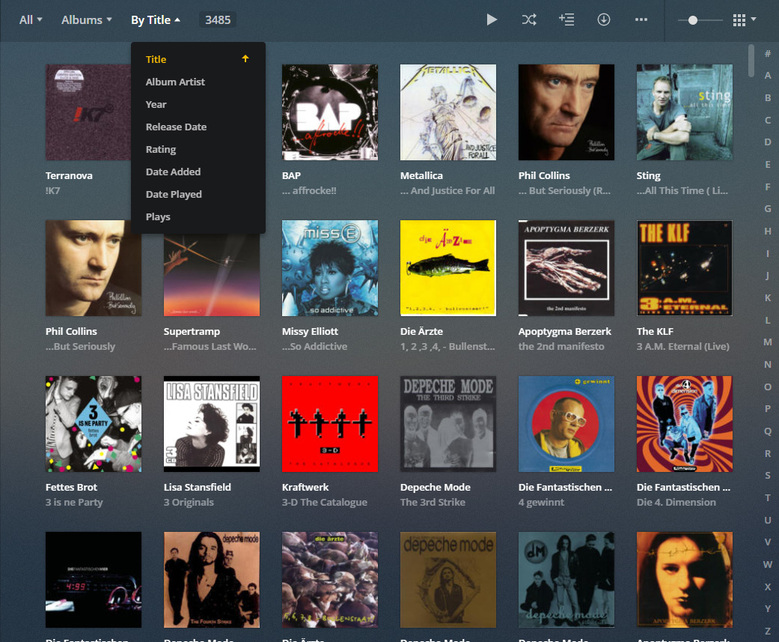
sorting albums by year instead of title is a nightmare for my particular music library. It just doesn’t make sense for giant box sets of classical music where the years are basically meaningless and often missing from online metadata databases. I need to be able to sort by artist then album title.
I tried following the instructions for windows at https://support.plex.tv/articles/201105343-advanced-hidden-server-settings/
by adding a registry setting of type string with a name of AlbumSort and a value of title:asc - which I had to dig up from another thread, since the official documentation doesn’t actually list the options! I then restarted my computer. I don’t see any changes to the way the albums display on the web view of my server nor on any of my players (checked the windows player and android). It seems this registry change did nothing at all, but there are no further instructions in the support article.
Can this be done? (How hard would it actually be to add UI to sort in the artist->album view? It seems this sorting by year is something many people don’t like… I see lots of articles on this for the various players.)