Server Version: 1.43.0.10346 (Beta)
iOS App Version: 2025.30.0
Observed Bug:
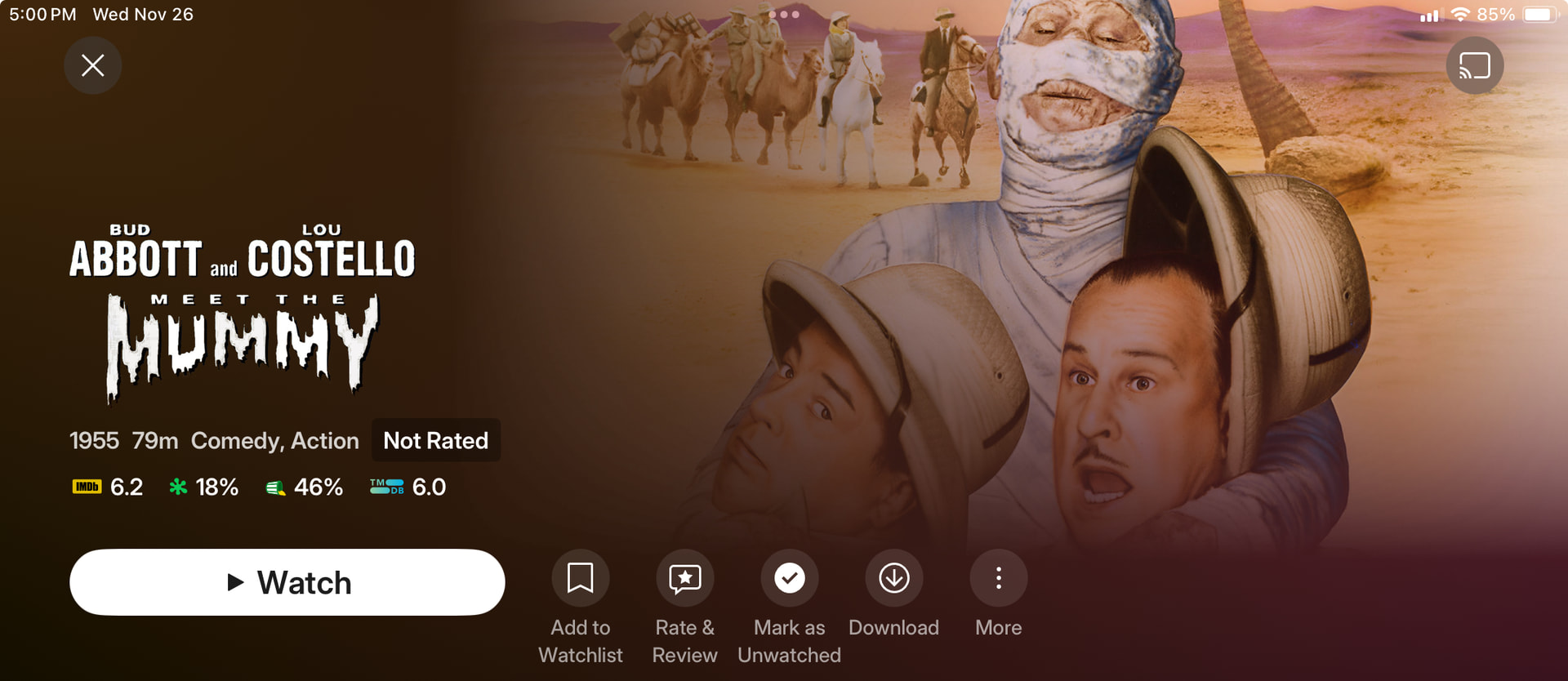
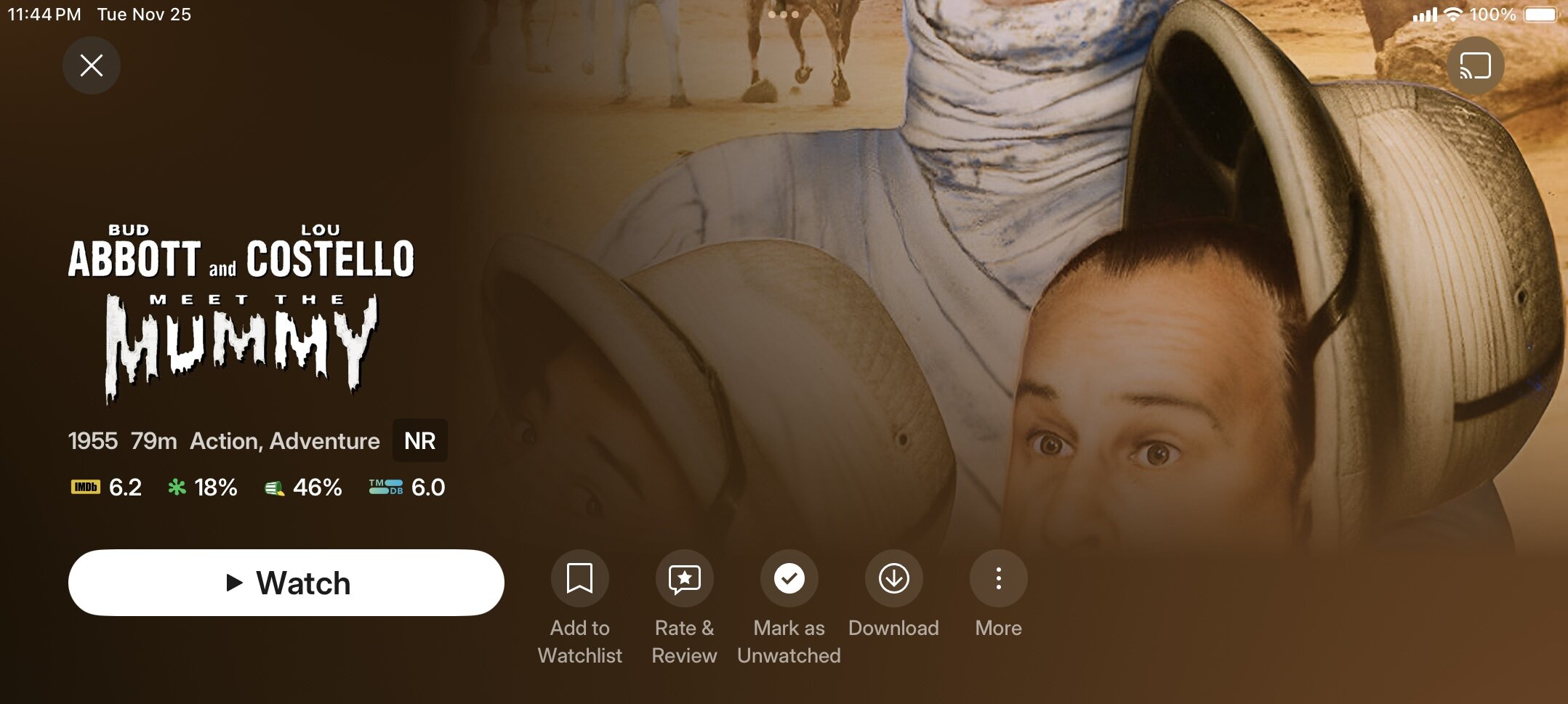
When viewing any detail page on an iPad in Landscape Mode (held sideways), the app prioritizes the Square Art (1:1) image as the background. This causes the image to be severely cropped on the top and bottom (fitting to width), even though a perfectly fitting 16:9 background file is present for all titles. The result is a worse visual experience than before the Square Art feature was introduced.
My Expected Behavior for this new artwork that I was excited about:
The ios/mobile app should use the Widescreen Fanart (16:9) in Landscape Mode to fill the screen uncropped, and only use the Square Art (1:1) in Portrait Mode.
Is this vertical cropping in landscape the intended design for the new iOS experience? If so, it makes the new feature a visual eyesore on tablets - and I have worked too hard over the years on all my local metadata to come to this…
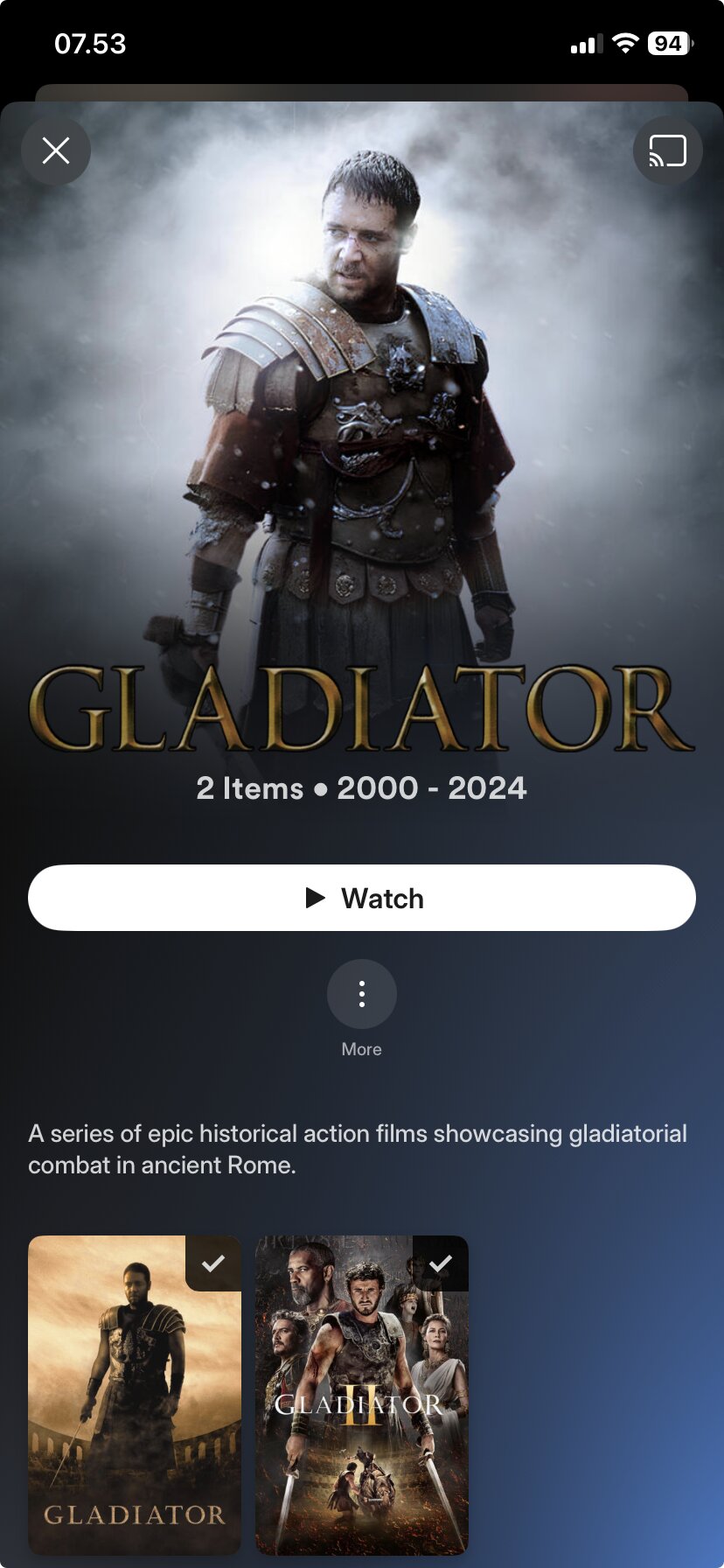
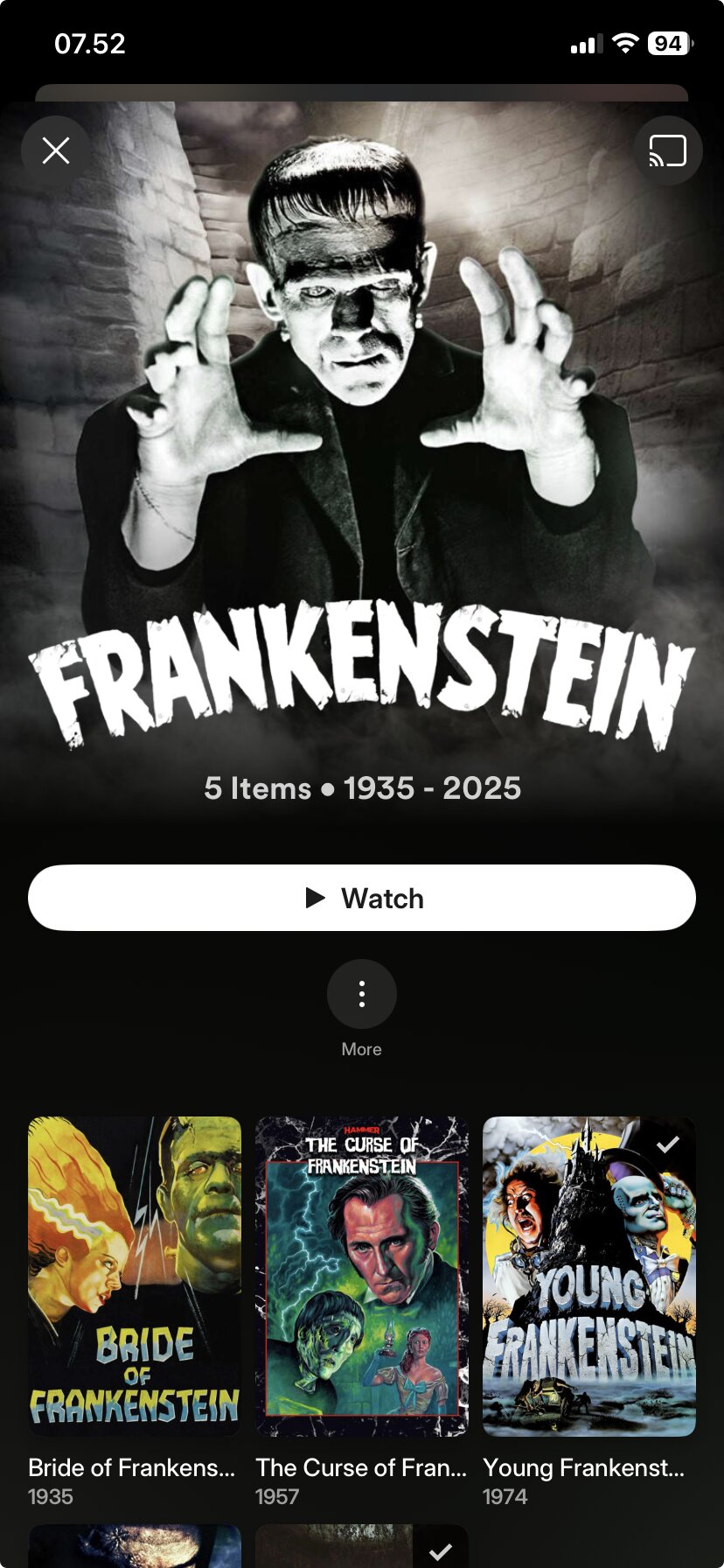
Yes, it does look pretty on an iphone now that the artwork fits with the backgroundsquare. But I’d rather go back to how it was if this is how it’s going to look on tablets.