Server Version#:4.145.1
Player Version#:2026.7.0(1660)
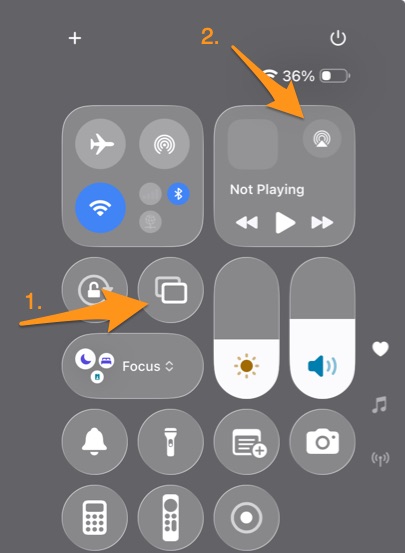
Letterbox when playing to airplay snaps to left or top depending on AR, does not center.
How can I turn this into a bug report?
Now lost all on screen controls. Aaaaaand can’t see subtitles on screen on iPhone, diwnloaded videos.
You guys wish we start looking for alternatives?
which device are you airplaying to?
From ipad to appletv.
While we are at it, plain iPhone & iPad screens have no video controls neither subtitles on downloaded video.
That’s from mirroring. That’s how my kid uses it, he switches between yt and plex. Used to work just fine. Got broken after an update I ran a couple months back.
I forgot to ask which version of iPadOS is on your iPad
I know, but it trigers when invoked from the airplay icon and not from the screen mirro icon. and this ipad is the only active client. And the files where ll crunched by tdarr, there should be no transcoding.
18.7.8
As far as the no controls when viewing downloaded content. Do you have “reduce motion” enabled in the IOS Settings> Accessiblity>motion
This is new from the last update. Was fine Wednesday. And it’s no vido controls anywhere, not only downloaded or airplay.
No subtitles is older and is downloaded only.
Ok, so everything back to normal BUT subtitles in downloaded media. Was it adressed and I should download again or just not yet?
Still no subtitles on iphone / ipad downloaded media