Latest update when the movie has to transcode subtitles go big. When direct play is fine. This updates are getting worst instead of getting better.


On iOS version 2025.8.2 (918) TestFlight everything is working fine . Direct play and transcoding always shows the subtitles the right size. Hope in next update this is fixed.
Try a different Aspect a known issue on iOS and iPadOS
But before everything was working fine. Only with this latest update that messes everything. It should work natevly. Not with “changes in app configurations”. It always worked perfectly.
I know, it has a new Player, so HD will play properly. There a number of issues that will be updated via Testflight this week or so
1 Like
But on TestFlight don’t show subtitles option in settings. In normal version it’s on automatic and everything was working fine until this updates..
Look for a Vertical Ellipsis ⋮ bottom right /Playback options on any playing Title.
can’t remember exactly but Top right also offers settings 
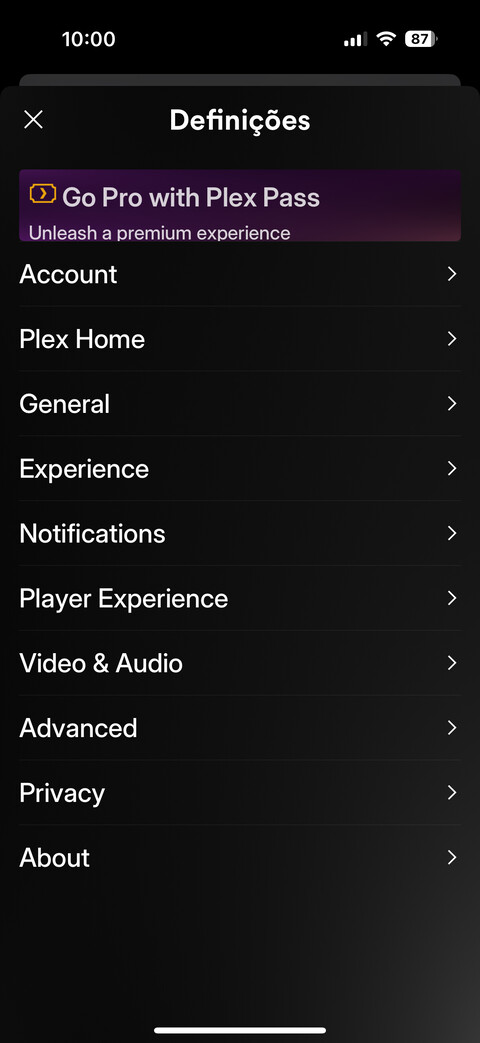
Finalllyyyyyy… grandfathered accounts fixed on this updated. 2025.15.0 (1045). In time everything will be back to normal. Plex will always be the best streaming app. Just a little patience and Plex guys will go back on track. Now just need to fix the transcoding embebed subtitles in MOV_TEXT. When transcoding they become huge… but I have confidence that Plex devs will ear us once again. 
This topic was automatically closed 90 days after the last reply. New replies are no longer allowed.
