Server Version#: 1.43.0.10492
Player Version#: 2026.5.0 (971050077)
The tablet experience in the Plex app is currently using the square art on the item page, rather than the 16:9 background art. This fundamentally breaks the look and feel of the app:

Note that on the media select screen, what we’re seeing above is the square image, not the selected background image. It obviously doesn’t fit the media container properly.
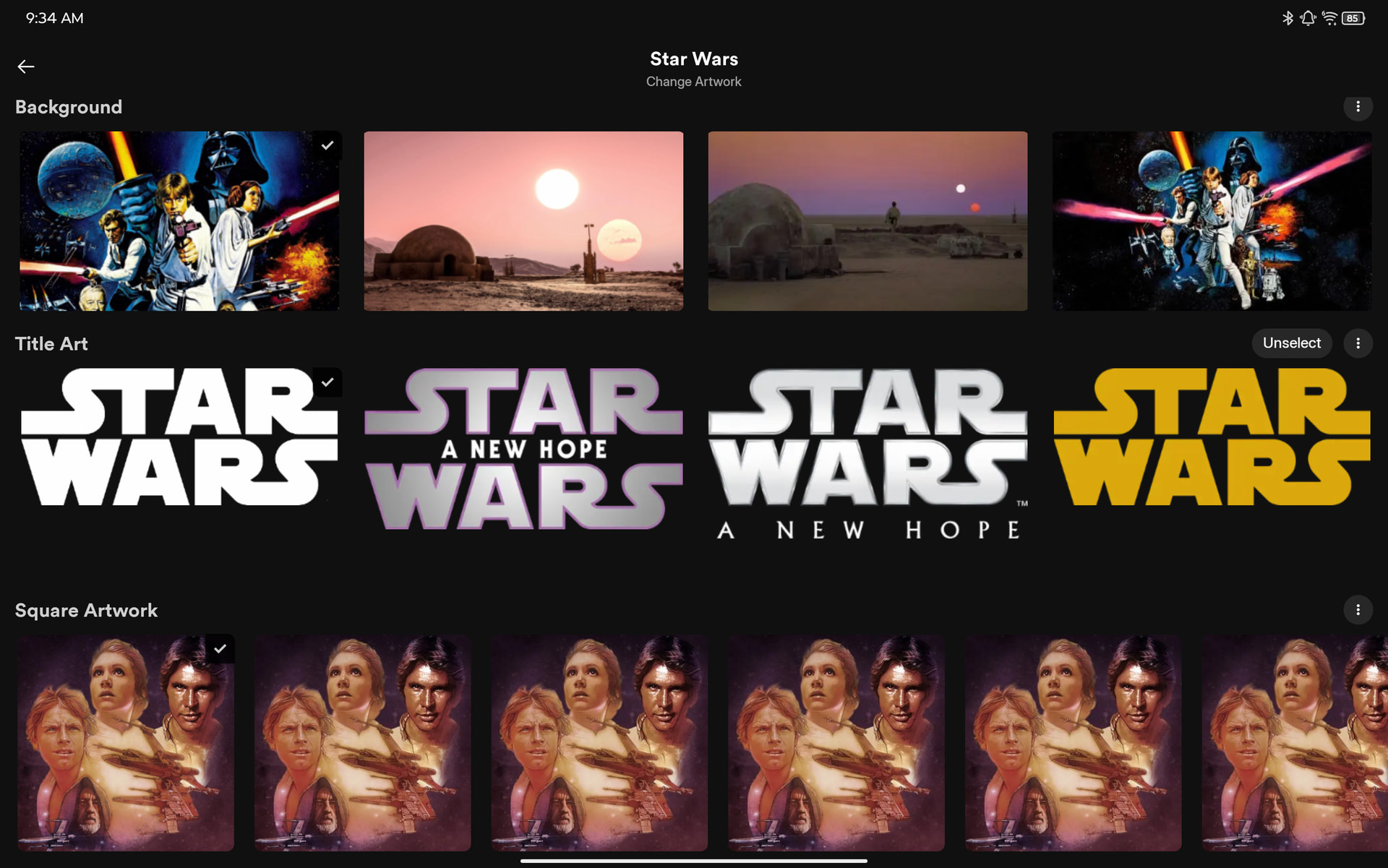
In addition, the background colour is still being driven by the background image, NOT the square art image. Look what happens when I switch the background image to a predominantly purple one, but leave the square art as is:


Problem 1: Landscape tablet views use the square art image and crop it badly because it doesn’t fit the media container.
Solution 1: Landscape tablet views should still use the 16:9 background image
Note 1: Screenshotted on the Android app, but this same bug affects the iOS app on iPad
Problem 2: Even when using the square art image, the BG colour for the rest of the screen is calculated from the 16:9 background image
Solution 2: BG colour should be calculated from the active image.
Note 2: This is also a bug on the portrait smartphone view. There, square art is being used correctly, but BG colour is still calculated from the 16:9 BG image
