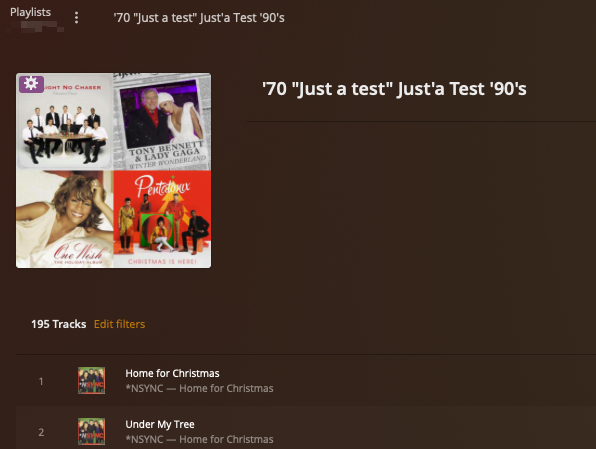
I was about to make a most post about receiving that same error message when I create a new smart playlist that starts with a single quote, as soon as I type the next character I receive the error.
For example, my playlist was going to be called '90 Hits; as soon as I type the 9 I get the error. I am still on Version 1.30.0.6442. I’ll update to the latest beta when I finish listening to music and see if it still exists. This will be the first time I created a playlists starting with a single quote so not sure if this was an issue before
By chance does your playlist start with a single quote?
I’m currently on PMS Beta version 1.30.1.6497
It was released just a few hours ago. I don’t seem to run into either issues with the usage of special characters.
I realized I wasn’t clear earlier. It’s not in the name of the playlist, it’s when you use the advanced filters and then try to type '9 then the error message appears.
I have a Various Artists “album” titled '90 Hits and I am trying to create a smart playlist based on that album to only pick tracks that are higher than 3 stars. If I try to reference the album title in the filters then the error appears. In my case i just swithched the criteria from “is” '90 Hits to “contains” 90 Hits and all is good
If you try to type anything after the single quote it throws an error so was wondering if OP filters have something similar going on
Unfortunately I don’t having anything in my music library with an apostrophe at the beginning for an album title. Mine have the usage of ‘s after the decade, as such 70’s and 90’s. So instead of ‘90 hits I have 90’s hits. I still haven’t been able to replicate this issue.
But I still did a search and I get the following instead: