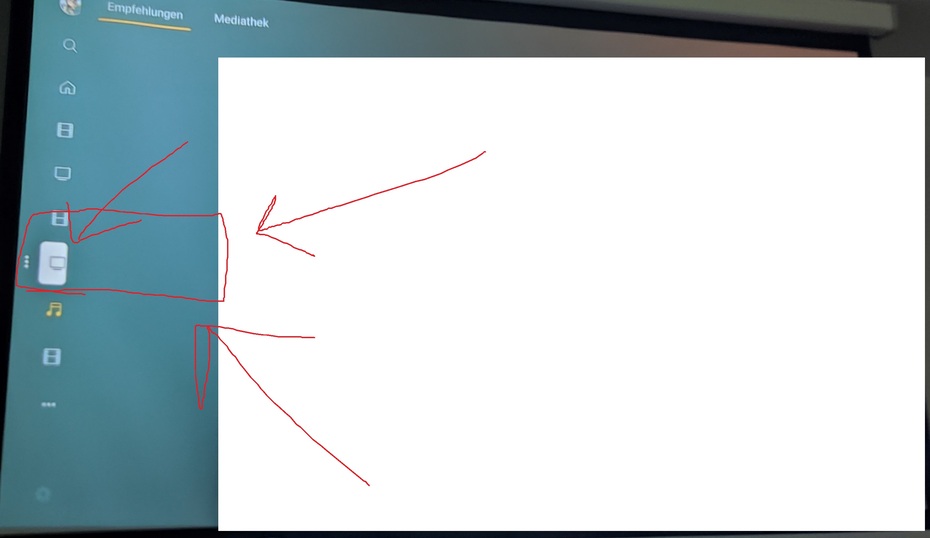
As of today, the left-side menu is showing half-clipped when collapsed. That is: when it’s collapsed (only icons, no labels), my avatar picture at the top, along with all the icons for all the libraries, are offset too much to the left, and only their right half is showing on screen (their left half is “outside” the screen).
As far as I can tell, when the menu is expanded (icons + labels, such as when you focus the menu to go to a different library), it’s showing up OK. The rounded corners of the selected menu entry are visible so nothing seems clipped.
Roku: Premiere+
Player Version#: 6.8.3.7132