hi,
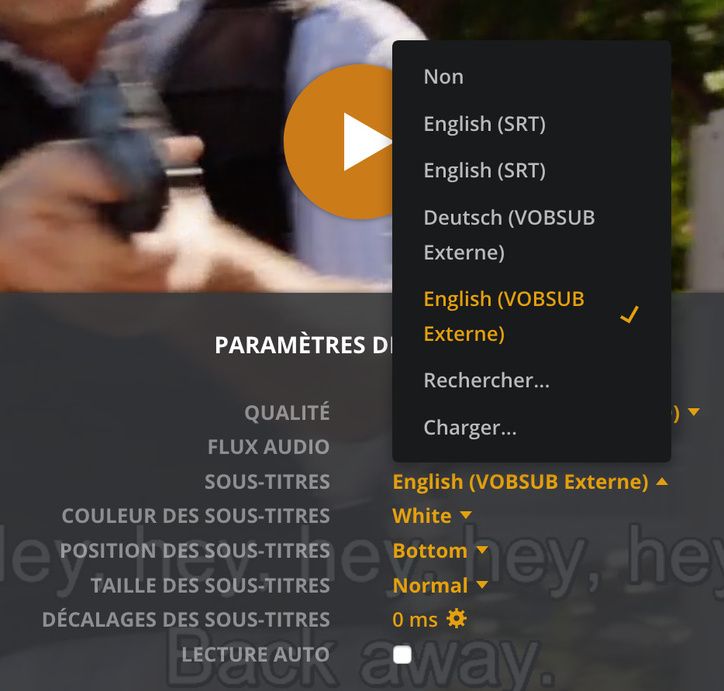
i find out then went i watch something with VOBSUB on my LG os of my tv the subtitles not working but if i watch it un my web browser of my laptop its working.
Server Version#: 1.19.1.2645
Player Version#:2.2.0
hi,
i find out then went i watch something with VOBSUB on my LG os of my tv the subtitles not working but if i watch it un my web browser of my laptop its working.
Server Version#: 1.19.1.2645
Player Version#:2.2.0
Can you provide the XML info?
it’s that ?
14045.txt (5.0 KB)
Yep, thanks.
It doesn’t seem like your VOBSUB’s are embedded into the file.
Are you trying to use external VOB’s?
Check here for more info
https://support.plex.tv/articles/200471133-adding-local-subtitles-to-your-media/#toc-1
yes my local media assets its enable and yes i use external job files on the same folders and same name then the video.
in my test went a continu the same files with my LG TV with the vob subtitles its not working.
so idk, its look like they are some thing wrong with reading process of the vob file in the LG OS.
fyi: its on more then one files on the season
unfortunately external vobsub will not work on all(most) players.
Supported Subtitle Formats

The following formats are fully supported either as embedded tracks or external subtitle files. Full support means they are compatible with all Plex Apps, including clients that require transcoded media.

    SRT (.srt)
    SMI (.smi)
    SSA (or ASS) (.ssa or .ass)
    WebVTT (.vtt)

Other formats such as VOBSUB, PGS, etc. may work on some Plex apps but not all. For almost all apps, both VOBSUB and PGS subtitles will require the video be transcoded to “burned in” the subtitles for streaming.
This topic was automatically closed 90 days after the last reply. New replies are no longer allowed.