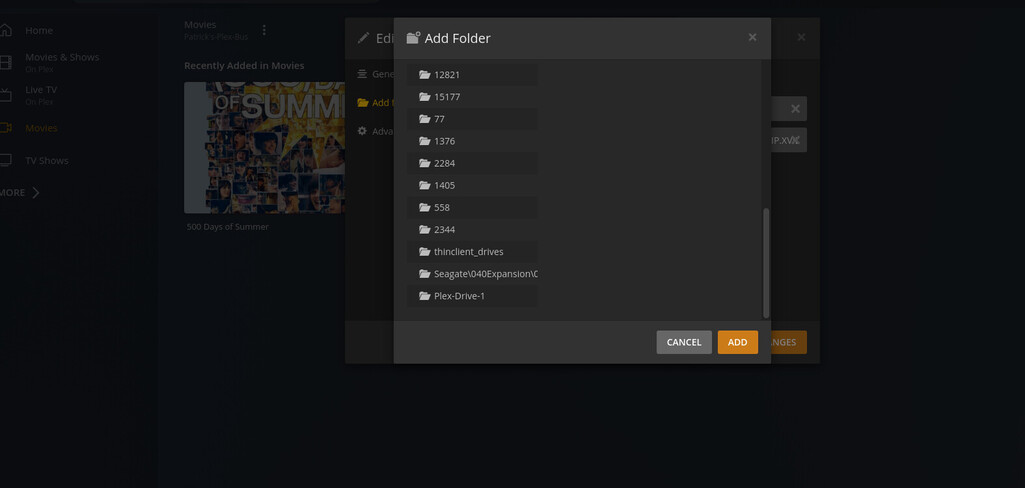
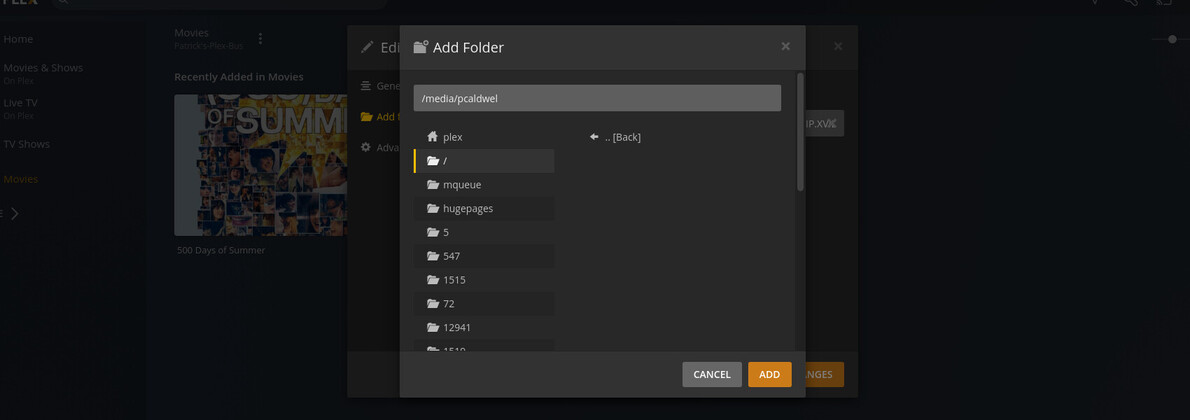
Server Version#:1 1.25.9.5673
Player Version#: Web
I am using Ubuntu 20.04.4 LTS
gnome version 3.36.8
windowing system x11
I have tried changing the groups for the two drives
total 20
drwxr-x—+ 4 root plex 4096 Apr 5 21:02 .
drwxr-xr-x 3 root root 4096 Feb 26 2021 ..
drwxrwxrwx+ 6 pcaldwel plex 4096 Jun 20 2021 Plex-Drive-1
drwxrwxrwx 1 pcaldwel pcaldwel 8192 Jul 24 2021 ‘Seagate Expansion Drive’
segate will not change to plex chown, chg group, setfacl, etc
on the local disk (os installed )
this is the a test and this movie is seen in plex
drwxrwxrwx 2 pcaldwel pcaldwel 4096 Mar 10 2019 ‘Toy story.avi’
I did sudo chown -R plex.plex /media/pcaldwel/
just as an option and now One drive (not usb) is seen
Still doesnt show in the UI but works if I give the abs.path
Sorry for the hiatus. I have 3 kids and a lot of house work ill bring up the fstab when i have a moment this afternoon. I was unable to do this in my own efforts so i might require assistance
 GNU nano 4.8                                                                            /etc/fstab
# /etc/fstab: static file system information.
#
# Use 'blkid' to print the universally unique identifier for a
# device; this may be used with UUID= as a more robust way to name devices
# that works even if disks are added and removed. See fstab(5).
#
# <file system> <mount point>   <type>  <options>       <dump>  <pass>
# / was on /dev/sda2 during installation
UUID=c66bc558-bdc2-44c4-ac37-d6e1431567fb /               ext4    errors=remount-ro 0       1
# /boot/efi was on /dev/sda1 during installation
UUID=AD30-F045  /boot/efi       vfat    umask=0077      0       1
/swapfile                                 none            swap    sw              0       0
I dont know how to get this to register the usb mount is the problem drive