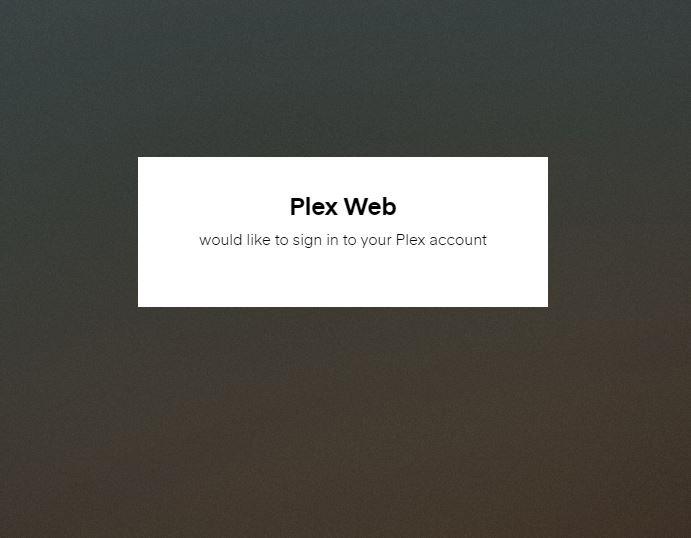
I have an issue with Google Chrome, when I try to login in PMS it doesn’t show me any of the options to login (Google, Facebook or Plex). I tried to reinstall the PMS, also I installed an older version and the problem persist.
When I use Microsoft Edge it works perfectly and the Plex Media Player also works well.
I am attaching a screenshot, to show you my issue.
Have similar issue… Plex requires me to login and Password every time I went to the local server. Windows Edge doesn’t require something and Chrome does something is wrong… (Especially now they are both technically Chrome.)
DuckDuckGo Extension I Manage Whitelist and add ‘Plex.TV’ and added to Antivirus extension… no joy.
— Later ----
So Chrome Cookie setting was my bane. Delete Cookies on close was set to Yes. Go figure…