I get this quite often, and only a few other posts on what could be wrong.
But when I try to log into plex.tv, the “Continue with Google” is greyed out.
The account was created using Google SSO, so can’t access without that.
Using Chrome and Edge browsers on W10 PC, same result.
Facebook and Email login button are fine, just Google unavailable, and not
I am actually accessing parent’s account to work on their plex (with Google SSO).
So luckily can get to forum on my email based account.
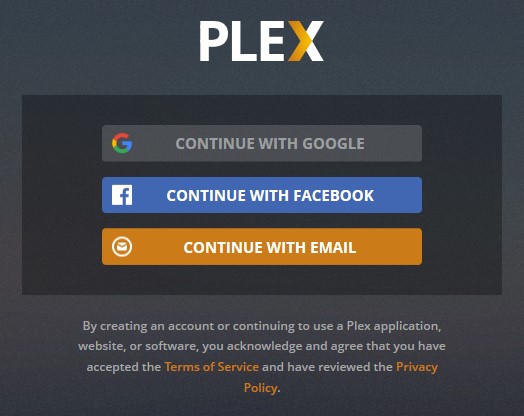
This issue only appears when using Google Chrome, and is persistent in Incognito Mode, meaning it’s not linked to Google’s SSO being automatically passed to Plex.
Only Plex would disbale Google sign-on in Google Chrome, so I guess the answer to your question is “■■■■ you”. You’re not allowed to know why, you’re not allowed to do it, you’ll be given no further information on the error (besides “no”) and you’ll stop asking questions about it.
I can’t stand this stupid trend of “Oopsie Whoopsie” error messages. Yes, something has gone wrong. I am aware of this, but since you don’t have customer support, I have to fix it, and to fix it I have to know what’s wrong.
I have an error right now where my Libraries aren’t loading. Is it a permissions issue? Has the library database not been built? Is my browser incompatible? Who knows, I sure don’t.
