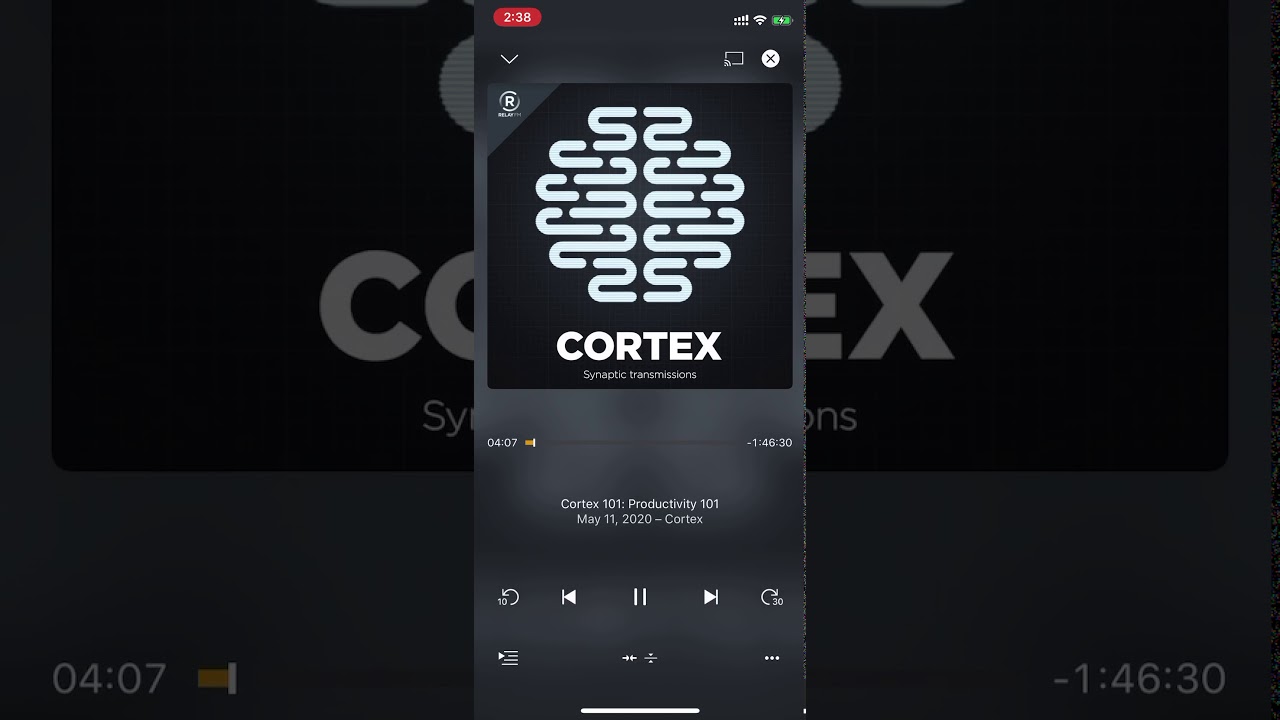
Due to my current podcast player not having limited cross platform functionality (Overcase, only iOS app, webapp for everything else) I’m exploring using Plex as my podcast player.
One of the things that I’ve noticed is that it is not intuitive or easy to see the show notes of the current podcast you are listening to.
On Overcast you swipe on the album art and you get to the show notes. In Plex you can’t get to the show notes from the “Now Playing” screen, you have to go to the show in your list of podcasts you’re subscribed to, open the podcast, then open the episode you are listening to to see the show notes. Is there a way to make it easier to see show notes?
Here’s a video of the difference: