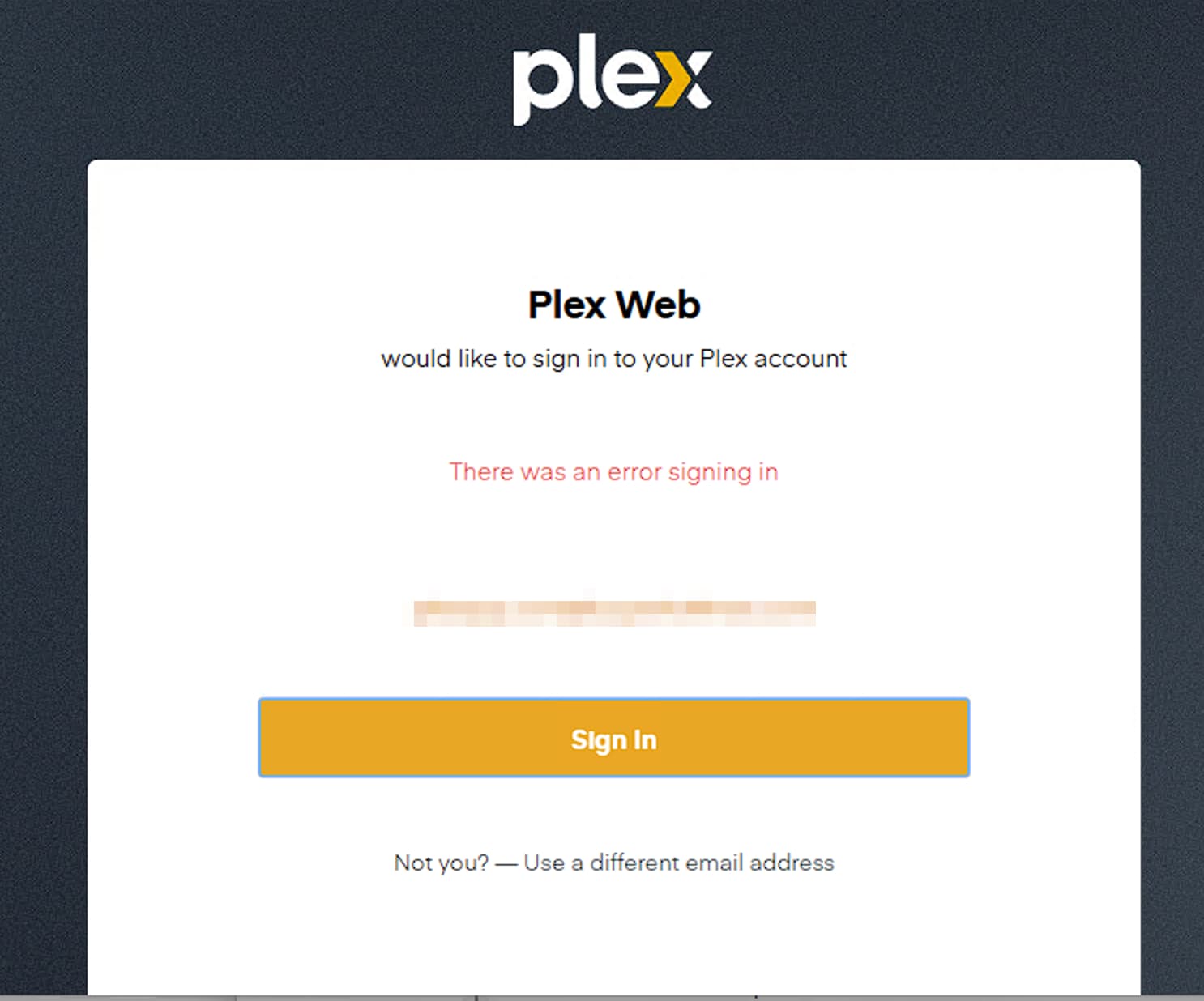
Server Version#: 1.42.2.10122
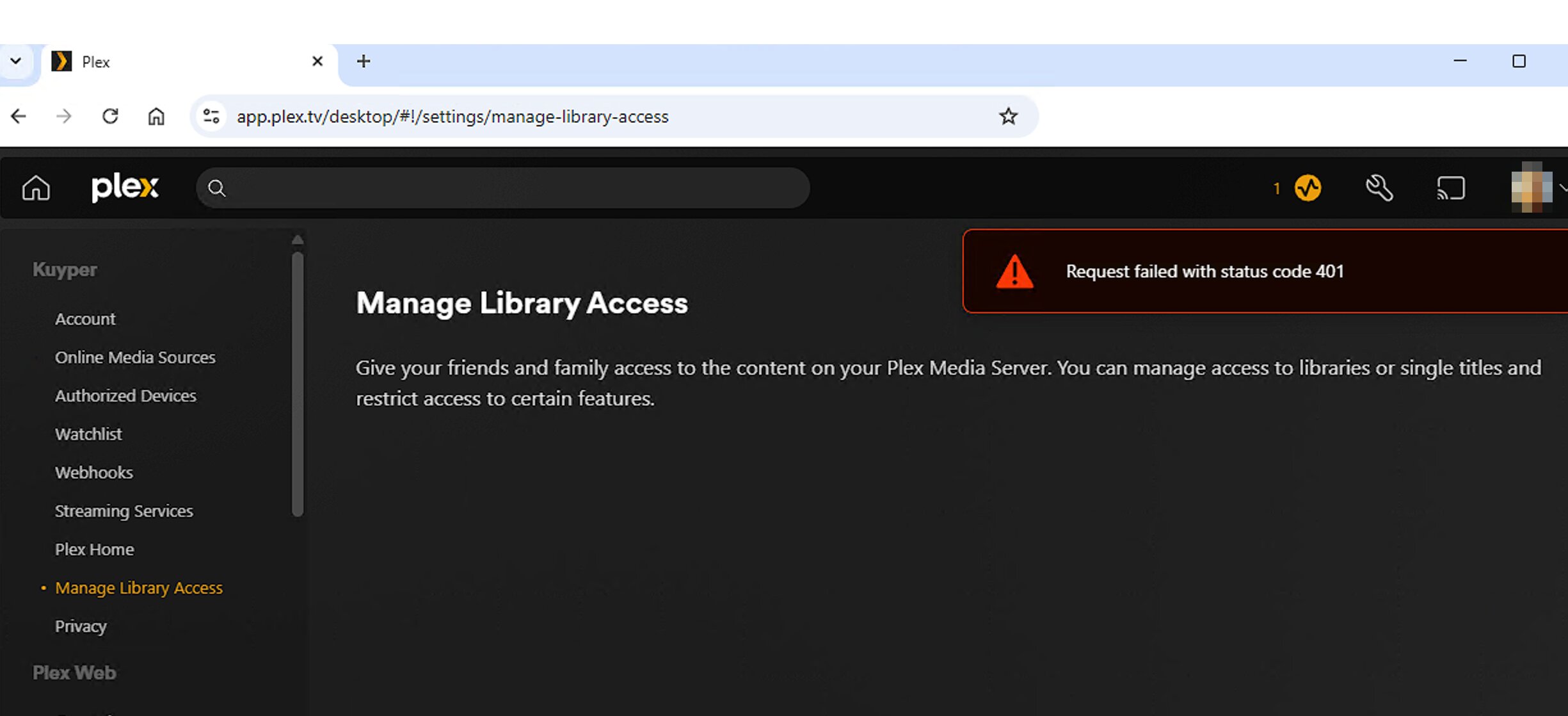
After the password debacle I logged out of all my devices, reset password, restarted the container, logged back in and claimed the server. I think everything is working just fine (logged back in on TVs, tablets and phones) except the Manage Library Access menu. It errors out with: “Request failed with status code 401”
Everything worked just fine before today. Anything I can do?
I’m suddenly having the same issue; the difference is, all was working fine after I reset my passwords (and reclaimed a fresh token, which was a critical step not documented in the initial instructions) - I was definitely able to Manage Library Access after that, as I had disabled access to any users who had access, until they confirmed that they had updated their passwords. Then, yesterday, I tried to enable one user who had previously disabled, and I got the same error. Here it is on a Windows 11 Chrome client interface:
I have restarted my server to no avail. Also, 2 different client Operating Systems. Everything else is working; media plays, I can access all other Settings options, etc.
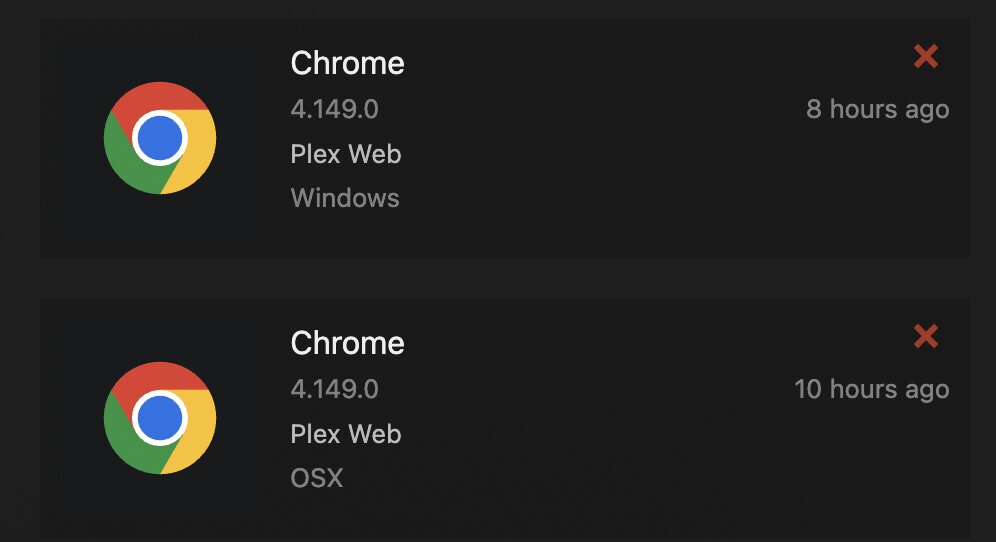
I should add, it’s not likely a server issue anyway, as I have 2 servers, and the Manage Library Access is not a server function; it’s an Account function, as one can grant access to multiple servers, so I don’t see how it’s related to a server version in any case, but included for completeness, as someone will ask , so for my Chrome clients, here are their versions (both 4.149.0):
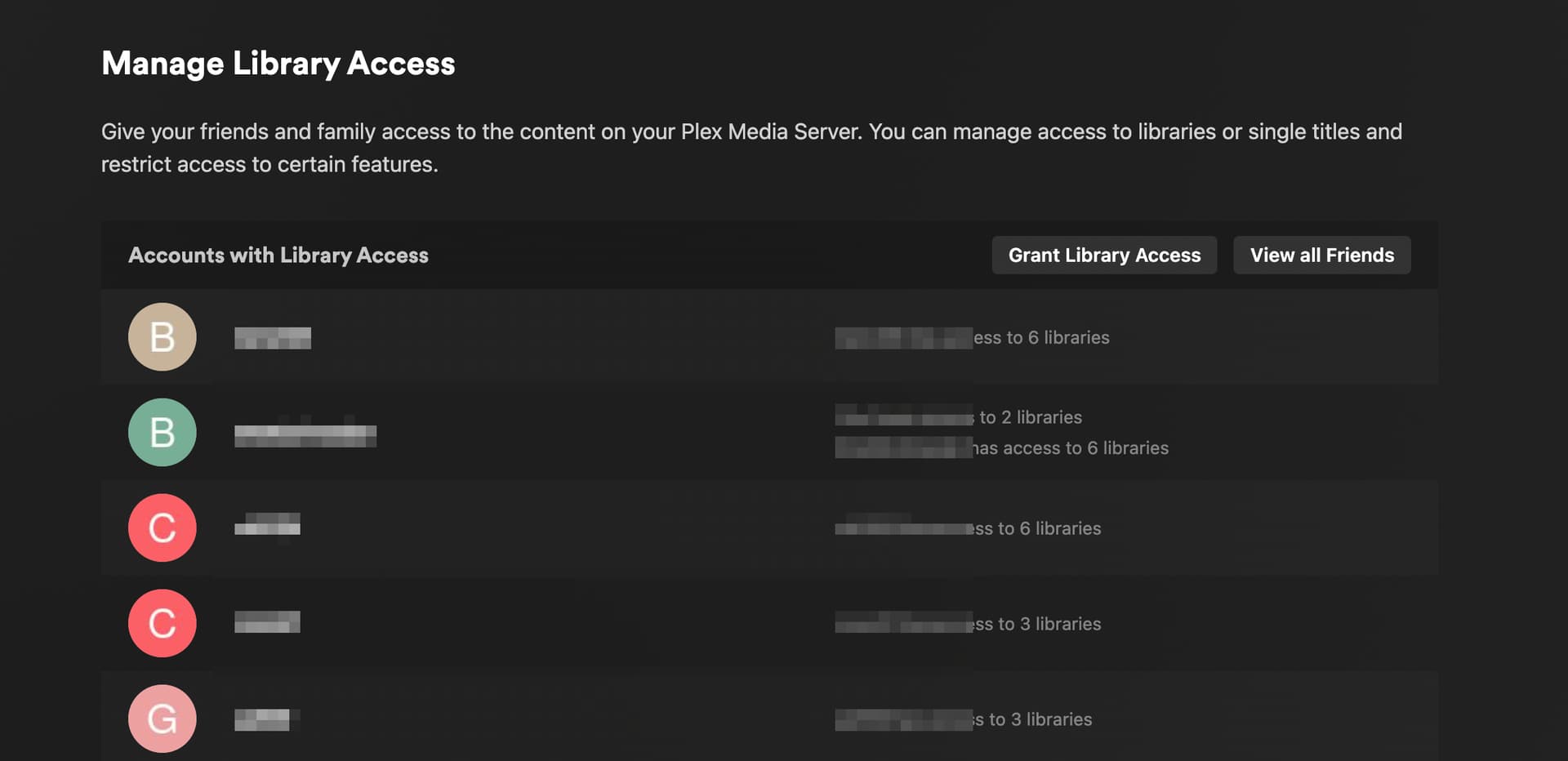
Well damn This always happens; write up a proper reply, show all your work, and then, bingo, you realize what it may be !! As soon as I convinced you (and myself) that it was a client problem, I thought, aha! Maybe it’s a Cookie problem. So I tried a not-previously used browser (Firefox) and I was able to access the Manage Library Access submenu again; On my original browser(s) I just had to clear the one “app.plex.tv” cookie:
I didn’t even had to clear the cookies, I had to restart my system because of and OS update and after that it worked. I guess essentially it was the same fix.

 , so for my Chrome clients, here are their versions (both 4.149.0):