Server Version#: 1.22.1.4275
Player Version#: Plex Web 4.54.5
Just a minor inconsistency I’ve noticed in Plex Web Player and the Windows 10 Plex application…
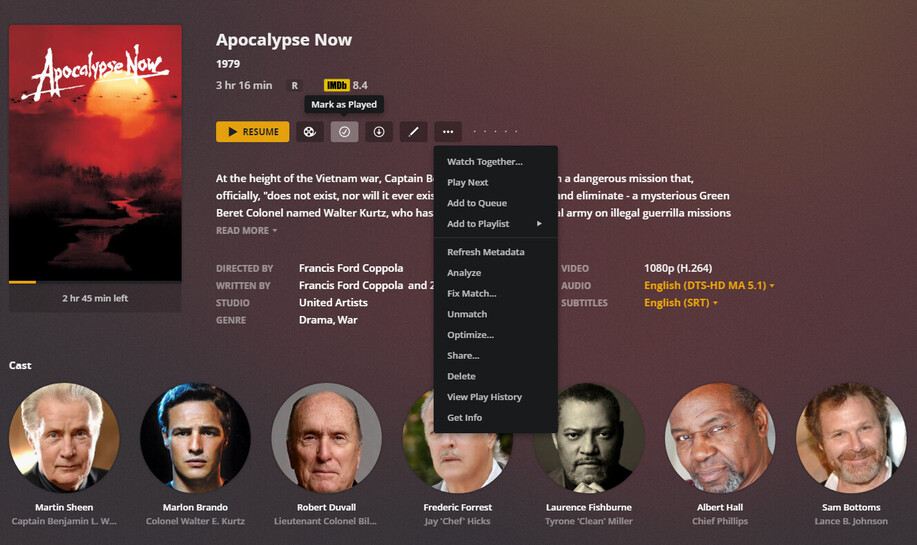
When I have a movie or episode I’ve sought through–just to see its quality or whether it transcodes or something like that–and then close it, Plex correctly saves its progress. Because I won’t actually have been watching it, though, I then go to reset its progress (Mark as Unplayed).
However, it appears to be impossible to do this with an in-progress item from the item’s splash page.
However, when viewing the item’s context menu when the item is displayed in the library, both options appear.

Rather awkwardly, I can only mark a previously played item as unplayed in one click when not viewing the item directly.
Speaking purely for myself, it would be neat to have both options on both screens. Thanks!
