Hello,
After latest update I can’t play anything on Mi Box S client.
After hitting play the screen goes dark and keeps on waiting to play but never starts or not even displays an error message. At one point I could make it run by disabling the Auto Refresh Rate function in the client’s settings but after a while, it goes back to black screen. Not playing anything.
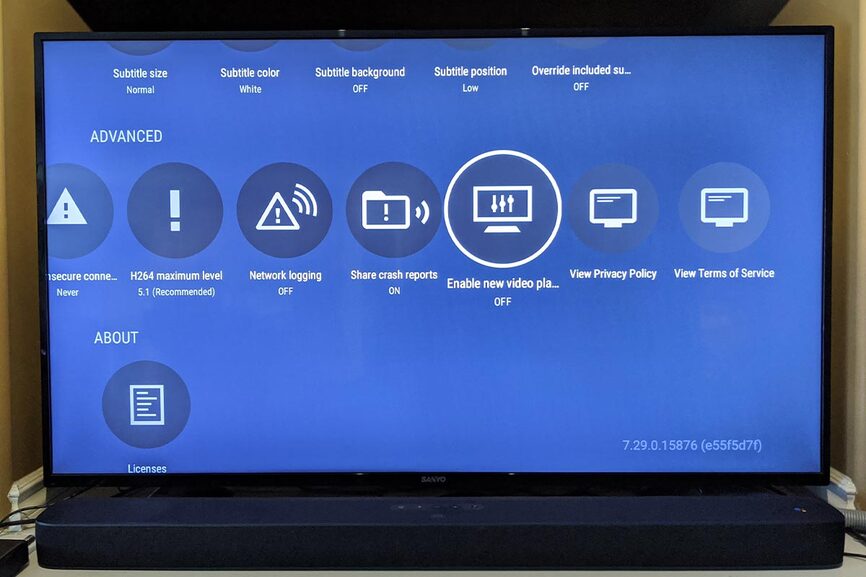
I enabled and disabled the new player, changed from 2.4 to 5.0 wifi but nothing worked.
This used to play flawlessly 2 days ago.
Im attaching logs.
Help will be really appreciated. Thanks!
Server Version#: Version 1.19.1.2630 (Nvidia Shield)
Player Version#: 7.31.0.16802 (00d577ff)
Mi Box Client Log.txt (1.2 MB) Plex Media Server Logs_2020-04-21_00-53-12.zip (5.0 MB)