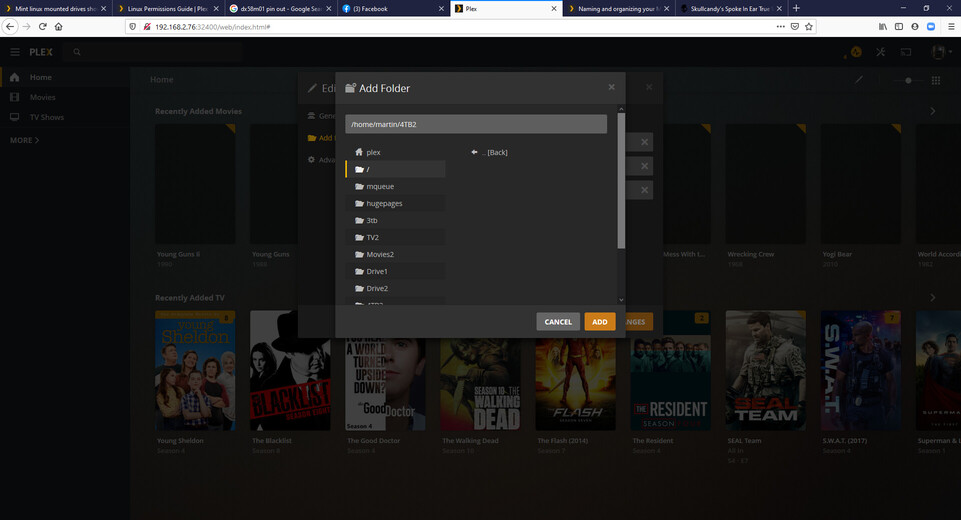
Server Version#: Version 1.22.0.4157
Player Version#:
OK I have 5 drives mount all ext4 on a minut linux 20 system.
I have 4x 4TB drives all mounted to /home/$user/Local/4TB1…4TB2… 4TB3… and 4TB4
I also have a 3TB dive mount at /home/$user/Local/3TB
In 4TB1 and 3 I can add the content no problem, in the 3TB I can add the content no problem. In 4TB2 and 4TB4 the drives are mount, I can see the content in caja, I can play the content with VLC, but Plex Media Server cannot see anything in the mount at all. It see’s the mount, but is displaying it as empty. I am not new to Plex Media Server as i have been running one for approx 5 years.
Would anyone know why this would be happening?