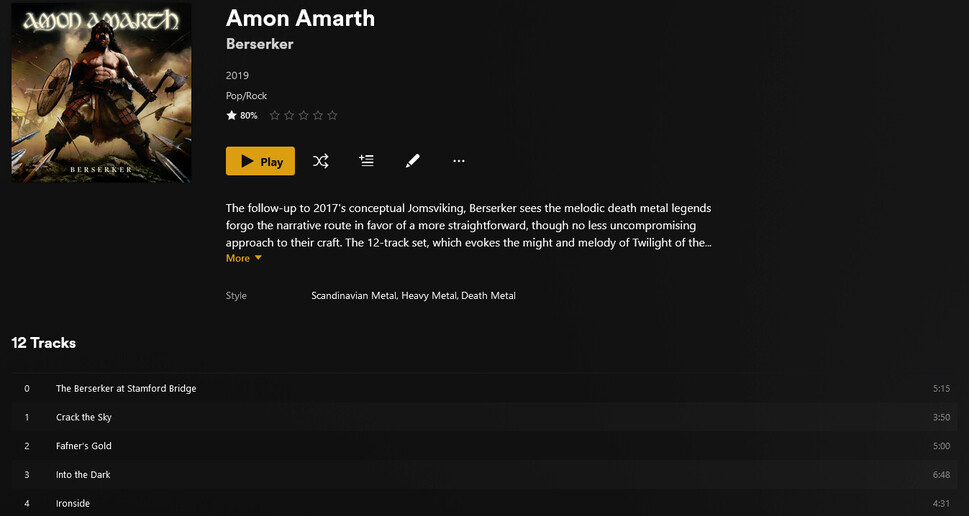
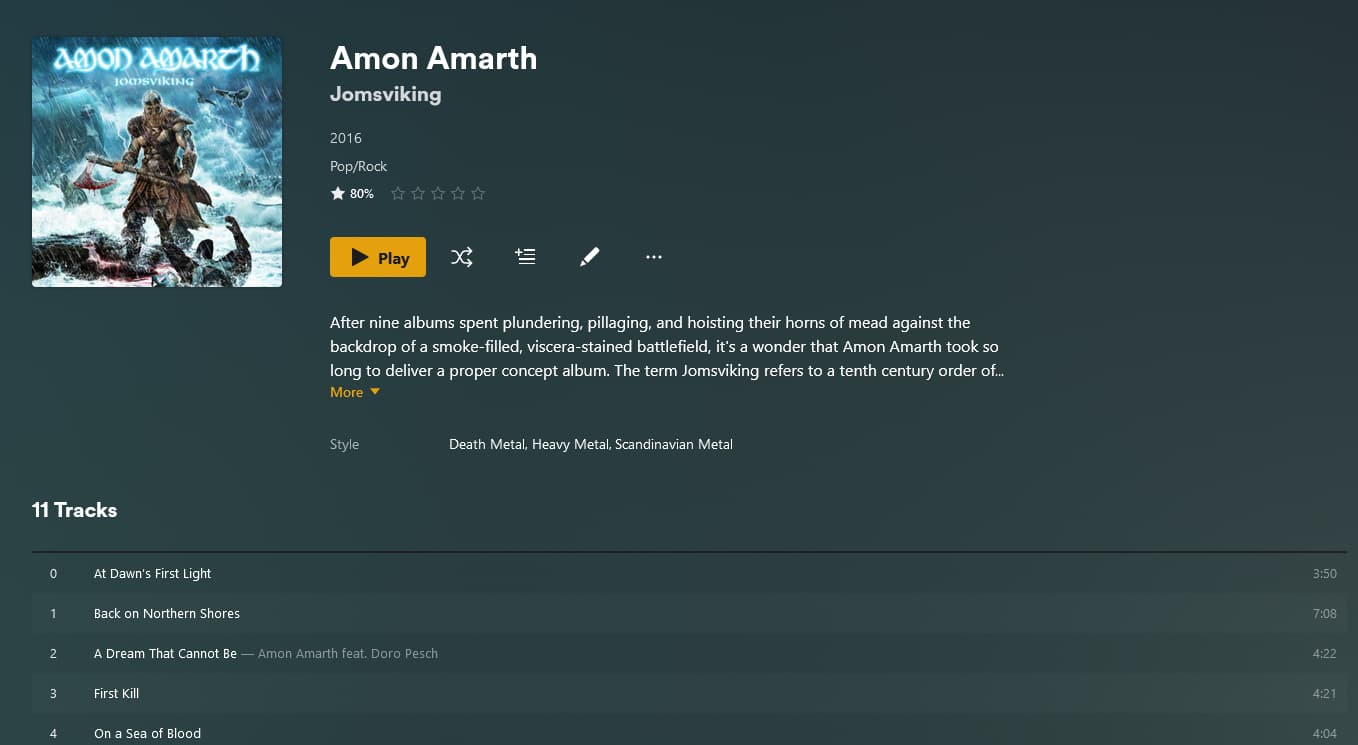
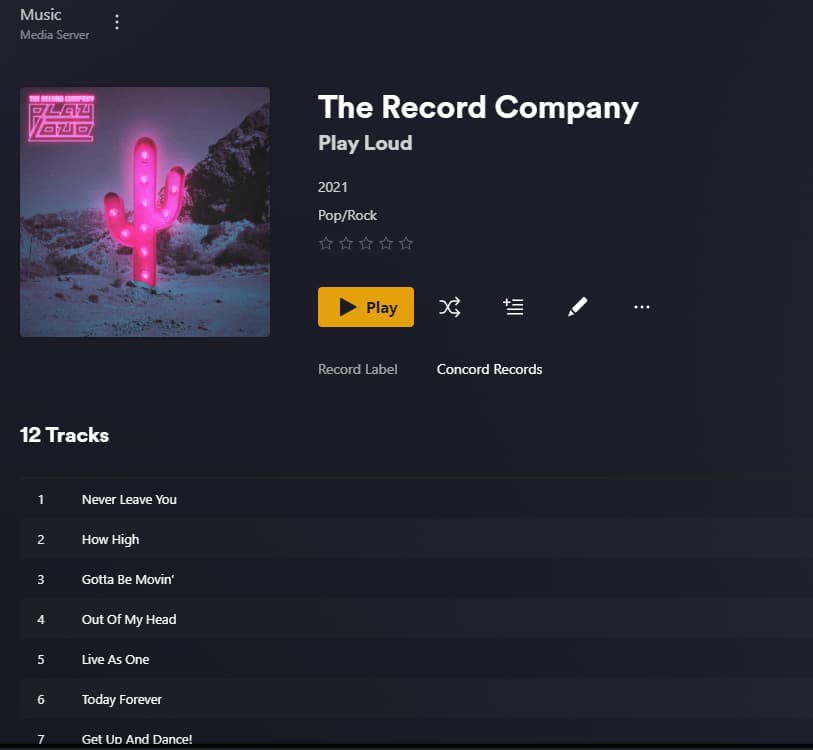
I’ve just noticed in my server that most of my music files are not loading into plex server properly anymore. Most albums are showing up with a 0 track and are all out of order.
Are the track numbers contained within your files as embedded metadata?
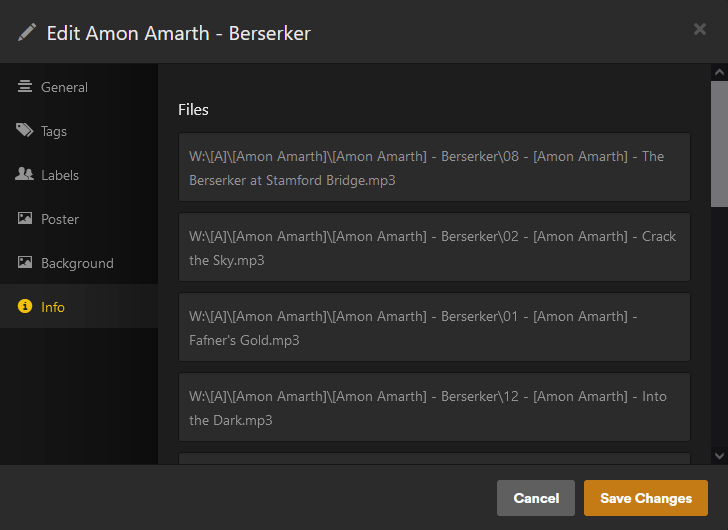
Why is the Artist name enclosed in square brackets? Square brackets are often used to tell Plex to ignore information between them. There might be a case to use them in the album folder name, but not in the artist folder name.
“Index letter” subfolders are often problematic, unless you add each index letter to your Plex library individually.
Do you happen to have created large smart collections, with lots and lots of items in them?
Are the track numbers contained within your files as embedded metadata?
Yes:
Why is the Artist name enclosed in square brackets? Square brackets are often used to tell Plex to ignore information between them. There might be a case to use them in the album folder name, but not in the artist folder name.
it’s was how my old library was named back when we had to burn CD’s so they would read properly on car stereos. There’s no need for it, other than that’s how the library was back 20 years ago.
“Index letter” subfolders are often problematic, unless you add each index letter to your Plex library individually.
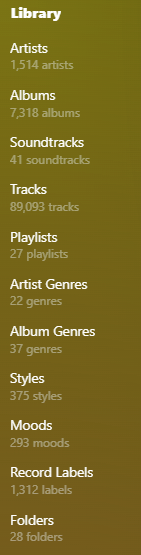
I have just the “master” folder listed for music, with the index letters. there are over 1500 artists, so I thought it was easier to break them down into folders. I can take them out if necessary. Question though, with artists name like Garth Brooks, I’ve sorted them as “Brooks, Garth”. Will that make a difference?
Do you happen to have created large smart collections, with lots and lots of items in them?
I am not using smart collections for my music library.
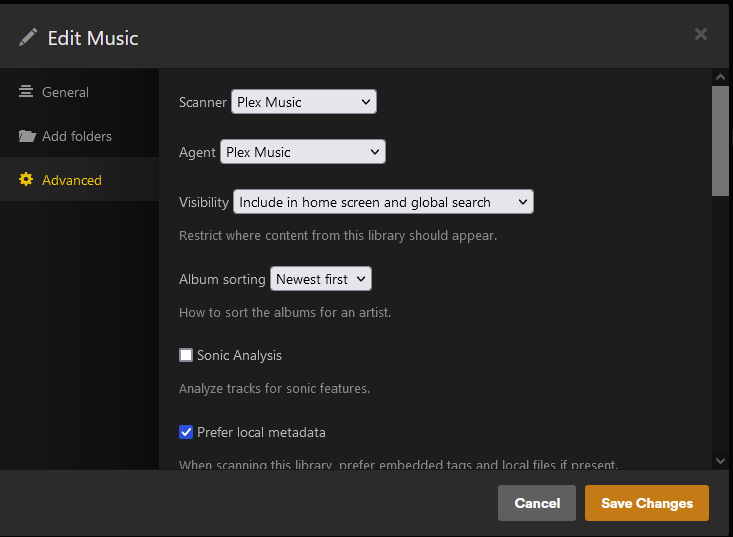
Which metadata agent has been selected in the properties of your music library?
If there is a check box titled “Prefer local metadata”, is it ticked or not? (Don’t change it yet!)
I see the Album Artist meta tag is empty. This tag is very important in Plex. Fill it with the Artist that takes credit for the whole album.
All tracks of a certain album must use the same content in their AlbumArtist tags.
Depends on whether this is only the case in the artist folder or also in the embedded meta tags. It shouldn’t make much of a difference if it’s just the former.
As I mentioned, this can be problematic. 1,500 subfolders is not really an issue. It would be different if we’re talking about 1,500 files within a folder, but that is not the case here. I’d say get rid of those index letter folders.
Also problematic is that your Plex library root folder is also the root folder of a Windows drive. You should avoid pointing Plex to “naked” drive letters. Always point it to a folder, which in this case could be W:\Music, for instance.
Use a meta tag software, like e.g. mp3tag the contents of your meta tags a little bit closer. See if your files actually have more than one set of tags.
The same software can also be used to make your file names and folder structure better suitable to Plex. It can create meta tags from file or folder names, or move and rename files based on their meta tags.
mp3tag will make it easy to make the library Plex-compliant.
If you don’t follow Plex’s music organization rules, then bad things will probably happen. There’s no way around it, you just gotta do what Plex wants.
As I mentioned, this can be problematic. 1,500 subfolders is not really an issue. It would be different if we’re talking about 1,500 files within a folder, but that is not the case here. I’d say get rid of those index letter folders.
Also problematic is that your Plex library root folder is also the root folder of a Windows drive. You should avoid pointing Plex to “naked” drive letters. Always point it to a folder, which in this case could be W:\Music, for instance.
I will be doing a full re-build of my plex server & SAN next year. It’s running on an old Quadcore processor right now with a WDmycloud for storage. All very antiquated. When I do the re-build, I will change the folder structure as mentioned.
I see the Album Artist meta tag is empty. This tag is very important in Plex. Fill it with the Artist that takes credit for the whole album.
When I do my re-build, i will certainly make sure to fix the album artist tags.
I went back into MP3Tag and added “album artist”. Refreshed the metadata, which “fixed” the issue. Now 10 days later it’s back to the original issue. I’m only using this 1 artist as a reference, but it is my entire library.
If anyone needs to see logs…let me know. Not sure how to do it or what I need to enable.
It’s just weird because I’ve had plex running for years and it’s always been great, until i noticed this about 6-8 months ago. I just kept going in an updating the metadata, which “fixes” it…then about a week later back to this.
Do you happen to have created one or several larger collections for music?
I’d try removing them (if they’re easily recreateable, like it is with smart collections) and then observe the issue for a few days.
I’m back again. I took an entire section of music, all my artists that start with numbers & the "a"s. Ran all the albums through Picard, re-named all the files/folders, meta refresh. all was looking well…then back to them all being messed up again.
Even when i’m driving using plexamp/carplay(streaming direct from the server), if I leave it on the “home” screen and see the latest albums, i can see it constantly flashing, as though something is happening on the back end.
starting to think I have a corrupt server or something.
I’m seeing this same behavior as well, the first thing I usually notice is that in PlexAmp the track name will not show. When I check in Plex albums will have a track 0 and might not be in the right order
Be great to know what is going on as I’m having to constantly do metadata updates to keep things in check. I can’t recall when it started happening as it has been quite a while, but I finally thought I would do a search and hit this thread.