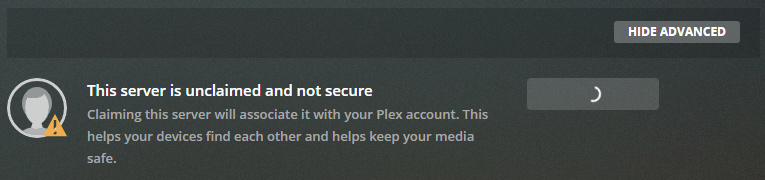
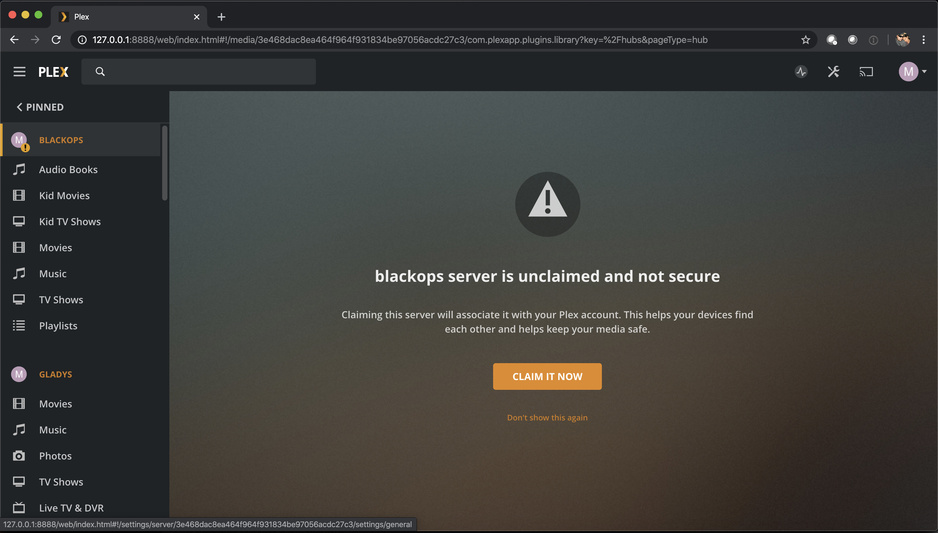
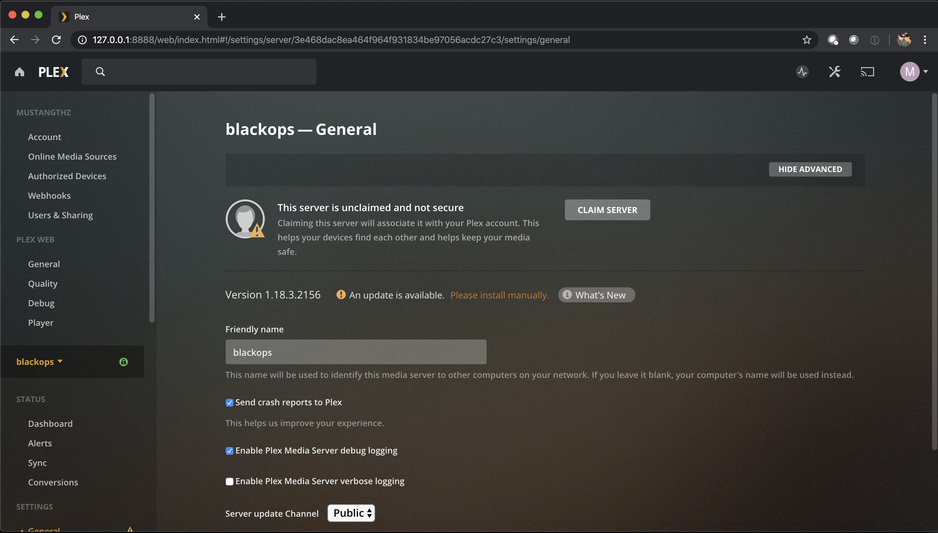
Every time I click the claim button, it loads for not even a second and says claim again.
I’m using a Ubuntu Server VM on my Dell Poweredge R710 to host Plex Media Server but it will not let me claim it. I have seen other people’s forum posts however, their solutions are not my solutions. I tried changing my DNS, I tried making a new VM and retrying, I tried changing the static IP to another IP, and logging out and back in when at the web portal. (10.0.0.X:32400/web)
Edit 3/26/2020
Found this error in the server log, any ideas?
I believe that the issue is strictly with connectivity however my netstat is configured correctly.
1 Like
Having the same problem. The server shows up in my authorize devices, but doesn’t show up in my drop down and will not let me claim it. I’ve purged the User/email/token. Connect to 127.0.0.1:32400/web.
@dylan01moore_gmail_com
Please look at the output printed.
Network is unreachable
PMS must be able to reach the internet and talk to Plex.tv in order to be claimed.
The server has internet connectivity and is globally reachable.
@mustangthz
May I have your log files (tar.gz) please?
That’s the quickest way to see what’s happening.
ChuckPa. I can’t reach 96.27.172.202 from anywhere.
Unfortunately, this is impossible to debug this way. You turned off DEBUG (probably thinking it would save space. It doesn’t. Log buffer size is fixed at 50 MB)
You’ll need to perform a little command line work.
- Stop Plex
- Edit
Preferences.xml
- Right before the closing
/>, you need to add logDebug="1" (preceding space)
- Save
- Make certain still owned by
plex
- Start
When you do collect the logs again, tar cfz /tmp/PlexLogs.tar ./Logs will grab the entire Logs directory (about 3 MB when zipped)
@mustangthz
Thanks for the logs, I can see much better now.
I see the roku trying to play. I’m also seeing others trying to play.
What I’m also seeing is are a great number of timeouts.
The most troublesome thing I’m missing is the list of your ethernet adapters.
They are completely missing.
What can you tell me about the network topology here?
Also, given the number of refusals (timeouts) for things which appear to be on your LAN, I think your modem/router has DNS Rebinding Protection active and prohibiting PMS and LAN devices from communicating.
Backing up. (I apologize as it’s been busy today).
You can’t claim a server which is remote without using SSH tunnel to get to it.
You must be on the same subnet or the loopback (127.0.0.1) adapter do claim it.
This is Plex’s security protecting your server and your media.
Scroll down to On a Different Network (remote / WAN IP qualifies as ‘different’)
Chuck,
I’m connected via ssh and connecting to 127.0.0.1:32400
As far as the topology, this server is connected to a GigE switch in a datacenter. No modems involved. here.
Also, there’s nothing local to the LAN here. Those logs have to be coming in from a Plex server.
I can’t connect to the server it’s trying to connect to from my house on Comcast, from my friends house on Charter, or from another datacenter. I’m not sure this is a me thing. https://96-27-172-202.aaa78bb51fae4190aab0ddf94d06affe.plex.direct:27075
that’s the modem/router blocking
If you’re using SSH-tunnel to the server, that won’t happen.
Chuck, I’m using an SSH tunnel to connect to the server after I clear the username, email, and token. The server is not letting me claim it.
I provided you pictures of me using the ssh tunnel to connect to the server and attempt to claim it. It gets my username, email, and a token…but doesn’t let me gain ownership.