Hello, I can’t connect to my brand new Shield TV Pro. I’ve emptied the caches, reinstalled both Plex and Plex Media Server, disabled IPv6, enabled IPv6, …
My Shield is updated to 9.0.1
I can only connect by typing http://local LAN IP address:32400/web.
I then disabled the secure connections. My phone Plex app can now connect, but laptop still can’t connect outside of the http-IP address manner. Someone on Reddit suggested I ask for a certificate reset.
Server Version#: 1.25.3.5575 (smb) com.plexapp.mediaserver.smb
Player Version#: 8.29.1.30697 com.plexapp.android (on the Shield)
Player Version#: web version on laptop
Hello, i am having the same issue with my new Shield. Upgraded to 9.0.1+Hotfix this morning (2/23/22) and now getting message “app.plex.tv is unable to connect to “SHIELD Android TV” securely” from https://app.plex.tv and am unable to re-create/manage libraries. Uninstalled Plex and installed Plex version PlexMediaServer-1.25.3.5410-f11334058-4100-f1133405-shield-arm64v8-samba-release.apk without success. Can you help? Thanks
@dane22 Can you reset my cert as well. Haven’t been able to connect for months. Was just about to sell my shield when I stumbled across this thread. Hoping it can help get me back up and running.
Just did a factory reset and updated to the current latest public version.
Can you just remove them all but the Android TV? They’re almost all just duplicates of the Android TV Shield device. Or remove them all and I’ll start fresh?
I could, but is always careful when deleting peoples server, and would like you to do it yourself if possible. Simply use the link I gave you, and delete the servers one by one
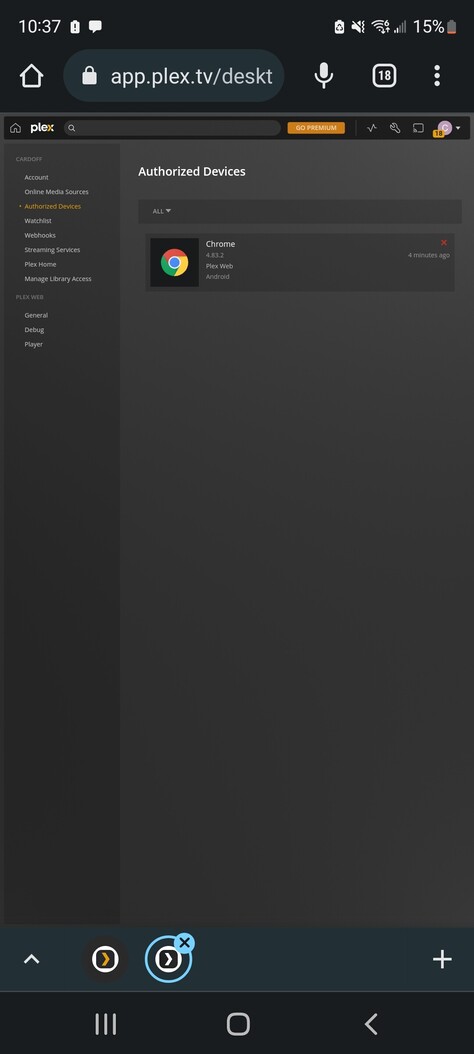
It only showed me one server. When I selected “All” it showed me some other devices, but still only the one server. I deleted them all. If there’s anything left, I cannot see it so cannot delete it. So please delete if you see anything else.
Not sure if it’ll show, but here’s a screen shot that shows “All” and the only device left is this one on the chrome browser, which I cannot delete for obvious reasons.