Server Version#: 1.19.2.2737
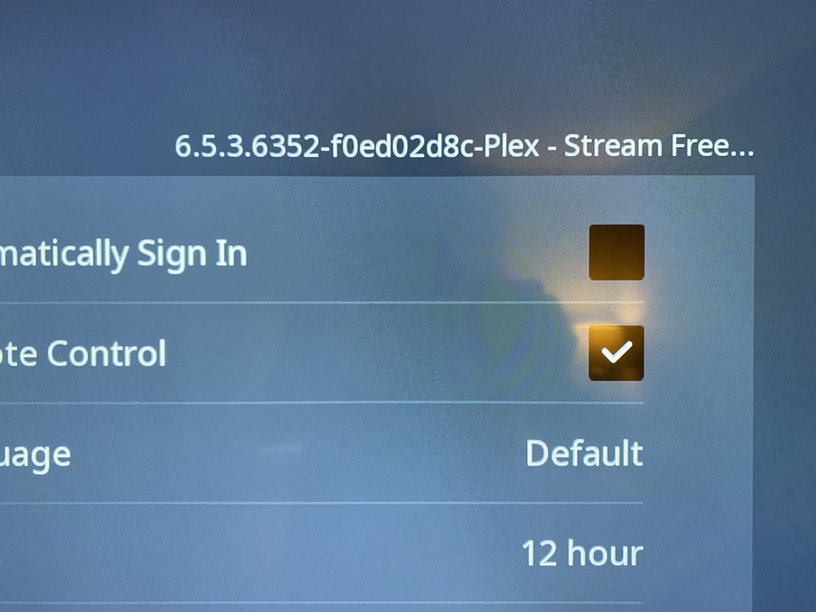
Player Version#: 6.5.3.6352-f0ed02d8c
I can not get my .aac audio library to play through any of my 4 Sharp Roku TVs. They play in my Land Rover, iPad, iPhone and even through the Web interface.
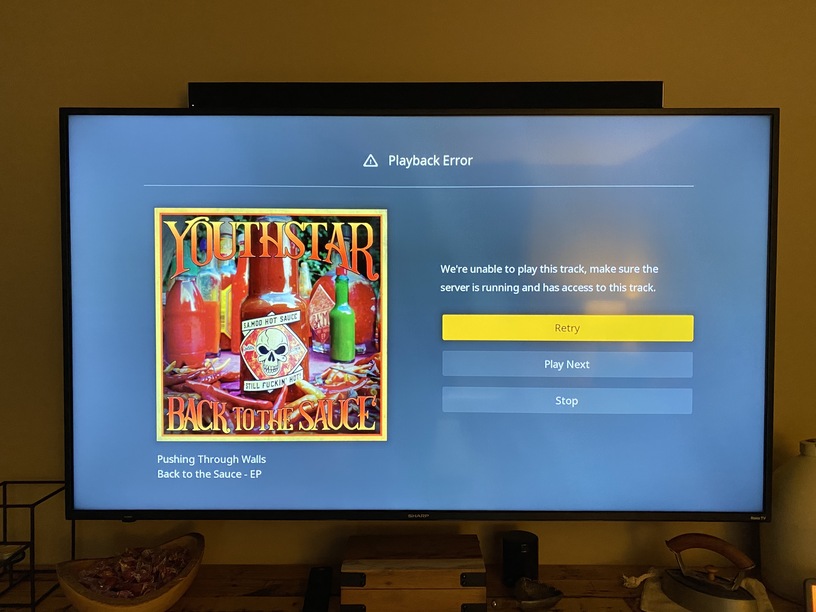
When I attempt on Roku it says"We’re unable to play this track, make sure the server is running and has access to this track."
I have tried every track. These are .aac and not .m4a, because that is what my Land Rover supports through USB.
What? Please read. This is my music library, not an MKV or Dolby 5.1 or AAC 5.1 in any container file, MKV or otherwise. These are straight up CD rips to .aac Stereo for my car at 192Kbps.
Please continue to review the logs. The data was moved to /PlexContent from /Plex after I read the warnings. Which I did read and followed as the logs should show.
Make note of the time stamp? I did, that is 7 days ago. I was told on May 4th to reproduce the error, multiple times and send logs. That is what I did.
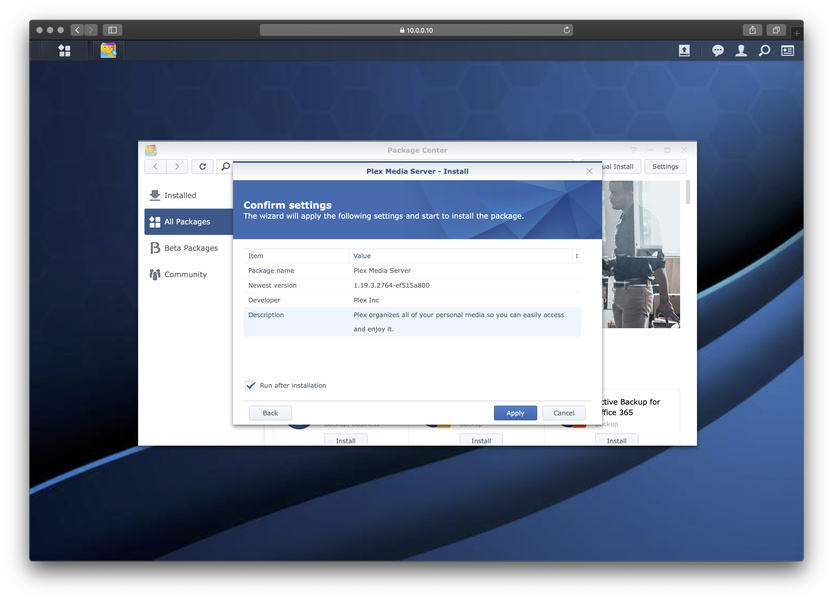
The files where located in /Plex when Plex Server was installed within a Docker container under /Docker/Plex. The Docker version of Plex crashed and since I have zero experience with Docker I removed it and installed Plex server through the Synology Package Manager. It installed into my existing /Plex directory with my content. After install I moved the /Movies /TV and /Music to /Plex content.
What I requested was a look at the logs for the actual date in question, so I am unclear what your attitude is all about?
I didn’t create anything other than the original post. Some else, I assumed a moderator, has been moving and deleting posts. I only know how to hit reply.
The original answer was a rant about Dolby Audio and that I should deal with it! That message has been deleted… I have no knowledge of how to do that, nor do I need it.
I just asked what I thought was a simple question and was eventually asked to post logs as I did. Then a response on logs, having nothing to do with the .aac audio files was posted… look if you guys can’t help… then don’t.
I don’t need Music in Plex. I already have the files for my Rover and they are all .aac so I thought the Plex specs read that it supported .aac and it does not through Roku, and Roku only. Any iOS or MacOS works and Roku has all meta data, just wont play on Roku.
I have 20 movies in Plex and 10 TV series. I have over 2000 with Movies with Movies Anywhere and 60 TV series, no love loss if it doesn’t work. I thought it was a simple configuration file or codec install.
I am removing all Plex related files from the NAS, including accounts. I am moving all files to the directory structure configured by the built in DS Video server /video /tv /music /photo and will install a fresh copy of Plex Server for NAS.
I have installed the latest version, cleanly, and have my files sorted properly for Plex Media Server. It is still building the Movie and TV Libraries, but has finished the Music Library.
I opened my freshly installed Roku Plex App on my Sharp Roku TV and it still will not play .aac audio files from my Music Library. I do not get any error code other the “Playback Error” and “We’re unable to play this track, make sure the server is running and has access to the track.” which it does. Plex account has read only access to /Video /TV /Music and /Photo. My video files, Movies and TV are all M4V files with 160Kbps aac audio tracks and those play without issue.
It is only CD rips to .aac that will not play. I re-encoded a couple tracks to m4a and they would not play either, only mp3.
Is there a transcoding configuration I am missing or does Plex simply not handle .aac in the Roku app? As I said before on iPad, iPhone, MacBook Pro (Safari) the .aac files will play.
I can not use FLAC because my Land Rover media system will not recognize it, nor will about a million other devices. Also, FYI .aac is a proper file extension…
LifeWire:
A file with the AAC file extension is a MPEG-2 Advanced Audio Coding file . It’s similar to the MP3 audio format but includes some performance improvements. Apple’s iTunes and iTunes Store use Advanced Audio Coding as their default encoding method for music files .
Jan 17, 2020
I do not use MP3 because the load time on the media system for the LandRover is twice as long as AAC when reading from a USB.
I un-installed and rebooted the Synology DS918+ and re-installed Plex Media Server after creating /Plex TV, /Plex Movie, /Plex Music and /Plex Photo outside of the /Plex directory and provided the Plex user read only privileges to each directory.
I was unaware of the DS system using directories I had created manually, without the DS media servers being installed.
The file extension you so blatantly said “is not a proper file extension” works perfectly now. Thanks for all the undo condescension.