Server Version#: 1.41.6.9685
Player Version#: 2024.14.0 (1037)
Running Plex Server as a Docker Container on Ubuntu Server. Recently set up a new server. All my clients connected to the old instance OK. Ever since I set up the new server all clients are showing No Content. However, when I go into the Web App I see all my content.
need more details as to your port settings. So you’re running two PMS instances on the same machine right? When you go to the web app, how do you know which instance you’re connecting to?
I’m guessing that you’re just confusing the two instances. Plex only listens to port 32400 on the local machine or inside docker, so you have to handle that manually.
sorry, I wasn‘t clear about that. I‘m only running 1 PMS instance. Recently moved it to a new machine. When I had the old machine running, all my local clients had access to my library (haven‘t shared it outside my local network yet).
In the meantime I set up remote access with port forwarding. Now I see my library in Infuse but iOS and iPad App still does not show any content.
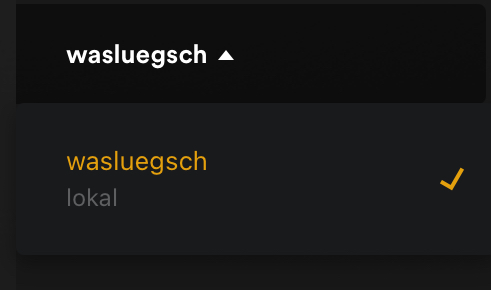
Okay check on your account if there are two servers. You have to remove the old server if it’s still there. I’m thinking your iOS apps are selecting the old server.
It’s hard for me to know because I can’t see the iOS screen. There’s no error on your iOS apps? It just shows an empty library? Can you even see your libraries?
Port forwarding works but both my iPhone and iPad are on the same local network as the server.
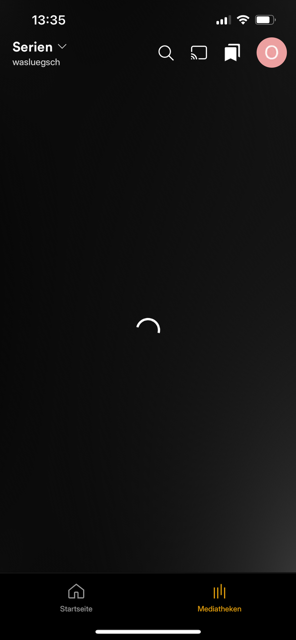
The apps are showing my 2 libraries but once I click one of them it‘s just a loading screen