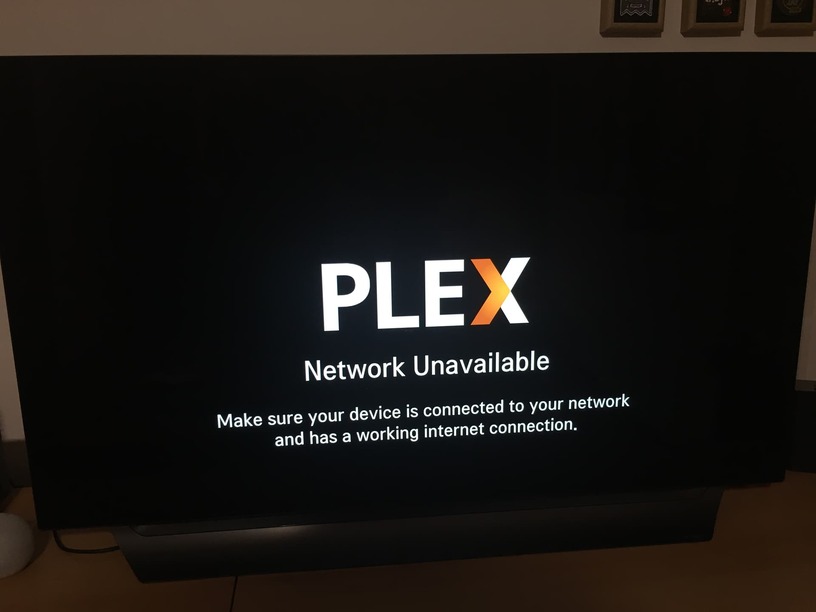
I’m having serious problems with my Internet at home; the phone company is doing some works and I’m often offline. I’d like to be able to watch my NAS library but it seems that, if I’m not online, nothing works.
Of course there’s not point sharing my phone connection with the TV, as it can go online but then it’s no more on my NAS network and can’t find the libraries.
Is there a solution for this problem? It doesn’t seems a smart idea to me to have to connect online just to watch my offline movies.
There’s a lengthy thread discussing how to prepare for situations where you end up with no internet. Keep in mind this will only work for devices where the app is actually installed on your device / streaming box / … – some smart tv’s load their apps from the internet whenever you start them.
Thanks for your punctual answers Tom, so I guess that using my LG tv app, it should need internet to load the app itself, so the answer is not.
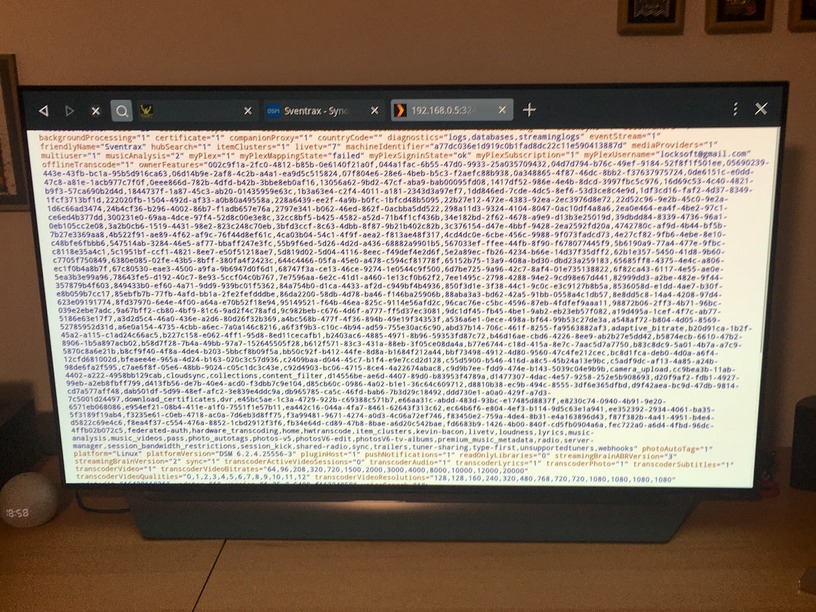
I’ll try to see if any other home device (like Xbox or PlayStation) could do a better job, but it would be nice being able to connect directly to NAS via the TV browser (hmmm… didn’t think about that, I’m going to give it a try).
You are both right, with the /web extension it works. I didn’t know I had to add it because on Mac was enough the IP and the port.
So I think I’ve got the solution, as an emergency procedure it’s more than acceptable.
Thanks guys.
P.S. as an update about the other Plex clients, the PS4 ones requires an internet connection to start (despite the fact it installs 200 Mb of app). The Xbox one starts but then it can’t connect to the server.
So I’ve had this issue not an issue with XBOX One, PS4, Chromecast With Google TV, & Amazon FireStick.
But you have to set it up.
Also, you cannot change profiles without internet.
In each app you must have [Allow Insecure Connections] set to “On Same Network”
For the Chromecast that was it, I think the Firestick may have been too.
On the XBOX & PS4 I believe there was a setting to “Manually Connect” to a host where you put the IP of your server. Again this requires the [Allow Insecure Connections] to be on as well.
It’s been awhile since I’ve used the game consoles & I don’t have them connected currently, but if you run into problems with the steps I mentioned let me know & I’ll dig them out & figure out what I missed