The latest forum info I could find was from 2018 & it said that the Playlist option was removed from the Roku UI. Is that still the case, or am I doing something wrong? It’s a great feature to watch in the correct order for movie collections like the Marvel Cinematic Universe, DC Extended Univers, Star Wars etc.
If it hasn’t been re-introduced, is there a section to recommend this as a feature update?
I tried, but I couldn’t find it again. It was a post from a Plex Employee. I’m paraphrasing, but it said something like; “The Roku App was having major issues with Playlists, so it has been temporarily removed”. Maybe they were able to rectify the issues & put it back.
I thought the problem might be due to sharing, so I sent a ‘share request’ to my email using the web app. Unfortunately, I never received an email. FYI, I use a different account for my server and my Roku TV’s. I do that so I don’t see the continue watching for other users on my server.
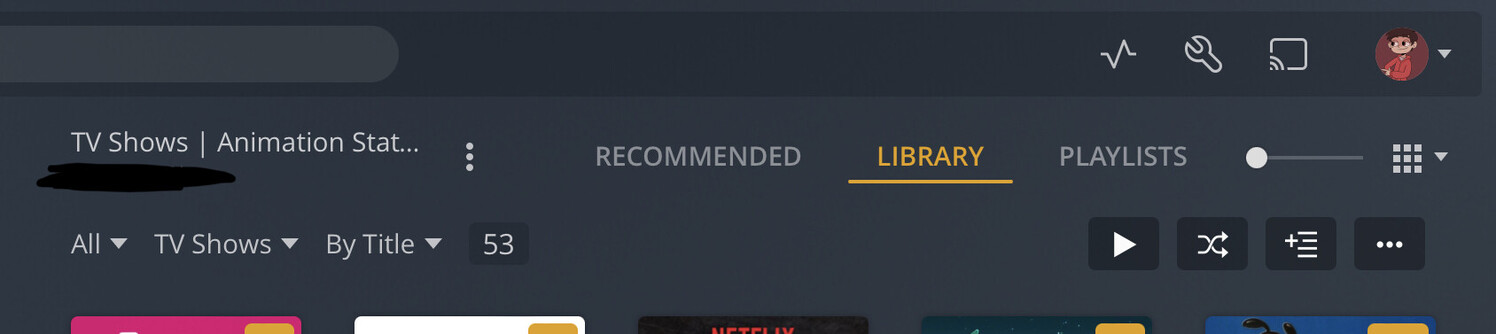
Where are you seeing Playlist? On the Web App for PC, I find it by going to Movies. The top menu shows Recommendations, Library, Collections and Playlist. On the ROKU app on both my televisions, only the first three appear. No Playlist option.
What version number of the app is on your Roku and what version number is your server?
You can create a Plex Home and give each user their own profile and switch users on tv
Playlists are per account. Meaning if you created playlists on the account you use on your computer, they won’t show up on the different account you use on TV.
I’m surprised, but you’re right, there’s no Playlists tab when you view a Movie library.
You can still get to your movie playlist by going to the Playlists item on the left side bar. If you haven’t pinned it to the home page, you might have to go into ‘More’ and find it.
Plex Server: 1.25.4.5468 on Linux Mint 20.3.
Plex Roku: 6.9.14.7448
Roku 3
I created a Movie playlist just to test this. The playlist appears in the Playlists library and Recent Playlists hub, but the Playlist tab does not appear in the Movies library. I checked my nVidia Shield, and the Playlists tab is absent there as well.
EDIT: On a chance, I rebooted the Roku and the Shield. The Playlists tab is now visible in the Movies library on both devices. Don’t know why that should be necessary, but at least it worked.
From my experience, if a media library that doesn’t have at least ONE playlist made for that specific library, then Playlists tab does NOT appear, both on the client and on any of the web apps. The admin or user must make a playlist with one item for Playlist tab and the playlists to show up on the UI’s. However, I’ve just checked and I don’t have any issues with Playlists tab showing under my Movie Library. Playlists show up just fine.
This method is what’s causing you to get frustrated.
Ideally like BigWheel advised, it’s best you keep your server account logged in on those Roku TVs, and create HOME users. Your personal PIN prevents anyone else from viewing what you’ve watched, your playlists intact, and the progress points, vice versa. Each individual within your household can use their own PIN, provided by you or you can keep their accounts unlocked, for easier access such as for any child to access their content.
The main reason you aren’t seeing your own playlists is because you are using a separate email tied to a totally separate Plex account that’s logging in on the Roku TV’s and you are actually categorizing yourself as a FRIEND. A 2nd separate Plex account will not have the same playlists from the one you used to setup your server.
You essentially are going to have to keep sharing these playlists to yourself one by one. That’s cumbersome and not an ideal experience.
It’s best that you go to your PC where Plex Server is setup, add the number of HOME users you would like to have, give yourself a PIN.
Logout of the previous account on the Roku app on your TVs and log in with the one setup that is tied to your server.
When you do this, you will then see your playlists appear.