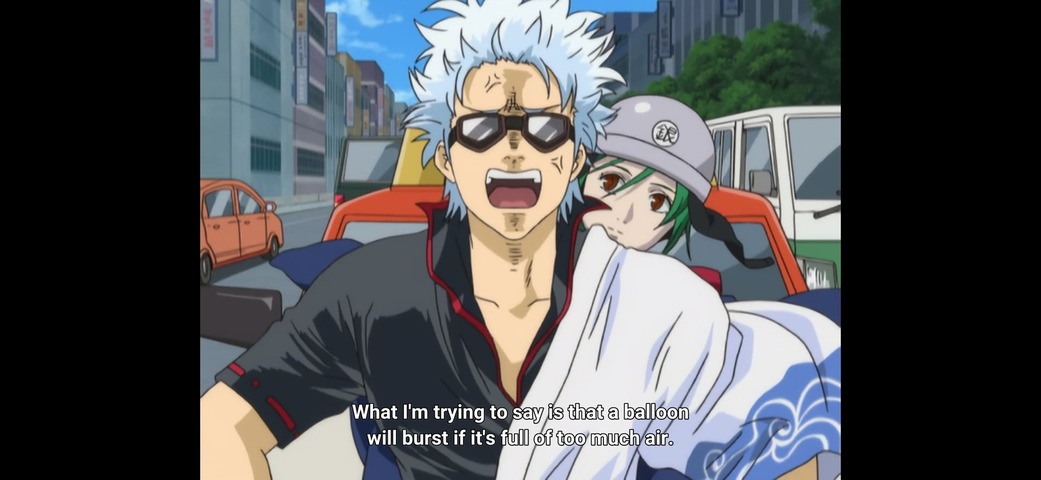
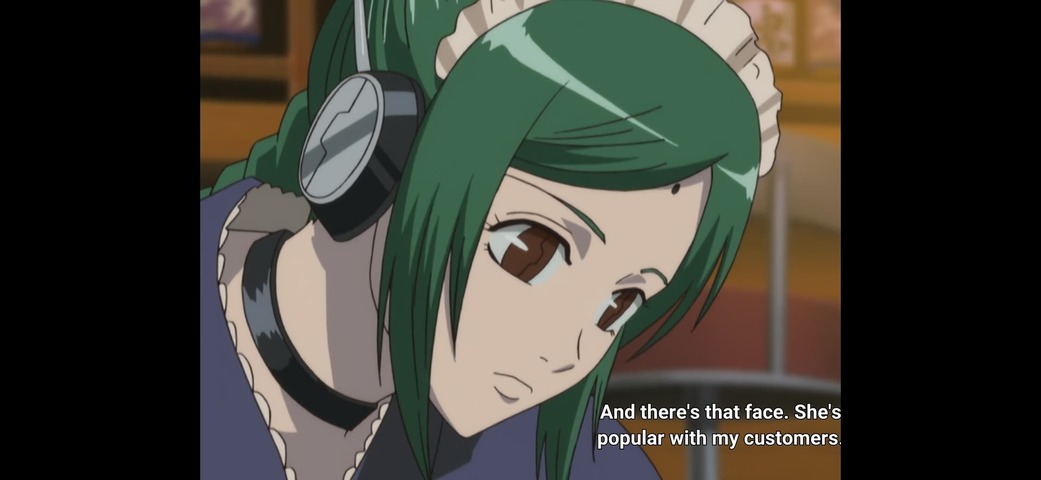
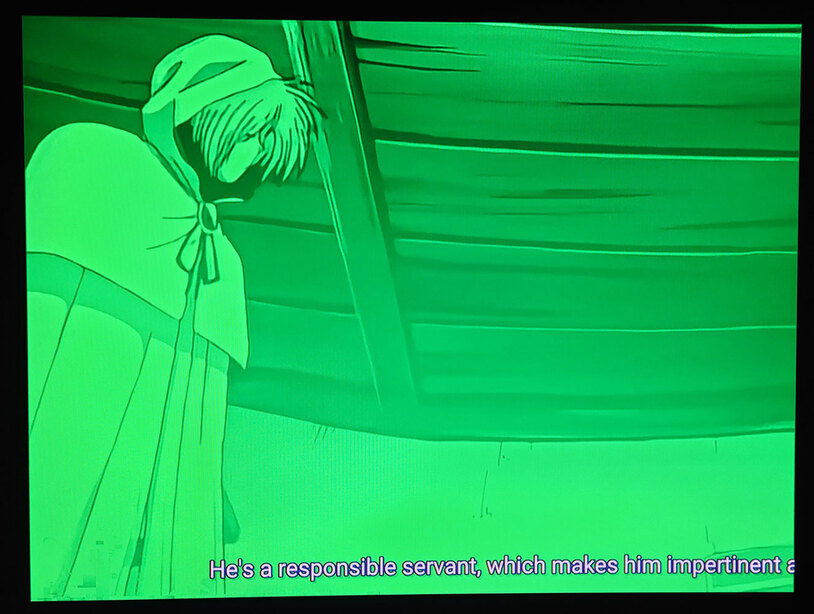
Edit: On mobile (current stable version, not these builds), the season listing are two lines.
I can’t remember if they were always that way, but that might help explain it – like there is only one display line on the TV interface, so the second line that has the actual season name is hidden now. I think the listing of the show name on each season card is unnecessary really.
I have tested on Firestick 4K. Looks like most of the issues have been resolved. Now, we have a new issue like @nx6 mentioned. Season numbers are gone.
So oddly it seems FFmpeg isn’t able to figure these fonts out, most likely they haven’t been added correctly;
Unsupported codec with id 0 for input stream 3
Unsupported codec with id 0 for input stream 4
Unsupported codec with id 0 for input stream 5
Unsupported codec with id 0 for input stream 6
Unsupported codec with id 0 for input stream 7
Unsupported codec with id 0 for input stream 8
Unsupported codec with id 0 for input stream 9
Unsupported codec with id 0 for input stream 10
Unsupported codec with id 0 for input stream 11
Unsupported codec with id 0 for input stream 12
Unsupported codec with id 0 for input stream 13
Unsupported codec with id 0 for input stream 14
Unsupported codec with id 0 for input stream 15
Unsupported codec with id 0 for input stream 16
Unsupported codec with id 0 for input stream 17
Unsupported codec with id 0 for input stream 18
However since they contain a mimetype, I can add detection for this and allow the fonts to work. Will see if we can get this into Plex Media Server as well.
Hmm I have been using these as test files, I can see that the black borders are very thin compared to Plex Web, I will take a look at this. I’m unable to replicate the skipping forward producing subtitles on the right though in the latest build (it should of been fixed in the build I posted yesterday).
It looks like in 0.15.0 they made improvements to outline rendering and changed how it behaves so that it’s likely to be correct now, and was incorrect before. I will see if I can confirm this with someone who works on libass.
I’ve always seen this as a difference of opinion on how to render subtitles that are being upscaled to a higher-resolution display device. You would see it on MPC-HC’s internal subtitle renderer vs a external filter being used. It boiled down to: When you scale up the font size on text are outlines/shadows also supposed to be scaled up? Or should an outline of, say, 2 pixels still be an outline of only two pixels at the new target resolution.
Far be it for me to question libass’s devs, but scaling up outlines to match maintains readability over the background video image. I actually cancelled my HIDIVE subscription over this. Their web player gives you subtitles that match Sentai’s home video releases in typesetting, which is a huge step up from most streaming services, but the outlines on all the subs didn’t scale up so the higher the resolution of the display device, the thinner they were compared to how they appear on the BD disc, and subs could be hard to read when overlayed on busy background video.
Testing the new official beta (9.7.0.34466-87687530) on my Fire Stick 4K I confirm the fonts are all there on my test file now. Thank you!
I was actually about to post something similar. External ASS subtitle support isn’t working consistently. It is playing external subtitles now, which it was not before, but quite often it’s doing it as a transcode for me and not direct-playing. I’ve been using the test file posted by @GastonK . I have his original one, and the version where I muxxed everything, and the external-sub version is playing transcoded quite often (but not every time).
I don’t have a lot of external-ASS-subbed series here, but I have one I have been checking as well and I’m seeing the same thing. Since it’s a 10-bit file that does not direct-play properly I can tell immediately when it’s transcoding since the screen isn’t all green then.
Just tried with the current beta build from the play store and got the same result.
actually, just checked and it is a H264 high10 file, so that’s probably it right there. Funnily enough if I disable subs, plex on the phone says it is playing original quality of around 8mbit but tautulli says it’s transcoding at 20mbit… network utilisation points to the latter being true…
I might just re-encode this to H265 10bit which has much better support these days.
If you see it transcoding, would you be able to grab the client logs for me so I can take a look? I suspect it’s a random bug that causes the download of an external subtitle stream to fail (which I’ve seen myself once before, but not now I’m trying to replicate it …)
Will see if we can do something similar and set this option on libass, as I agree it looks better with the bigger border.
Okay. This is from the Fire Stick 4K: logging.zip (137.8 KB)
I have clipped these logs to just tonight, since that is when I did this testing. The first time I played that test file, it did play transcoded, despite being plain 8-bit h264. This is the first playback on those logs. Subsequent attempts seemed to direct play though.
I’ve also noticed that Plex seems to judge the length of the program based on the subtitles? When it’s direct playing the subs it doesn’t end at the end of the video. The subtitle script there is for the entire program, not just the length of the video sample. So it will sit there silently on the last frame of the video and continue to display the rest of the subtitle script if you don’t stop it.
I tried my other test file as well, but it didn’t try to play transcoded like it has been and it played back direct. Although, when doing additional attempts at playing it I did get the right-offset subs:
I also managed to make the player hang at one point.
Bonus: If a program is playing transcoded it many times will start but then pause immediately. This happens most when you are resuming a partially watched video. I forced that here by changing the Subtitle Burning option to “Always” later in my testing.
Thanks for the logs, this confirms the issue is still present - somehow the buffers for the subtitle stream end up being unusual so it falls back to transcoding. Will investigate.
This is an existing bug, ExoPlayer plays all streams to the end despite the video ending earlier, its on my plate to look into it.