Server Version#: 1.40.3.8555
Player Version#: 10.16.0.758 (Kindle)
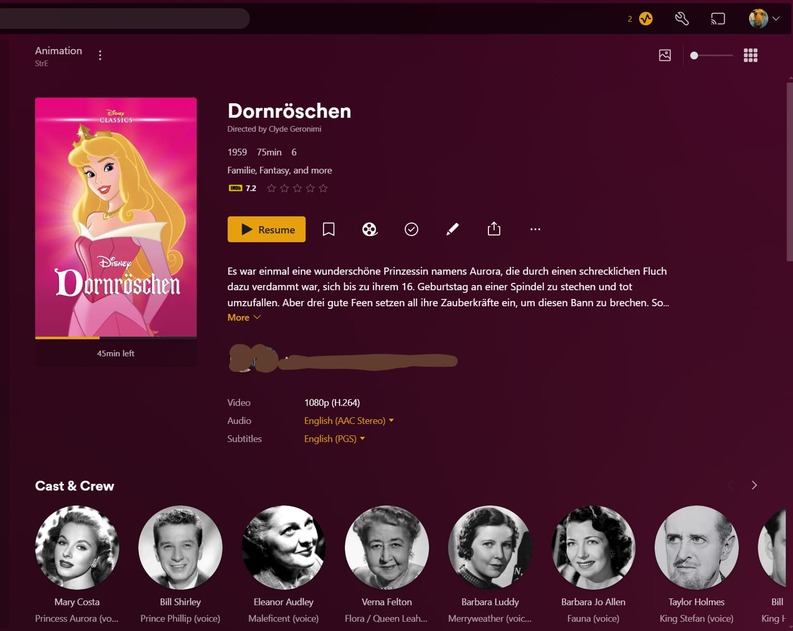
I’ve setup a Movie Library on the server that does not show cast & crew. However, on the Kindle, when viewing a title, it shows cast & crew. I actually don’t want the cast & crew showing. Why does the Kindle show it when it does not show on my Windows PC via browser? Is there a way to ensure that cast & crew are not shown in the metadata?
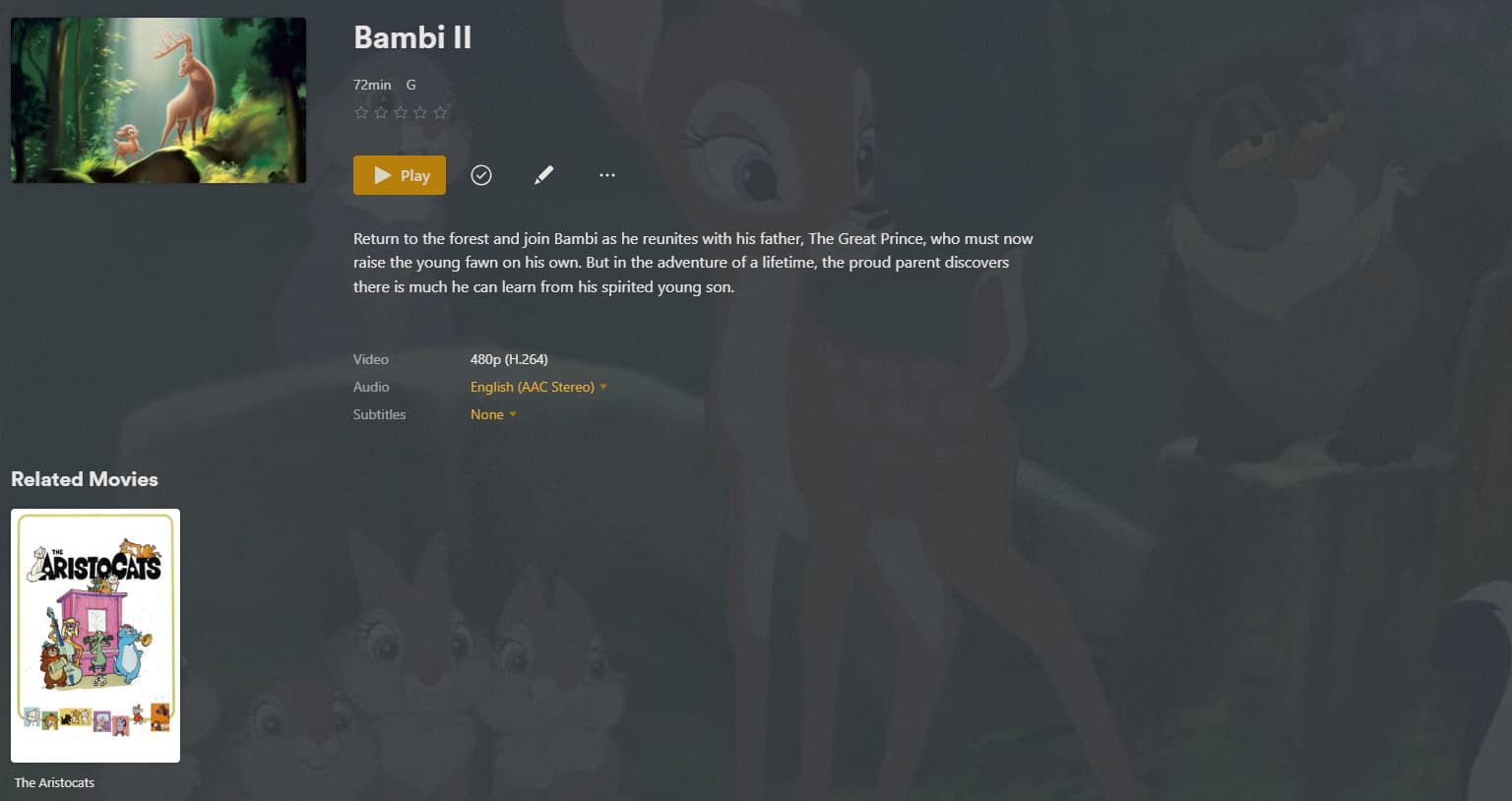
This won’t automatically download metadata as-is. I have to manually “match” the title. Which I’m fine with. But it just uses clips from the movie like this:
You are basically using a library of the type “Other Videos”.
And then invoke one of the old, deprecated agents to load the metadata manually.
It might be that the web app does recognize that this is an Other Videos library, and doesn’t even try to show the cast, since that is not to expect in an Other Videos library.
But the Android app is built on an entirely different code base. It doesn’t behave as the web app.
You will not be able to continue the way you are using Plex for much longer. The legacy agents will be removed relatively soon (they haven’t seen updates in a very long time anyway).
There is nothing you can do to avoid that. And it is also very unlikely that the Android app will be changed to mirror the behaviour of the web app in this fringe case.
Looks like that is true. The anomaly is actually the web app. I just tried it on a Roku device and it is the same thing. I guess we can’t get away from Cast & Crew. It’s a bummer…I was able to get away from the reviews. Oh well. I suppose I will just have to manage my own local metadata in order to achieve my use case.