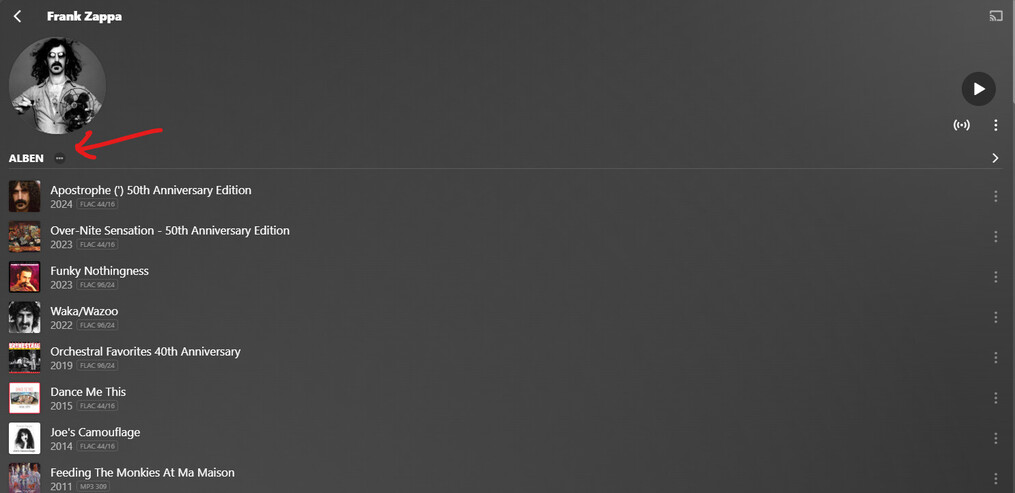
Does anyone know if it’s possible to NOT auto shuffle/smart shuffle when clicking play on an entire artist? It seems like this is just the default behaviour, but I find it pretty annoying.
It could be an option when clicking play, but could also be an option in settings.
In Plexamp, you can only play the same release type in-order. (i.e. all albums, all live-albums, all singles etc.)
Use the ellipsis on the relase type label, then Play.
The order is from top to bottom release. So it depends on how the albums are sorted (this can be set as a library default, as well as in each artist separately)
In Web, there is also an ellipsis on the Artist preplay page. It has a Play All link in it. But the order in which releases are enqueued is not well defined. I assume it may be alphabetical by release title, but there is no way to change that.
OK, I see!
I also use the artist view on web, and clicking the center play icon simply shuffles all. So there are different queue settings for these options, it’s just that it isn’t explained, so a bit confusing.