Server Version#:1.27.2.5929
Player Version#:HTPC & Linux (several install types)
I KNOW this is a networking issue but I need other eyes to see it. I just can’t find it!
Just moved and now have to deal with an Xfinity wired network. To add to that my main desktop Linux Mint install got corrupted so I had to re-install that.
Plex Media Server is working fine. Smart TV can connect to it with no problems.
Desktop with new instance of Linux Mint and Plex HTPC (or any other version of Plex for Linux) cannot see the Media Server.
I can PING the server with no problem.
There is NO VPN.
There are NO proxies.
All devices have static IP addresses (server = 10.0.0.10 desktop = 10.0.0.20)
All devices have the same subhnet mask (255.255.255.0)
Set Plex HTPC to allow/prefer insecure connections on the same network as the server.
You might be running into DNS rebinding. Try configuring the Mint system to use a public DNS server. See the DNS Rebinding section of How to Use Secure Server Connections.
Xfinity XFi advanced security interferes with Plex remote access. I do not know if it also causes problems with local connections. However, you might try disabling it, as you’ll have to do so anyway if you want to stream remotely. See the Xfinity xFi section of Troubleshooting Remote Access.
Thanks for the quick reply!
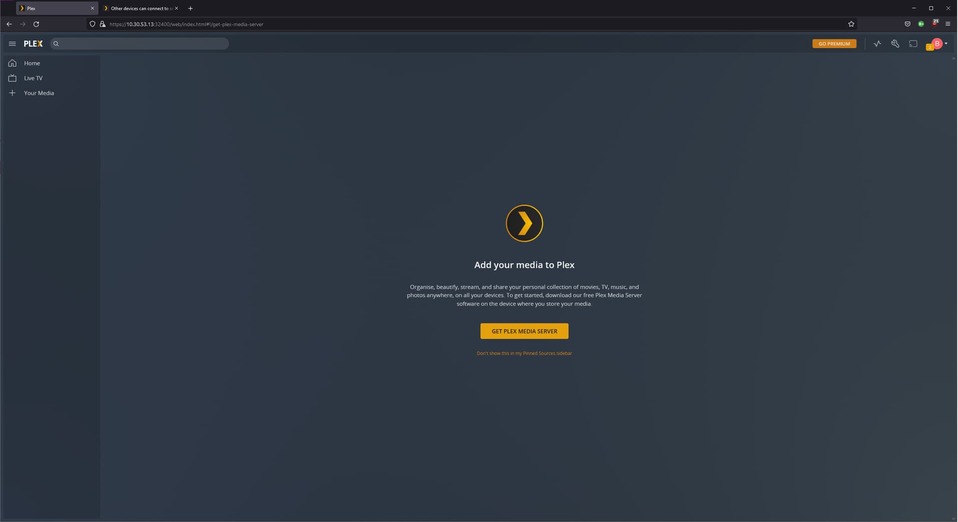
When I try for direct access in a browser, I get a Plex application. But (and this is important to me) I don’t get access to my local content (movies and recorded TV shows as an example).
Instead, I get a page telling me to download the Plex Media Server. So, I’m fairly certain that I’m not hitting 10.0.0.10.
Same is true using the URL for Hosted Plex Web.
Plex HTC is set to allow/prefer insecure connections on the same network
Still no joy.
Set the DNS for the HTC player to 1.1.1.1, 8.8.8.8 no joy either.
Not using Xfinity advanced protection (because it seems to conflict with just about everything I need). Even though I’m not interested in streaming remotely.
Can’t do everything that is recommended by the documents you recommend because HTC doesn’t have the same set of options that the workstation player has (or I’m not seeing them - quite possible).
browser connection from server where plex is installed no problem.
samsung tvs no problem!
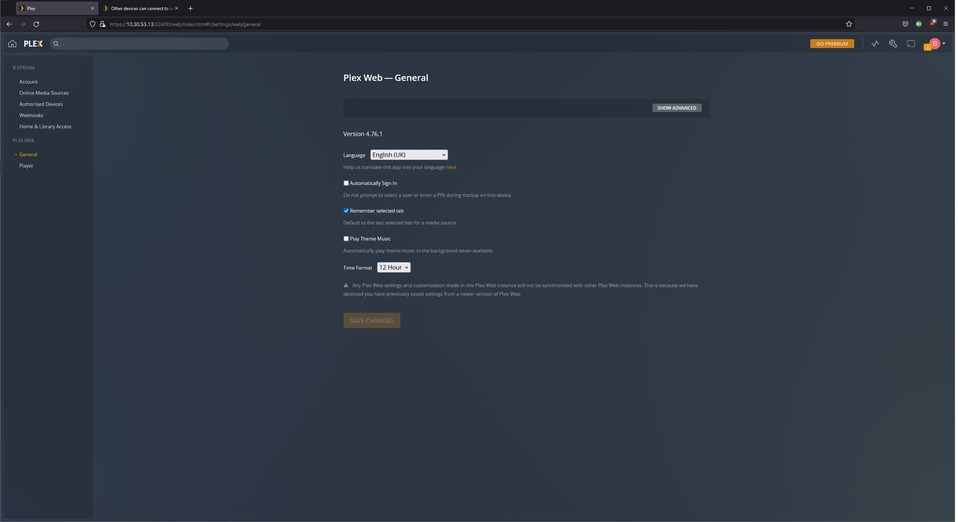
windows pc, arch laptop, android phone can log in to the server but no content, they are in the same network!
edit: browser choice doesn’t matter tried on firefox and edge no luck…either a setting changed in plex or there is a bug…
For those interested, here is some additional information…
I removed PlexHTPC and installed Plex Media Player (done that before several times but one more time wouldn’t hurt I suppose). That didn’t help at all. Same results.
Manually entered the IP and port number into a web browser (e.g. 10.0.0.10:32400/web) (note, used Chrome and Firefox to check differences) and got the same results.
This tells me that the issue is not with the client but with the server.
But that makes little sense to me because the smart TV can access the server with no trouble. To make matters more confusing, the Smart TV is connected via WiFi and the Linux PC is connected via Ethernet cable to the same switch as the Plex Media Server. So I would think that if anything, the results would be the exact opposite.
There are apparently 2 Plex accounts for us. the same email but at 2 different domains (google and yahoo). The server and the smart TV were connected via the google account. The linux desktop was trying to connect via the yahoo account.
As soon as I changed the linux desktop to use the google account - voila! Everything worked as it is supposed to.
Sorry to annoy anyone. But perhaps this post will help someone else in the future.