I’m having a rather hard time with getting my plex server connectable outside my network.
I’ve put in as much info hoping it points out my error. But by all means let me know what else is needed to help and I"ll pull the info ASAP!
I have followed the numerous forwarding guides but something just isn’t getting through.
Yes full reboots of Plex and even PFsense have been done to rule that out.
I don’t know if the issue is pfsense or plex itself at this point.
ISP’s modem is in bridge mode
PFsense WAN interface is a public IP from ISP = 68.x.x.x
pfsense LAN interface is 192.168.1.1 - this is the internet gateway for all devices behind pfsense
Plex - 192.168.1.42:32400 (I have tried multiple ports including 443 all same result)
I have a NAT port forward for TCP/32400 to 192.168.1.42
I have other NAT forwards and they are all working - SSH on a none regular port for Ex…
https://portchecker.co/ is shows other forwards open but 32400 not, tried a few different ones to be sure…
NAT = Pure NAT
Outboud is set to Automatic
Inside the network all systems can get to the Plex server seemingly without issues.
tablets/phones/xbox/roku
but I go outside and it’s via relay.
In plex settings/Network if I turn off Enable Relay I cannot connect from outside at all.
Network IPv6 is not enabled
Manually specify public port - 32400.
I click Apply and it nearly always turns green. But I click to another setting screen and it turns to a red !
pfsense version = 2.4.5_1 (community edition)
Only package installed is open-vm-tools no others at all and never had the blocklist package even as a test…
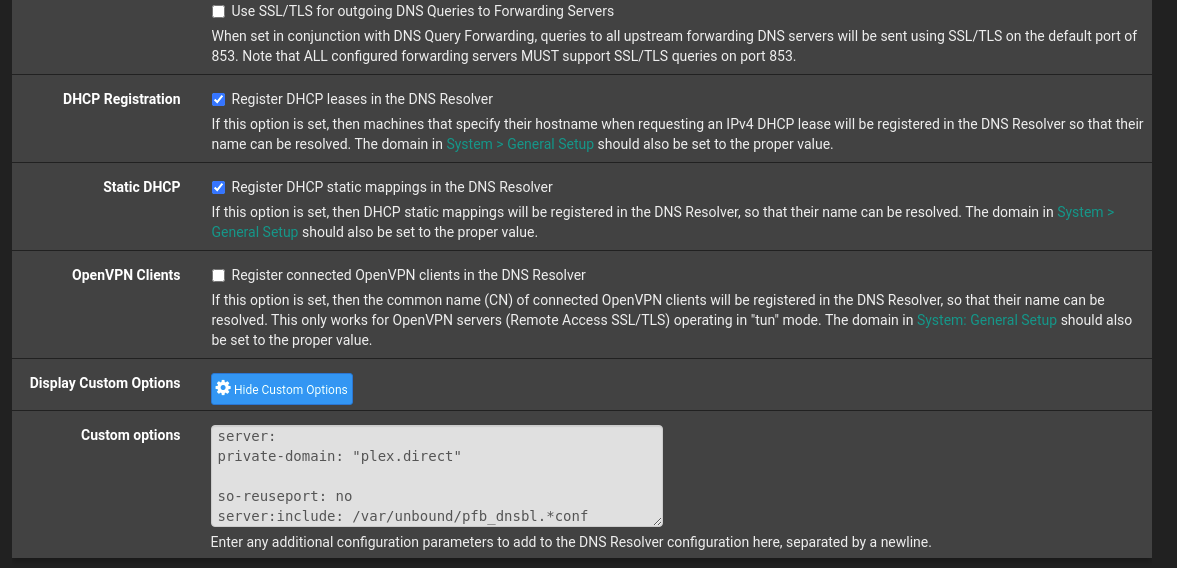
I have tried DNS Rebind Check on and off (currently have it ON)
Some new info. I spun up another VM(same OS, Ubuntu 20.04) Installed Plex and forwarding works great on it.
The rule in pfsense I just changed the IP, so pfsense is unlikely the issue here.
It’s either plex itself
or
Ubuntu
I’m leaning hard to the OS, but have no idea what to check. iptables are not being used at the moment and there’s no OS based firewalls.
It sounds like you do have a misconfigured setting but likely in the pfSense itself.
I have both Ubuntu running stock here with pfSense along with all my other development VMs (VMware Workstation). Remote Access “just works”
DNS rebinding checking will only impact discovery on your local LAN.
I use the pfSense as the domain’s DNS authority (I use certificated https here FQDN)
Why do you have open-vm-tools installed with pfsense? That’s not the place for it. It serves no purpose there unless your pfSense is itself in a VM?
If true, and the Plex server is on that same host, then you’re going to have a huge complexity issue. It’s best to keep pfsense by itself on a dedicated box.
pfsense is running as a VM. I have plans to expand to a HA config for pfsense, 1 being the VM and another being a physical device but just not to that point yet. I want to ensure I have pfsense working properly first.
I installed plex on another ubuntu instance and it just worked perfectly. I go back to this one and nothing gets though, but I cannot find anything in pfsense that relates back to the “bad” instance…
Is your pfSense the real edge device or is it behind another router?
In my case, I have a modem (the ISP device in RFC-1483 transparent bypass mode).
This means my pfSense box (dedicated) is the internet gateway device which establishes the LAN and manages all NAT and all other services.
I can’t help but thinking you have double NAT there somewhere.
Go look at the interfaces widget and check the IP
What I show here is my real WAN IP.
If you see any kind of private address then you have double NAT.
pfSense is my real edge device. The only thing ahead of it’s WAN interface is the modem which is in bridge mode.
My WAN interface has an address of 68.x.x.x
If the issue was double NAT then I’d be more likely to have issues with the new install, and the old still working typically.
I’d actually be fine to simply run with the new install of Plex but this new install is on the same VM as my VPN(wireguard as client) and I’m getting nowhere telling Plex to use my actual IP/interface. It keeps wanting to use the wireguard interface.
setup is
Modem -> VM Host NIC
pfsense has this host nic as the WAN interface
pfsense has a LAN interface -> everything on my network including other VM’s are part of the virtual switch with the pfsense LAN interface.
PFsense’s internal IP - 192.168.1.1 is the gateway for everything.
Plex VM - with NAT forward setup is dropping the green checkmark as soon as it appears.
New VM - I took the forwards from plexVM and just changed them to this VM’s IP. This VM is also running wireguard. I shut wireguard off and all is connecting and happy. I turn wireguard on and now it’s blocked.
I need to either fix what is broken in Plex VM - but I have zero clue what it could be
or
Fix New VM so that Plex can bypass wireguard.
The VPN, like everyone’s VPN, is a HUGE headache unless you manually write the routing table entries -or- have if fully captured (hardware or software)
Make the VPN VM Fully captive (write the routing table rules) or, as you see, or don’t use it.
By not forcing the WAN IP to be seen as the VPN exit IP, you’ll confused Plex.tv every time.
This is the bane of everyone who uses VPNs in this manner.
This is why migrating to the captive pfSense box, which internally creates and manages the VPN, is the better method.
The LAN has no idea it’s in a VPN.
What that , I must exit here.
The configuration you have is a split IP config (part is real WAN and part is VPN exit IP). Until that is resolved, it won’t work right.
I hadn’t thought of that. I didn’t want any of my house “regular” network to go through the VPN which is why I didn’t set it up there. However if I simply configure pfsense to have the VPN as a path and route the traffic I want that way vs my “regular” traffic it would be cleaner, and likely easier…