Does anyone know where I can find the Play from Here feature that used to be in the old Plex mobile apps and is currently available on plex web? It allows you to click the play button and would auto play each video under the one you selected. It’s seems to be completely missing from the new iOS app.

Don’t think they’ve added that feature to the app. I can’t do it from android either.
How can we get this simple feature added?
I’ve made a parity report for this. I can’t make any promises about an ETA
THANK YOU! It’s the most used feature for me on iOS. I appreciate it!
Didn’t realize I created a duplicate. Was hard to search the forum.
The “Play From Here” feature is still buried in the Apple TV app, but when selected the shows still resume from the season when the selected episode ends.
Would really love it if a playlist behaved like a playlist and resumed in the order that they are sorted in the list instead of taking me back to the season the selected episode is in.
Play from here seems to behave as if I just choose play direct from the playlist (and still takes me back to the season after the episode), instead of resuming the playlist order.
Can we also add the other player tags to this? It is not limited to iOS. Playlists (for TV Shows) are fundamentally broken across the board. This is not just an iOS issue. The only place it allegedly seems to work is on Plex for Web. The play order should by default play in the order that they are listed within the playlist.
Thanks @BigWheel for the tag change. This one has been a thorn in my side for months. I didn’t want to be a squeaky wheel until I had exhausted every reverse engineering technique available. Hope this can get resolved.
It’s all essentially the same app for the most part now. That is half the point of us redoing all the apps. but i changed it to just playlists
The apps just dont work. I have to have the plex.tv website added to my iPhone just to access my plex content. Despite that, and in addition, the play from here button has not been added to the apps.
Ive attached screenshots of my iOS plex app not accessing my content yet the plex website can.

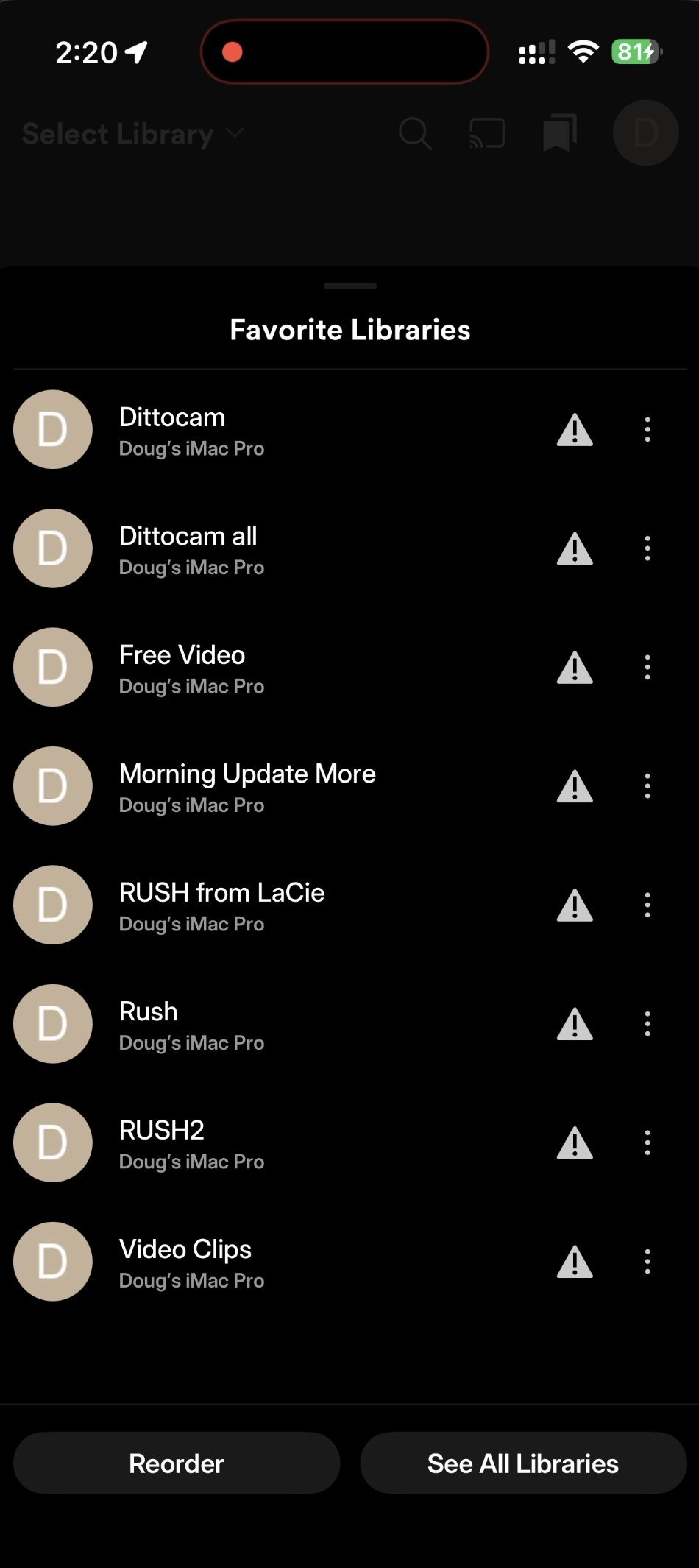
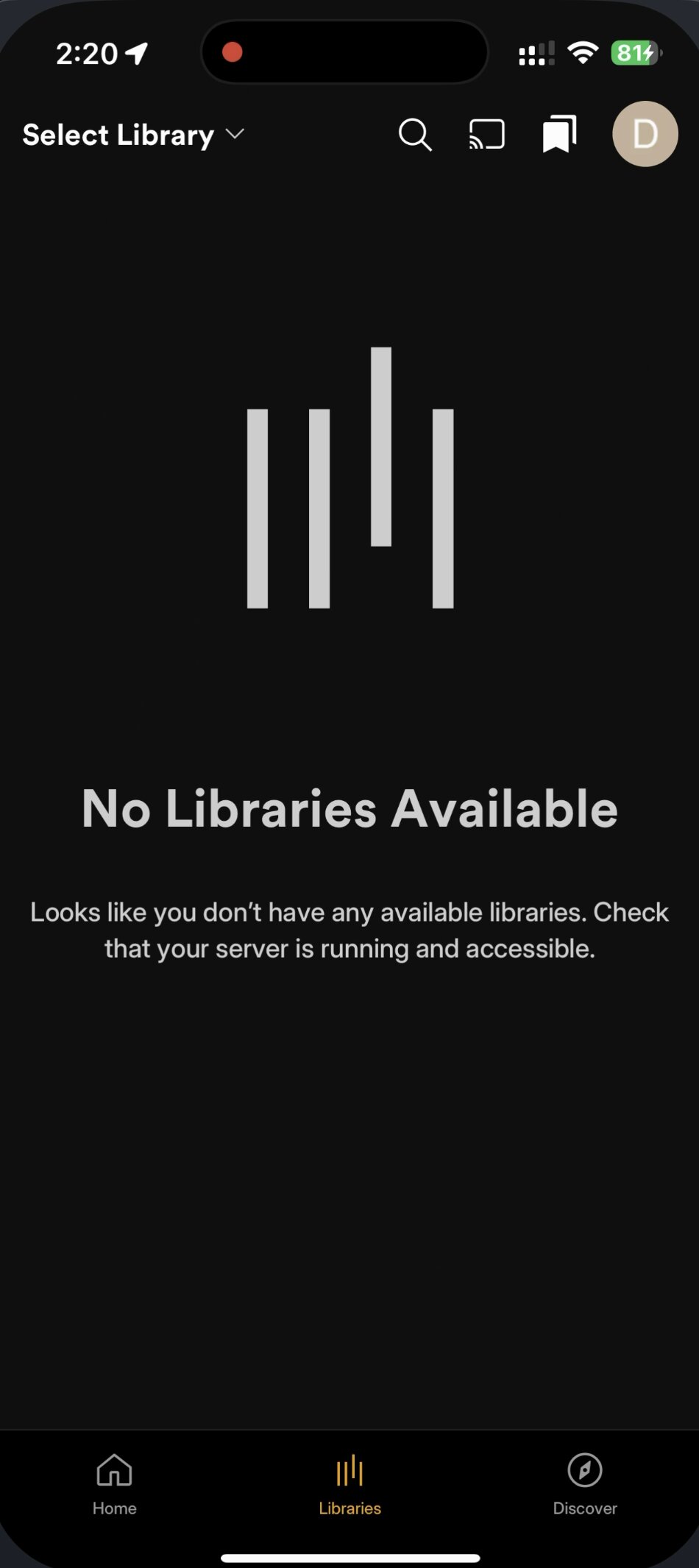
I actually had this happen on my iPad. I was able to delete the Plex app, and re-install it. Now all my content shows. If you have not already tried this I recommend it. iOS has some weird caching snafus. You could also try going to Settings>Privacy & Security>Local Network and make sure Plex is toggled on to discover devices on your local network.
Other than that you could also check to see if you have a Private Wi-Fi address enabled. If so it could be that the devices are not talking to eachother.
I have remote play enabled, but when I am on the same network as the server it wouldn’t show anything until I set my Private- WiFi Address to “Fixed” and enabled the discovery previously mentioned. On cellular I was able to see it.
Once I made those changes I was cooking with gas.
the app not seeing content/libraries has absolutely nothing to do with this request about the playlist Queue.
I added that because you said the apps are all essentially the same which was half the point of plex redoing all the apps. But the iOS app doesnt show the content the web app shows.
The playlist queue issue which was posted 7 months ago still isnt part of the app, correct.
@BigWheel has a point though. They are the same app. There are just settings on your iOS device that are preventing the app from seeing the libraries. Those restrictions and settings likely don’t exist on Smart TVs or are not enabled on your computer running Plex Web.
plex web is running on my iOS device. Both the iOS app and plex web are opened one after the other – iOS doesn’t see the libraries, plex web does.
I havent changed any settings on either.
Right. They are both on your same device but the ability to discover other devices on the network are in security and privacy. If local and Plex (the app) doesn’t have the setting enabled, Safari or Chrome (which is just a Safari wrapper) will still see it. Which is likely why the web app works but Plex App doesn’t. I would recommend deleting and re-installing the app to trigger the discovery for external devices preference, or at least go to the path I listed before to see if it is not enabled.
To be clear I only meant that Android mobile and iOS are updated to new code base (what you may have seen called the New Experience) with the new UI and for the most part will have behave the same. that is why they both have the same issue. They are not individually created with their native code/api’s, so when we make changes with new code to one it will be changed on the other for the most part.
Web hasn’t been updated at all yet and still is the same as before.
That tracks. Well may I suggest we don’t implement the new code for web until Playlists are fixed? Thats quite literally my only gripe with Plex as a whole lately.
Thank you for taking the time to help get this sorted. Sorry for troubleshooting a different issue in this thread. My engineer brain has no chill.
Im not on the same network as my plex server. Both web and iOS are accessing plex remotely.
